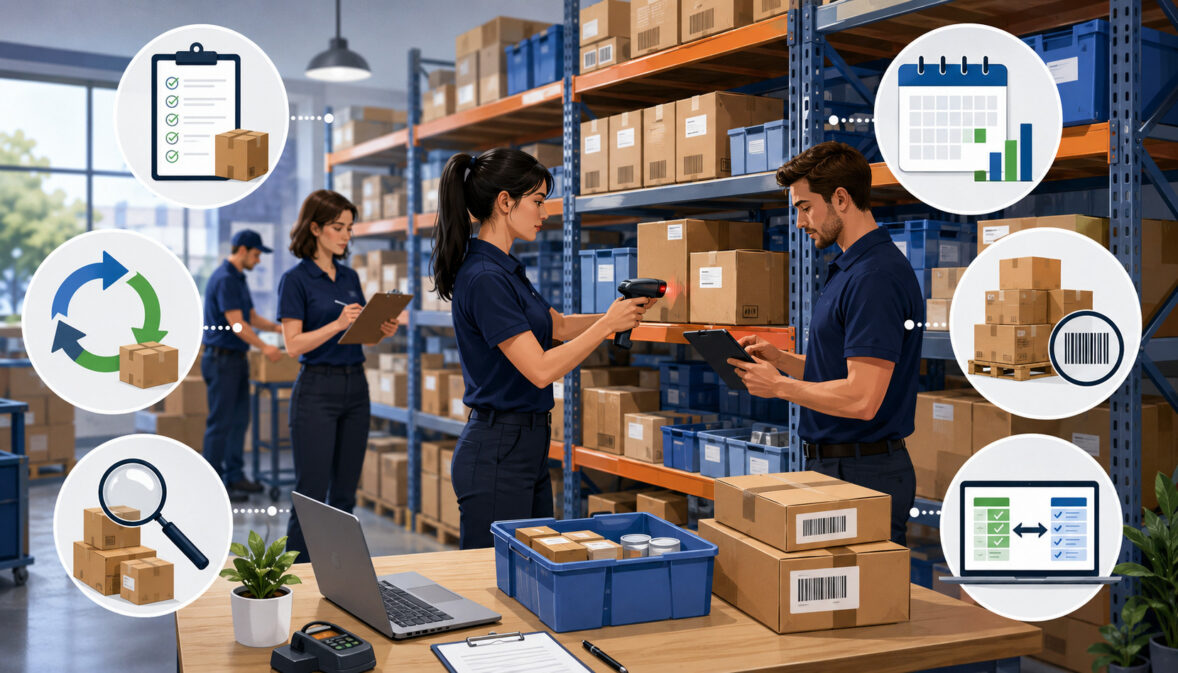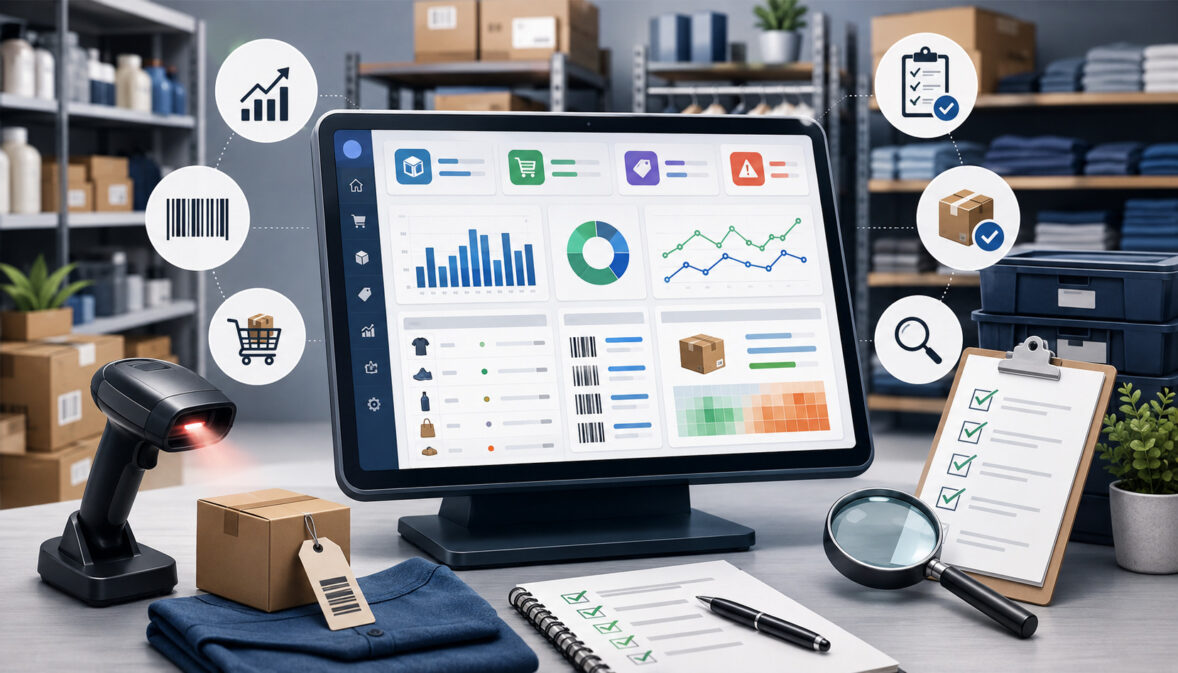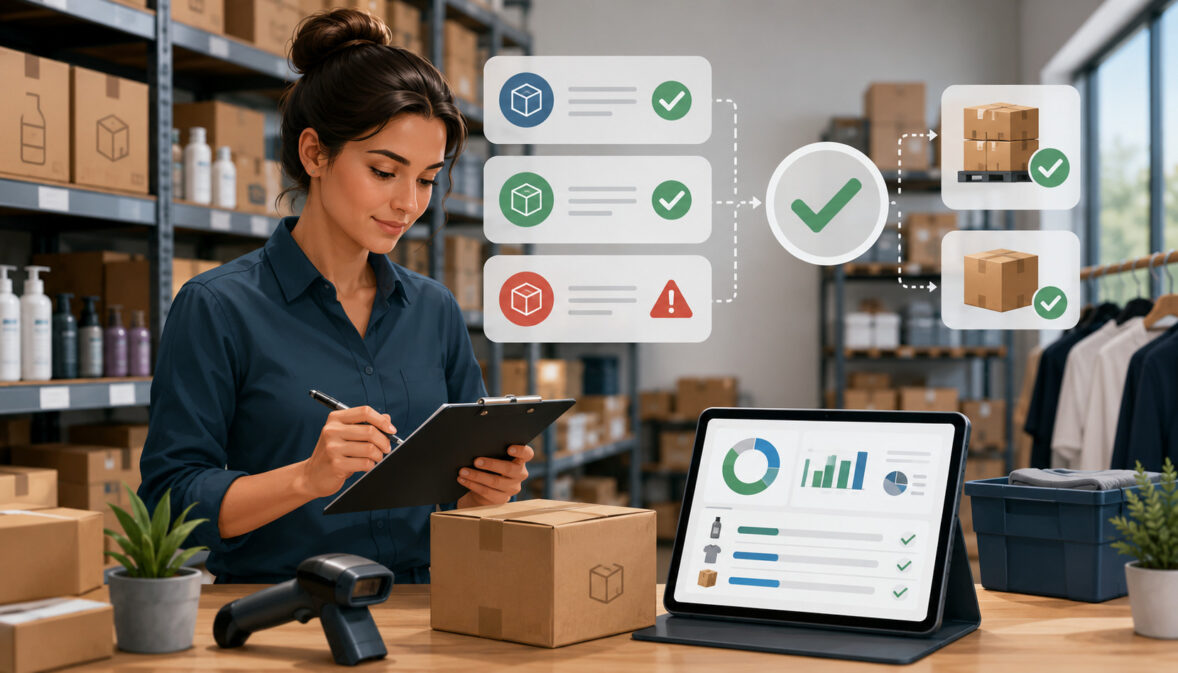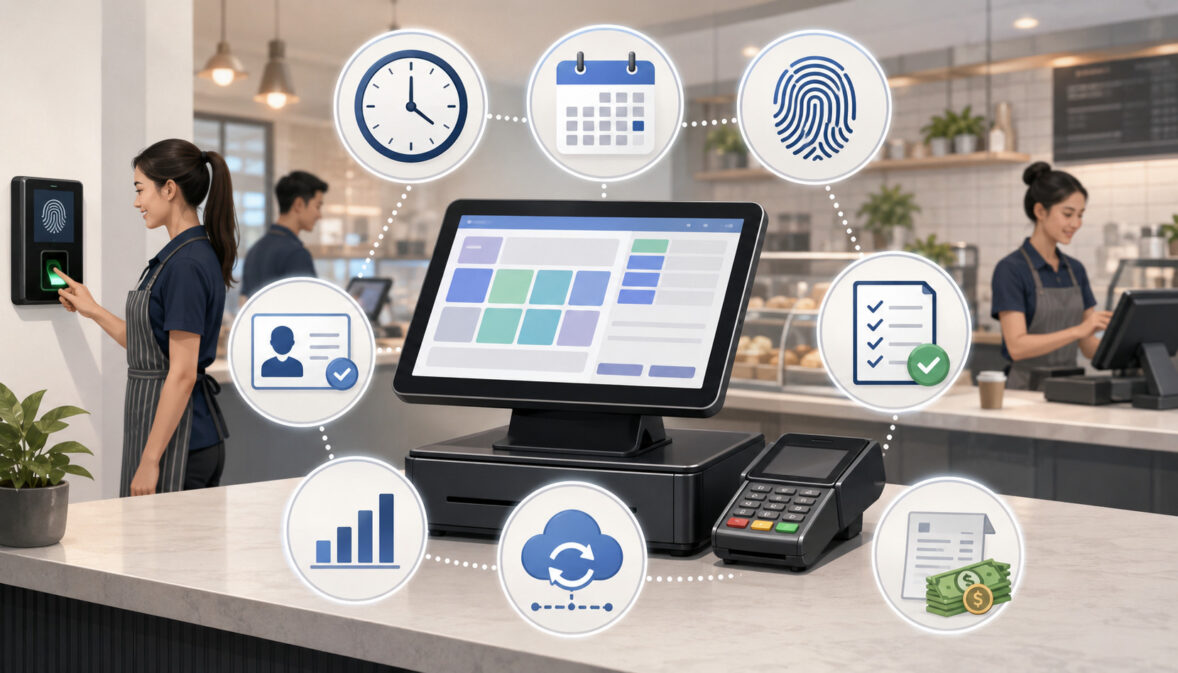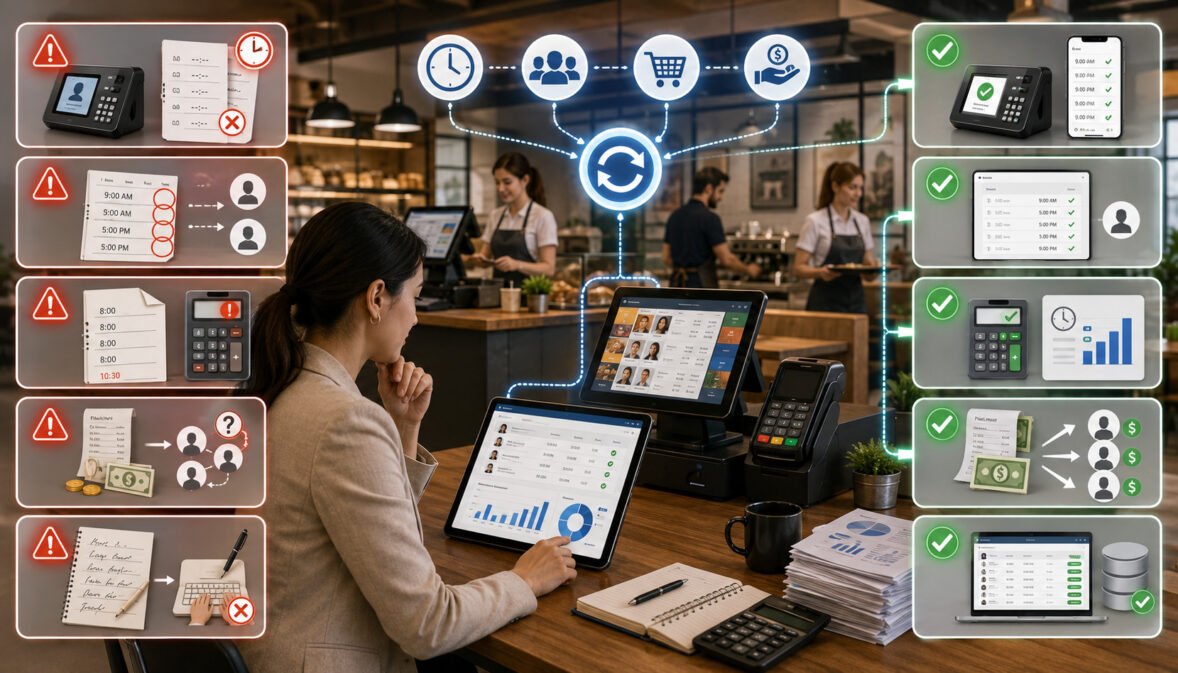
Author Archives: developer

POS System Implementation Checklist: A Practical Guide for a Smooth Launch

A POS system implementation checklist helps you move from “we bought a new system” to “our team can confidently use it during a real business day.” That gap matters. A point of sale system is not just a checkout tool. 

It affects payment processing, inventory management, employee permissions, customer data, reporting, tax settings, refunds, discounts, gift cards, loyalty programs, ecommerce integration, accounting workflows, and daily reconciliation.

A successful POS system implementation is part technology project and part operations project. The software must be configured correctly, the POS hardware must work at every checkout station, payment processing must be tested, staff must understand the workflow, and managers need reliable reporting after launch. 

When any of those pieces are rushed, the result can be slow checkout lines, incorrect inventory, payment errors, missing reports, confused employees, and a poor customer experience.

This guide walks through a practical POS system implementation checklist for retailers, restaurants, ecommerce sellers, service businesses, startups, multi-location operators, and managers planning a new system. 

It covers planning, POS system setup, data preparation, hardware installation, payment configuration, integrations, staff training, testing, launch support, and post-launch review.

This article is for general educational purposes. POS implementation requirements can vary by provider, business model, payment setup, hardware environment, integrations, and operational needs.

Why a POS System Implementation Checklist Matters

A POS system implementation checklist matters because a point of sale implementation touches more areas of the business than many owners expect. At first, it may seem like the project is mostly about installing a terminal, connecting a card reader, and ringing up sales. 

In practice, a POS system becomes the operational center for checkout, payments, product data, inventory counts, employee access, sales reporting, customer profiles, receipts, and often online sales.

A clear POS implementation plan helps keep the project organized. It also gives each team member a shared understanding of what must happen before launch. For example, the person preparing the product catalog may need to coordinate with the person setting tax settings. 

The manager assigning employee permissions may need to work with the person designing the staff training plan. The person connecting the merchant account may need to confirm that payment security, settlement, and reconciliation reports are working before the POS system launch.

Without a checklist, teams often skip important details. A retailer may import products but forget barcode scanner testing. A restaurant may build the menu but miss modifiers, taxes, tip settings, or kitchen routing. 

An ecommerce seller may connect inventory but fail to check whether online and in-store stock updates properly. A service provider may configure payment processing but overlook deposits, partial payments, or recurring billing workflows.

The value of a POS system implementation checklist is not that every business follows the exact same steps. The value is that it forces you to think through the full checkout environment before customers are standing in front of your staff. 

A small business POS setup may take a few days when the operation is simple. A retail POS implementation with multiple locations, thousands of SKUs, ecommerce integration, and inventory migration may need a staged rollout.

A checklist also supports better accountability. You can assign each task to a person, set deadlines, track completion, and confirm testing. That is especially helpful for businesses with managers, department leads, bookkeepers, IT support, payment processors, or outside consultants involved in the project.

Define Your Business Needs Before Choosing a POS System

Before comparing POS software, POS hardware, pricing, or integrations, define how your business actually operates. This step keeps you from choosing a system based only on features that sound useful but may not match your checkout workflow. A strong POS implementation checklist starts with business needs because every later decision depends on them.

A retailer may need barcode scanning, product variants, inventory tracking by location, purchase orders, returns, exchanges, loyalty programs, and customer purchase history. A restaurant may need table management, menu modifiers, tip prompts, kitchen display routing, split checks, online ordering, delivery workflows, and employee shift controls. 

A service business may need appointment payments, invoices, deposits, tips, customer notes, and recurring transactions. An ecommerce seller may need inventory sync, online payments, shipping integrations, and centralized reporting.

Business size also matters. A single-location shop may only need one register, one receipt printer, one cash drawer, and a simple reporting dashboard. 

A multi-location business may need centralized item management, location-based tax settings, manager permissions, store-level reporting, inter-store transfers, and a POS rollout checklist that supports phased deployment.

Sales volume, payment methods, and staff size should also influence your POS system setup. A high-volume checkout environment needs reliable hardware, fast payment authorization, backup internet options, and a clear troubleshooting process. 

A business with many employees needs user roles, employee permissions, clock-in controls, and manager approvals. A business that accepts online payments, contactless payments, mobile payments, debit card payments, credit card processing, and digital wallets needs payment configuration that supports each channel.

Business Workflow Review

A business workflow review is the first practical step in POS system implementation. Walk through a normal sale from start to finish and document every action. 

Include how a product is selected, how price is confirmed, how discounts are approved, how tax is calculated, how the customer pays, how the receipt is issued, how inventory changes, and how the sale appears in reports.

Do the same for exceptions. Review refunds, voids, exchanges, gift card redemptions, loyalty rewards, split payments, tips, manual discounts, damaged items, out-of-stock items, partial payments, deposits, and end-of-day reconciliation. These are the moments where weak POS system setup often creates confusion.

For restaurants, workflow review should include dine-in, takeout, online orders, bar tabs, table transfers, kitchen tickets, modifiers, gratuity settings, and order edits. 

For service providers, it should include appointments, invoices, deposits, add-on services, no-show policies, and customer records. For ecommerce sellers, it should include online inventory, pickup orders, returns, and order status updates.

Business Type and Complexity

Implementation needs vary by business type, inventory complexity, and customer checkout experience. A boutique with seasonal collections may care most about product variants, barcode labels, returns, and inventory reporting. 

A quick-service restaurant may care most about order speed, kitchen routing, menu modifiers, and tip settings. A salon may care about staff commissions, service categories, appointments, and customer history.

The number of locations also changes the POS deployment checklist. Multi-location businesses need rules for who can edit products, approve discounts, see reports, transfer inventory, and manage local settings. They also need a rollout process that prevents one location from using outdated pricing while another uses the new product catalog.

Complexity should guide your implementation timeline. If you have a small product list and one register, your POS setup checklist may be short. If you have thousands of SKUs, multiple tax categories, gift cards, loyalty data, and accounting integration, build in more time for data cleanup and testing.

Choose the Right POS Software, Hardware, and Payment Setup

Choosing the right POS software, hardware, and payment setup is one of the most important parts of POS system implementation. The right system should support your daily workflows, not force your business into awkward workarounds. It should also be reliable enough for real checkout conditions, easy enough for staff to learn, and flexible enough to support future needs.

POS software handles the transaction workflow, product catalog, menu setup, inventory management, discounts, customer data, employee permissions, reports, and integrations. POS hardware includes terminals, tablets, barcode scanners, card readers, receipt printers, cash drawers, customer displays, kitchen printers, scales, routers, and other accessories. 

Payment setup connects your POS system to credit card processing, debit card payments, contactless payments, mobile payments, digital wallets, online payments, and settlement reporting.

Cloud POS and traditional POS systems may have different implementation needs. A cloud POS typically stores data online and can support remote reporting, easier updates, and ecommerce integration. 

A traditional POS may rely more heavily on local servers or onsite infrastructure. Either approach can work, but the implementation plan should account for internet reliability, backup procedures, data access, support availability, and security settings.

When comparing systems, consider how each one handles inventory migration, customer data migration, employee roles, reporting dashboards, accounting integration, ecommerce integration, and reconciliation. Also review provider documentation, support hours, hardware compatibility, payment processing options, and data export capabilities.

For additional background on common setup considerations, this guide to setting up a POS system for your business can support the planning stage.

POS Software Selection

POS software selection should begin with must-have workflows. Do not start with the longest feature list. Start with the daily tasks that must work correctly for your business to operate. 

If you run a retail store, confirm that the system can manage SKUs, variants, barcodes, inventory counts, purchase orders, returns, exchanges, discounts, and sales reporting. If you run a restaurant, confirm menu modifiers, table management, order routing, tips, split checks, and kitchen workflows.

Evaluate the reporting dashboard carefully. Managers often discover after launch that their POS system records transactions but does not present information in the format they need. 

Before choosing software, ask what reports are available for sales, taxes, payment reconciliation, refunds, employee performance, inventory movement, customer activity, and location performance.

Also review access controls. A good POS software implementation should let you create user roles for cashiers, servers, shift leads, managers, bookkeepers, and administrators. Employees should have only the access needed for their job. That reduces mistakes and supports better accountability.

POS Hardware Checklist

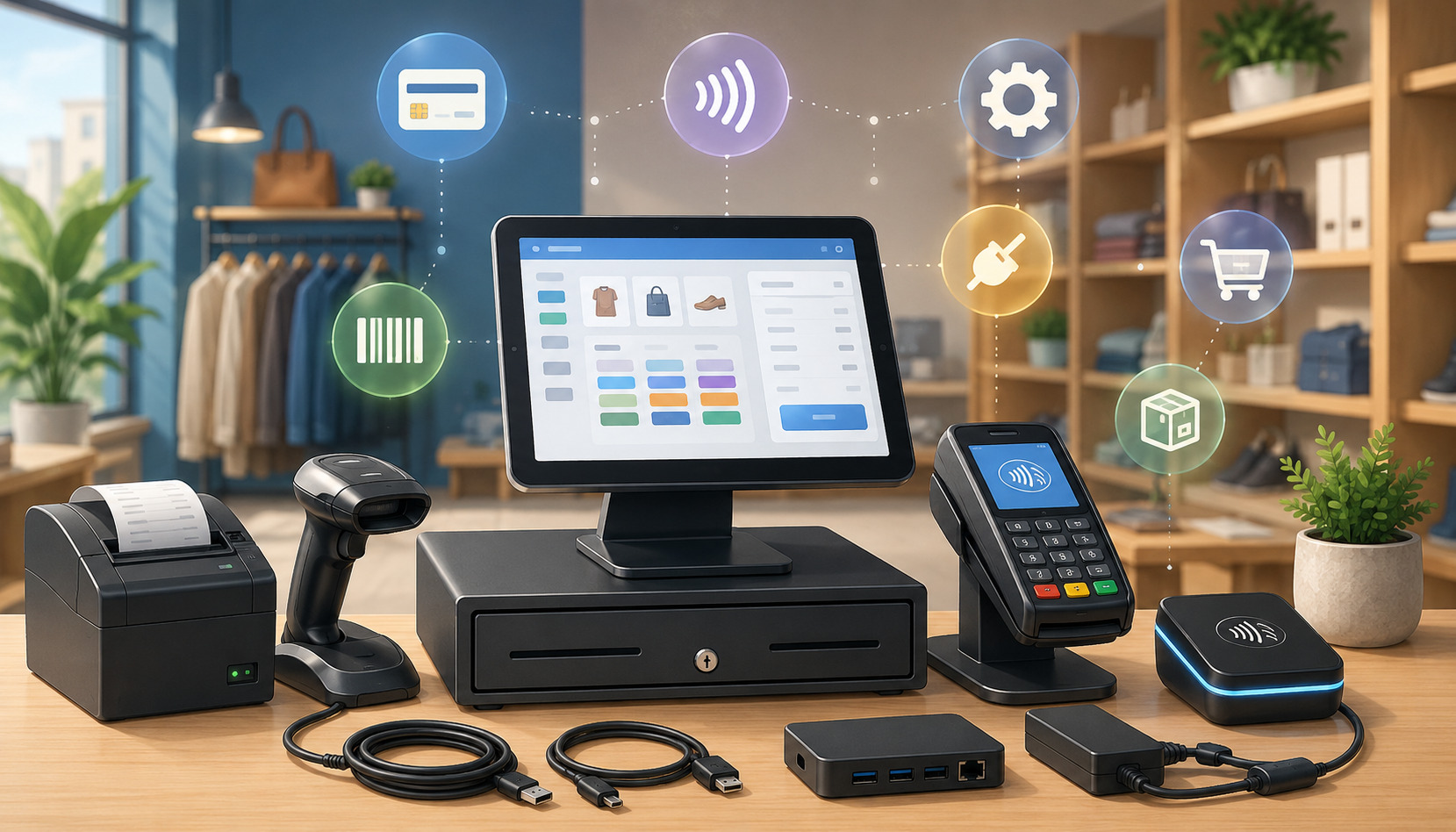
Your POS hardware setup should match the physical checkout environment. A basic POS installation checklist may include a terminal or tablet, card reader, barcode scanner, receipt printer, cash drawer, customer display, label printer, network equipment, and backup power. 

Restaurants may also need kitchen printers, kitchen display screens, handheld ordering devices, and guest-facing payment devices.

Check compatibility before ordering hardware. Not every receipt printer, barcode scanner, cash drawer, or card reader works with every POS software platform. Also confirm whether devices connect through USB, Bluetooth, Wi-Fi, Ethernet, or a local network. The connection type affects installation, reliability, and troubleshooting.

Think about placement. A card reader should be easy for customers to reach. A customer display should face the customer clearly. A receipt printer should be accessible to staff but protected from spills, heat, and clutter. A cash drawer should be stable, secure, and positioned for efficient checkout.

For a deeper look at common components, this overview of POS hardware essentials can help you plan the equipment side of the project.

Payment Setup Requirements

Payment setup is more than turning on card acceptance. You need to confirm the merchant account, payment gateway, card reader, debit card routing, contactless payments, digital wallets, online payments, tips, refunds, voids, settlement timing, and reconciliation reports. 

If your business accepts both in-person and online payments, confirm how those channels appear in reporting.

Payment processing should be tested before launch using approved test methods or low-value transactions according to your provider’s process. 

Confirm that authorizations, captures, refunds, receipts, tips, and settlement reports work as expected. If the business uses gift cards, deposits, invoices, or recurring payments, include those in the payment gateway setup review.

Security is part of payment setup as well. PCI Security Standards Council resources explain that businesses handling payment cards need to protect cardholder data and follow applicable payment security requirements. 

The FTC also provides business guidance on data security practices, including access control and secure data management.

Plan Your POS Implementation Timeline

A POS implementation timeline gives structure to the project. It helps you decide what should happen first, what can happen in parallel, and what must be completed before launch. A timeline also reduces last-minute pressure. 

When a POS system launch is rushed, teams are more likely to skip data cleanup, staff training, payment testing, or backup planning.

The timeline depends on business complexity. A small business POS setup with one location, simple inventory, and limited integrations may be completed quickly. 

A retail POS implementation with thousands of items, customer data migration, accounting integration, ecommerce integration, and multiple checkout stations needs more planning. A restaurant POS implementation may require menu testing, kitchen routing, printer setup, tip settings, table layouts, and server training.

Build the timeline around milestones. Common milestones include business workflow review, software selection, payment account setup, hardware ordering, data cleanup, product catalog setup, POS hardware setup, integration configuration, employee permissions, staff training, test transactions, reporting review, go-live planning, launch support, and post-launch review.

A good POS deployment checklist should also include dependencies. For example, you cannot fully test barcode scanning until product data and barcode values are loaded. You cannot test settlement reporting until payment processing is connected. 

You cannot train employees effectively until the system reflects the real menu, product catalog, tax settings, discounts, and receipt layout.

Implementation Step What to Do Why It Matters Practical Tip
Review workflows Map sales, returns, payments, inventory, and reporting Prevents setup gaps Document normal and exception scenarios
Clean data Prepare products, menus, customers, and inventory Reduces import errors Remove duplicates before migration
Order hardware Confirm terminals, printers, scanners, drawers, and readers Avoids launch delays Check compatibility before purchase
Configure payments Connect merchant account, gateway, card readers, and payment types Ensures checkout works Test cards, refunds, tips, and receipts
Set permissions Create user roles and access controls Reduces errors and misuse Give employees only needed access
Train staff Practice real checkout scenarios Builds confidence Use role-based training sessions
Test system Run transactions, reports, inventory updates, and integrations Finds issues before launch Keep a written issue log
Launch support Schedule help during go-live Speeds troubleshooting Avoid launching during peak traffic
Review results Check reports, reconciliation, speed, and adoption Improves performance Review daily during the first phase

Implementation Timeline by Business Size

A simple implementation may have a short timeline, but even simple setups need structure. A solo service provider may only need to configure services, payment methods, receipts, tax settings, and customer records. 

A small retail shop may need product imports, barcode scanner setup, receipt printer setup, cash drawer testing, and staff training. A restaurant may need menu configuration, modifiers, floor plans, kitchen printers, tip settings, and server workflows.

For multi-location businesses, the timeline should include pilot testing. A pilot lets one location test the POS setup before the full rollout. 

This can reveal issues with inventory migration, reporting dashboards, local tax settings, employee permissions, and payment reconciliation. After the pilot, update the POS rollout checklist before expanding to other locations.

Do not schedule launch based only on when the software account is active. Schedule launch based on readiness. Readiness means data is clean, hardware works, payments are tested, employees are trained, integrations are connected, reports are reviewed, and a troubleshooting process exists.

Prepare Product, Menu, Customer, and Inventory Data

Data preparation is one of the most important parts of POS system setup. Many POS implementation problems begin with messy data, incomplete product lists, duplicate customer records, incorrect tax categories, outdated inventory counts, or inconsistent naming conventions. 

If bad data goes into the system, bad information will appear in checkout, reporting, inventory, and reconciliation.

Product, menu, customer, and inventory data should be reviewed before import. This includes item names, descriptions, categories, prices, cost, SKUs, barcodes, variants, modifiers, tax status, discounts, gift cards, loyalty settings, vendor information, reorder points, and location-specific inventory. 

For restaurants, menu data may include categories, modifiers, preparation notes, kitchen routing, course timing, happy hour rules, and item availability.

Data preparation also affects staff training. Employees learn faster when the system reflects real products, real prices, real service categories, and real workflows. If the training environment is filled with test items or incomplete menus, employees may not be ready for actual customer interactions.

For businesses that rely heavily on inventory, POS data quality has a direct impact on purchasing and stock control. Modern POS systems often update inventory after sales, which can help businesses track stock levels and avoid stockouts when the setup is accurate. 

For more background, this guide to using POS systems for inventory management explains how inventory tracking connects to daily sales activity.

Product Catalog Setup

Product catalog setup should be organized before anything is imported. Create a standard format for item names, categories, SKUs, barcodes, prices, costs, variants, and tax status. For example, a clothing retailer may need size and color variants. 

A grocery store may need weighted items, barcode labels, and taxable or non-taxable categories. A repair shop may need parts, labor items, service packages, and deposits.

Clean the product list before migration. Remove discontinued items, duplicate SKUs, outdated prices, and inconsistent category names. If you have multiple locations, confirm which products are available at each location and whether pricing differs by store.

Also decide how discounts, bundles, gift cards, and loyalty rewards should be handled. A product catalog is not only a list of items. It is the foundation for accurate checkout, reporting, tax calculation, inventory tracking, and customer purchase history.

Menu Configuration

Restaurant POS implementation requires careful menu configuration. Menus are more complex than item lists because they often include modifiers, substitutions, add-ons, timed availability, kitchen instructions, coursing, seat numbers, tip prompts, and order routing. 

A burger item, for example, may need cooking temperature, cheese options, side choices, allergy notes, and upcharge rules.

Test menu flow from the employee’s point of view. Can servers find items quickly? Are modifiers required where needed? Are optional modifiers easy to skip? Are kitchen tickets clear? Do bar items route to the right printer or display? Are taxes and service charges calculated correctly?

Also review menu changes. Restaurants often update prices, seasonal items, specials, and modifiers. Decide who can edit menu items and how changes are approved. Strong employee permissions prevent accidental edits during busy shifts.

Inventory Data Migration

Inventory migration requires more than uploading a spreadsheet. Before importing inventory, complete a physical count or cycle count where possible. Compare the count to your old system and investigate large differences. Then decide whether the new POS system should launch with current quantity on hand, reorder points, vendor data, cost data, and location-specific stock.

For retailers and ecommerce sellers, inventory migration should include product variants and online stock availability. If the POS system connects to ecommerce, test whether an in-store sale reduces online inventory and whether an online sale reduces store inventory. If that sync fails, customers may buy items that are no longer available.

For restaurants, inventory may focus on ingredients, recipes, prepared items, or category-level tracking. Decide how detailed the system needs to be. Not every restaurant needs ingredient-level tracking at launch, but all restaurants should understand how menu sales affect purchasing and waste review.

Customer Data Import

Customer data migration can support loyalty programs, purchase history, email receipts, service notes, store credit, and customer segmentation. Before importing customer records, remove duplicates, outdated contact details, and incomplete records where appropriate. Also confirm how customer consent and communication preferences should be handled.

Customer records may include names, phone numbers, email addresses, addresses, birthdays, loyalty points, store credit, notes, and transaction history. Import only the data you need and can manage responsibly. More data is not always better if it creates clutter or privacy risk.

Access controls are important here. Not every employee needs full customer data access. A cashier may need to look up loyalty status, while a manager may need broader access for refunds, account corrections, or customer service issues.

Set Up POS Hardware, Terminals, and Accessories

POS hardware setup turns the implementation plan into a working checkout environment. This step includes installing terminals, tablets, stands, card readers, receipt printers, barcode scanners, cash drawers, customer displays, routers, kitchen printers, label printers, and any other devices needed for daily operations. 

A POS installation checklist should document each device, its location, connection type, power source, network access, and testing status.

Hardware should be installed where staff can use it comfortably and customers can interact with it easily. A terminal should not block the counter. A card reader should allow customers to insert, tap, or swipe without confusion. 

A receipt printer should be close enough for staff to reach quickly. A cash drawer should be secure and stable. Barcode scanners should be positioned for efficient scanning.

Network reliability matters. Cloud POS systems rely on internet access for many functions, so test Wi-Fi strength, wired connections, router placement, and backup internet options. 

Even systems with offline mode usually have limits, especially for payment processing or data sync. Document what employees should do if the internet fails, a printer stops working, or a card reader loses connection.

For restaurants, hardware setup should include kitchen routing. Kitchen printers and kitchen display screens must receive orders correctly by station. Bar orders should go to the bar. Hot food should go to the kitchen. Prep notes should be readable. Modifiers should print clearly. If routing is wrong, order accuracy can suffer quickly.

Receipt Printer Setup

Receipt printer setup should include connection testing, receipt formatting, logo placement if used, tax display, payment type display, tip lines, refund details, customer copy settings, and drawer kick settings. Test both printed and digital receipts if your POS system supports email or text receipts.

Place printers away from spills, heat, and heavy traffic. For high-volume environments, keep extra paper rolls nearby and train staff to replace paper quickly. If the printer connects through a local network, label the printer and document the IP address or connection details for support.

Receipts are more than proof of purchase. They affect returns, customer service, payment disputes, and end-of-day review. Confirm that receipts show the right business information, transaction details, tax amounts, payment status, and return policy if included.

Barcode Scanner Setup

Barcode scanner setup is critical for retailers with many SKUs. Test scanners with different product types, labels, packaging materials, and angles. Confirm that each barcode pulls up the correct item, price, variant, and tax status. Also test items with damaged labels or small barcode placement.

If you print your own labels, test label size, adhesive, readability, and placement. Poor barcode labels can slow checkout even when the POS software is working correctly. Train staff on what to do when a barcode does not scan, such as searching by SKU, product name, or category.

For inventory receiving, test whether the scanner works in purchase orders, stock counts, transfers, and adjustments. A scanner that works at checkout but not in inventory workflows may create extra manual work for managers.

Card Reader and Customer Display Setup

Card readers should be tested for chip cards, tap-to-pay, swipe fallback if supported, debit card payments, credit card processing, contactless payments, mobile payments, and digital wallets. Confirm that the payment prompts are clear to customers. Also test tipping, signature capture, PIN entry, and receipt selection if those features apply.

Customer displays should show the right items, prices, taxes, discounts, and totals. This helps customers catch mistakes before payment. In fast-paced environments, a clear customer display can reduce questions and improve checkout confidence.

Clean cable management is also important. Loose cables can cause device disconnects, safety issues, and clutter. Label cables and ports when possible so staff can troubleshoot faster.

Configure Payment Processing and Security Settings

Payment processing and security settings are central to POS system implementation. A POS system may look ready because products and hardware are set up, but the business is not ready to launch until payments, refunds, settlements, receipts, and security controls have been tested. 

This part of the POS deployment checklist should be handled carefully because it affects revenue, customer trust, and compliance responsibilities.

Payment configuration may include merchant account connection, payment gateway setup, terminal pairing, card reader activation, debit settings, tip settings, refund permissions, void rules, batch settlement, online payments, stored payment methods, gift cards, and reconciliation reports. Businesses should confirm which payment methods they accept at each location and channel.

Security configuration should include user roles, access controls, password rules, multi-factor authentication where available, device security, software updates, network protections, and payment security settings. 

PCI guidance emphasizes protecting payment card data, and the PCI Security Standards Council provides educational resources for small merchants on safe payment practices. The FTC’s business guidance also highlights the importance of security practices such as authentication, access control, and secure handling of data.

A strong setup does not depend only on the POS provider. Business owners and managers also need internal rules. Decide who can issue refunds, who can approve discounts, who can access reports, who can edit products, who can view customer data, and who can change payment settings.

Merchant Account Connection

The merchant account connection links your POS system to card payment acceptance and settlement. During setup, confirm business information, bank account details, payment types, processing limits if applicable, funding timelines, chargeback notification process, and reporting access. Any error in account setup can delay deposits or complicate reconciliation.

Test settlement reporting before launch. A transaction may appear successful at the terminal, but managers still need to confirm how it appears in batch reports, payment reports, deposit reports, and accounting records. If your POS system separates in-person and online payments, confirm how each channel is reported.

Also review refund and void rules. Staff should know the difference between voiding a same-day transaction and refunding a settled transaction. Managers should know where refund reports appear and how to reconcile them.

Payment Gateway Setup

A payment gateway setup is especially important for businesses accepting online payments, invoices, ecommerce orders, deposits, or card-not-present transactions. The gateway should connect correctly with your POS software, ecommerce site, customer records, and reporting dashboard.

Test the full online payment flow. Confirm that orders are created correctly, taxes are calculated correctly, payment status updates properly, receipts are sent, and inventory adjusts if applicable. If the payment gateway supports digital wallets or stored customer payment methods, confirm the setup matches your policies and provider requirements.

For ecommerce sellers, the payment gateway must work with both checkout and back-office reconciliation. A sale should not only process successfully; it should also flow into reports in a way the business can understand.

Employee Permissions and Access Controls

Employee permissions should be configured before staff training. Create roles for cashiers, servers, shift leads, managers, inventory staff, bookkeepers, and administrators. Then assign permissions based on responsibility. 

A cashier may process sales but not edit prices. A shift lead may approve discounts but not change tax settings. A bookkeeper may view reports but not process refunds.

Access controls reduce accidental changes and support accountability. They also help protect sensitive business and customer data. The FTC’s data security guidance includes practical topics such as authentication, access control, and secure data management for businesses.

Review permissions after launch. Sometimes a role is too restrictive, slowing work unnecessarily. Other times, too many employees have manager-level access. The goal is balance: enough access to do the job, not so much that errors become easy.

PCI Compliance Settings

PCI compliance settings depend on how your business accepts, processes, stores, or transmits payment card data. 

In many modern POS systems, card data is handled through validated payment devices and secure processing tools, but the business still has responsibilities for device security, access controls, network practices, employee training, and provider documentation.

Confirm whether your provider offers PCI guidance, required questionnaires, scanning requirements, or compliance tools. Do not assume that using a modern POS system automatically completes every responsibility. Payment security is a shared effort between technology, provider processes, and business practices.

Also train staff to protect payment devices. Employees should report tampering, damaged card readers, unusual prompts, or suspicious device behavior. Device checks can be added to opening or closing routines.

Connect Integrations for Accounting, Ecommerce, and Reporting

Integrations can make a POS system more valuable, but they can also create implementation problems when they are not planned carefully. Accounting integration, ecommerce integration, inventory integration, loyalty programs, gift cards, payroll tools, delivery platforms, reporting dashboards, and customer management systems all need review before launch.

An integrated POS system can reduce duplicate entry, improve reporting, and connect checkout activity with other business tools. But every integration has rules. Data may sync one way or two ways. 

Updates may happen instantly, on a schedule, or only after manual approval. Some fields may not transfer exactly. Tax categories, discounts, refunds, tips, service charges, and gift cards may need special mapping.

Before connecting integrations, define the source of truth. For example, should the POS system control inventory, or should ecommerce control inventory? Should accounting receive daily summaries or individual transactions? Should customer profiles be created in the POS, ecommerce platform, or both? Without these decisions, systems may overwrite each other or create duplicate records.

Integrated POS systems often support inventory, customer relationship management, reporting, and employee management in addition to transaction processing. This background guide on integrated POS system benefits may help decision-makers think through integration value and trade-offs.

Ecommerce Integration

Ecommerce integration connects online sales with POS activity. This is important for businesses that sell in-store and online, offer pickup, manage shipping, or use online payments. A good integration should keep products, prices, inventory, orders, customer data, and payment status aligned.

Test common scenarios before launch. Place an online order and confirm whether it appears in the POS. Sell the same item in-store and confirm whether online inventory updates. 

Process an online return and confirm whether inventory, payment, and reports update correctly. Test pickup orders, shipping orders, discounts, taxes, gift cards, and customer profiles.

Inventory sync deserves special attention. If inventory updates slowly or incorrectly, customers may buy unavailable items. Decide how safety stock, overselling rules, backorders, and location-based inventory should work.

Accounting Software Integration

Accounting software integration can save time, but it must be mapped carefully. Confirm how sales, taxes, tips, refunds, discounts, gift cards, fees, deposits, cash payments, card payments, and payouts transfer. A daily summary may work for some businesses, while others need more detailed records.

Review chart of accounts mapping with the person responsible for bookkeeping. Incorrect mapping can create messy financial reports. For example, tips should not be treated the same as product revenue, and gift card sales may need different treatment than redeemed gift cards.

Also confirm reconciliation timing. Sales may happen today, card deposits may arrive later, and fees may be deducted separately. Your POS reports, payment processor reports, and accounting records should be reviewed together so managers understand the full flow.

Reporting Dashboard Setup

Reporting dashboard setup should happen before launch, not after. Decide which reports managers need daily, weekly, and monthly. Common reports include gross sales, net sales, taxes, refunds, discounts, tips, payment types, employee sales, inventory movement, low-stock items, location performance, customer activity, and reconciliation.

Customize reports where possible. A restaurant manager may need sales by menu category, server, hour, and payment type. A retailer may need sales by SKU, vendor, margin, and location. A service business may need revenue by employee, appointment type, and customer segment.

Managers should test reports with sample transactions. Run a sale, refund, discount, tip, gift card transaction, and tax-exempt sale if applicable. Then check whether the reporting dashboard displays those events correctly.

Train Staff Before Going Live

Staff training is one of the most important parts of the POS training checklist. Even a well-configured POS system can fail during launch if employees do not know how to use it. Training should be practical, role-based, and focused on real checkout scenarios. Employees need more than a brief demonstration. They need hands-on practice.

Training should cover normal transactions and exceptions. Normal transactions include adding items, scanning products, taking payments, printing receipts, sending digital receipts, applying taxes, and closing orders. 

Exceptions include discounts, refunds, exchanges, voids, gift cards, loyalty rewards, split payments, tips, no-sale drawer opens, item lookup, and customer profile updates.

Training should also include security and accountability. Employees should understand why they have individual logins, why sharing passwords is not acceptable, why manager approvals matter, and how to report hardware or payment issues. 

Managers should be trained separately on reports, permissions, refunds, reconciliation, inventory adjustments, and troubleshooting.

Training needs vary by business type. Retail staff may need barcode scanner practice, return workflows, inventory lookup, and customer display review. 

Restaurant staff may need table orders, modifiers, kitchen tickets, split checks, tip adjustments, and shift closeout. Service providers may need appointment checkout, deposits, invoices, customer notes, and partial payments.

Staff Training Plan

A staff training plan should define who needs training, what they need to learn, who will train them, and how readiness will be confirmed. Start with roles. Cashiers, servers, managers, inventory staff, bookkeepers, and administrators do not all need the same training.

Use realistic practice scenarios. For example, ask a cashier to scan three items, apply a discount, accept a contactless payment, print a receipt, and process a return. 

Ask a restaurant server to open a table, add modifiers, split a check, send items to the kitchen, accept payment, and close the check. Ask a manager to issue a refund, review sales reports, adjust inventory, and approve a discount.

Keep training materials short and accessible. Use job aids, screenshots, quick reference cards, or short videos if helpful. Employees should know where to find help during launch.

Manager and Administrator Training

Managers need deeper training than frontline staff. They should understand configuration settings, permissions, reporting, reconciliation, inventory adjustments, menu updates, product edits, employee roles, and troubleshooting. They should also know when to contact provider support and what information to provide.

Administrator access should be limited. Too many administrators can create inconsistent settings and accidental changes. Decide who can edit tax settings, payment settings, product imports, integrations, and user roles.

Managers should also be trained to coach employees during launch. The first few days may include mistakes, questions, and slow transactions. A prepared manager can correct problems calmly and keep the checkout moving.

Test the POS System Before Launch

Testing is the step that separates a hopeful launch from a controlled launch. A POS system may appear ready after setup, but testing reveals whether the software, hardware, payments, inventory, reports, permissions, and integrations actually work together. This part of the POS system implementation checklist should be documented carefully.

Test transactions should cover both ordinary and unusual scenarios. Run a standard sale, cash sale, card sale, debit transaction, contactless payment, mobile wallet payment, discount, refund, exchange, void, tip, split payment, gift card sale, gift card redemption, loyalty reward, tax-exempt sale if applicable, and online order if applicable. Then check receipts, inventory changes, customer records, payment reports, and accounting sync.

Testing should also include hardware. Confirm that receipt printers print correctly, cash drawers open when expected, barcode scanners pull up the right items, card readers connect reliably, customer displays show accurate totals, and kitchen printers route orders correctly. If you have multiple terminals, test each one.

Do not test only when the store or restaurant is quiet. Simulate busy conditions. Have several employees use the system at once. This can reveal Wi-Fi issues, printer delays, login confusion, duplicate order problems, or slow checkout steps.

Test Transactions

Test transactions should be planned, not random. Create a testing checklist with specific scenarios and expected outcomes. For each scenario, record whether it passed, failed, or needs review. Include notes about what happened and who is responsible for fixing it.

A retailer might test a barcode sale, manual item search, return without receipt, exchange, loyalty lookup, discount approval, cash payment, card payment, and end-of-day close. 

A restaurant might test dine-in orders, modifiers, kitchen tickets, split checks, tips, voids, refunds, bar tabs, and online orders. A service business might test invoice payment, deposit, partial payment, tip, receipt, and customer record update.

After each test, check the reporting dashboard. A sale that looks correct at checkout may still flow incorrectly into reports. Verify sales totals, taxes, payment types, refunds, discounts, tips, and inventory updates.

Payment Security Testing

Payment security testing should confirm that payment devices and workflows operate safely and correctly. Test chip, tap, swipe fallback if supported, debit, credit, digital wallets, tips, refunds, voids, and receipts. Confirm that employees cannot access sensitive payment data they do not need.

Also inspect physical devices. Card readers should be mounted or placed securely, cables should be protected, and staff should know how to identify unusual device behavior. If your provider offers device management tools, confirm that devices appear correctly in the account.

Review user permissions during testing. A cashier should not be able to change payment settings. A server should not be able to edit tax rates. A manager should be able to approve required actions without needing full administrator access.

Inventory and Reporting Testing

Inventory and reporting testing confirms whether transactions create the right operational records. Sell an item and confirm inventory decreases. Return an item and confirm inventory increases if that is your intended workflow. Adjust stock and confirm the change appears in inventory reports.

For ecommerce integration, test whether online and in-store sales update the same inventory count. For multi-location businesses, test location-specific sales and transfers. A sale at one location should not reduce inventory at the wrong location.

Reporting tests should include daily sales, payment totals, tax reports, discounts, refunds, employee activity, and reconciliation. If accounting integration is active, confirm how test data appears there as well.

Create a Go-Live Plan and Troubleshooting Process

A go-live plan explains exactly how the business will launch the POS system. It should define the launch date, launch time, staffing plan, support contacts, backup procedures, communication process, and success criteria. This section of the POS rollout checklist helps reduce confusion when the new system becomes the live checkout environment.

Do not launch without deciding what happens to the old system. Will it be turned off immediately? Will it remain available for reference? How will final sales, inventory, customer data, open orders, gift cards, and reports be handled? Businesses should also decide how to handle transactions that occur during the transition window.

Launch support is important. Managers should be present during early use. Employees should know who to ask for help. Support contacts should be easy to find. If your provider offers launch support, schedule it in advance. If you have IT support, make sure they know the launch timeline and hardware layout.

A troubleshooting process should cover common issues such as card reader failure, printer problems, barcode scanner errors, cash drawer issues, login problems, wrong prices, missing products, failed online orders, inventory sync delays, and internet outages. The goal is not to prevent every issue. The goal is to respond quickly and consistently.

Launch Day Checklist

A launch day checklist should be completed before opening or before the first live transaction. Confirm that all terminals are powered on, logged in, connected to the network, and synced. Check receipt printers, cash drawers, barcode scanners, card readers, customer displays, and kitchen printers. Make sure paper rolls, labels, chargers, and backup devices are available.

Verify product prices, menu items, tax settings, discounts, gift cards, loyalty programs, employee logins, and manager approvals. Confirm that payment processing is active and that staff know how to handle declined cards, split payments, refunds, and receipt requests.

Also prepare for communication. Employees should know whether the old POS system is still available, whether any workflows have changed, and who is responsible for troubleshooting. Managers should monitor checkout speed, customer questions, employee confidence, and early transaction reports.

Troubleshooting Process

A troubleshooting process should be simple enough for employees to follow during a busy shift. Start with common issues. 

If a card reader disconnects, what should staff check first? If a receipt printer stops printing, where is the backup printer or paper? If a barcode does not scan, how should staff search for the item? If the internet fails, what offline or backup process is available?

Create escalation levels. Frontline employees can handle basic steps. Shift leads can approve refunds, discounts, and device restarts. Managers can contact provider support, adjust settings, or make operational decisions. Administrators can handle configuration changes.

Document support contacts and account information securely. Staff should not need to search emails or personal phones to find help during launch.

Backup Process

A backup process protects the business when something does not work as expected. Depending on your setup, backup procedures may include offline mode, backup card reader, mobile hotspot, manual receipts, cash-only instructions, printed price lists, paper order pads, or delayed inventory adjustment processes.

Backups should be tested before launch. If you plan to use a hotspot, test it with the POS devices. If you plan to use offline mode, confirm its limits. If restaurants will use paper tickets during a kitchen printer outage, make sure staff know where paper pads are located.

Backups are not a substitute for a working POS system, but they help maintain service while issues are resolved.

Review Performance After Implementation

POS system implementation does not end at launch. The post-launch review is where managers confirm whether the system is working as intended and where improvements are needed. A POS system may be technically live but still require adjustments to reports, permissions, menu layout, product categories, inventory settings, or training.

Review performance daily during the first phase after launch. Look at sales reports, payment reconciliation, refunds, discounts, tax totals, inventory updates, employee activity, checkout speed, and customer feedback. 

Ask staff what is confusing or slow. Ask managers whether reports provide the information they need. Check whether accounting and ecommerce integrations are syncing correctly.

Post-launch review is especially important for businesses with multiple locations. One location may discover a pricing issue, permission gap, or training problem that applies to others. Use those findings to update the POS deployment checklist before expanding the rollout.

Also review support tickets and issue logs. Look for patterns. If many employees struggle with the same task, training may need improvement. If one device keeps disconnecting, hardware or network placement may need adjustment. If inventory counts are off, data migration or workflow rules may need review.

Sales Reports and Reconciliation

Sales reports and reconciliation should be checked closely after launch. Compare POS sales totals, payment processor reports, cash drawer counts, refunds, tips, taxes, discounts, and bank deposits. Differences may occur because of timing, fees, unsettled transactions, refunds, or configuration issues.

Managers should understand which report is used for daily closeout and which report is used for accounting. A POS sales report may not match a deposit report exactly because card deposits can settle later. That does not always mean something is wrong, but the team should understand why differences occur.

Review cash handling as well. Confirm that cash drawers open only when expected, no-sale events are tracked, and cash counts are recorded consistently.

Inventory Accuracy

Inventory accuracy should be reviewed after the first few sales cycles. Compare expected quantities with actual counts for high-volume items. Look for negative inventory, duplicate items, missing variants, incorrect units, or online sync issues.

Retailers should check whether returns, exchanges, damaged items, transfers, and purchase orders update inventory correctly. Restaurants should check whether menu sales, ingredient tracking, waste, and comps are handled according to the chosen workflow. Ecommerce sellers should confirm that online and in-store stock remain aligned.

Inventory problems often come from setup decisions, not software failure. Category structure, units of measure, variants, and sync rules all affect accuracy.

Employee Adoption and Customer Experience

Employee adoption is a practical measure of implementation success. If employees avoid certain features, write workarounds on paper, share logins, or call managers for routine tasks, the POS system setup may need adjustment. Training may also need reinforcement.

Customer experience should also be reviewed. Are checkout lines moving faster or slower? Are receipts clear? Are customers confused by payment prompts? Are staff able to answer questions? Are returns and exchanges smooth?

Small improvements can make a big difference. Moving a popular item button, simplifying modifiers, adjusting receipt settings, or changing permission prompts can improve speed and confidence.

Common POS Implementation Mistakes to Avoid

Many POS implementation mistakes are avoidable with planning. One common mistake is rushing setup because the system appears easy to use. Modern POS software may be user-friendly, but the business still needs clean data, accurate tax settings, tested payments, trained staff, and reliable hardware. A fast setup is not the same as a complete setup.

Another mistake is skipping data cleanup. Importing duplicate products, outdated prices, incorrect barcodes, old customers, or inaccurate inventory creates problems immediately. Staff may ring up the wrong item, customers may be charged incorrectly, and reports may be unreliable.

Weak staff training is another major issue. Employees need hands-on practice with real scenarios. A short overview is rarely enough, especially for refunds, discounts, split payments, tips, gift cards, loyalty programs, and closing procedures.

Poor integration planning can also create problems. If ecommerce, accounting, inventory, or reporting integrations are connected without mapping rules, data may duplicate, sync incorrectly, or appear in the wrong accounts. Decide what each system controls before launch.

Unclear permissions create risk. If too many people have administrator access, settings can change accidentally. If permissions are too strict, employees may be unable to serve customers efficiently. Review access by role and adjust after launch.

Finally, some businesses fail to create a backup process. Internet outages, printer issues, device problems, and payment delays can happen. A simple backup plan helps staff keep operating while problems are resolved.

POS System Implementation Checklist for Before, During, and After Launch

A checklist-style process helps business owners and managers confirm readiness at each phase. The goal is not to create paperwork for its own sake. The goal is to make sure the POS implementation plan is complete enough to support real sales, real customers, real employees, and real reporting.

Before launch, focus on planning, data, configuration, hardware, payments, integrations, and training. During launch, focus on readiness, support, transaction monitoring, and issue response. After launch, focus on reconciliation, reporting accuracy, staff adoption, inventory accuracy, and workflow improvement.

This checklist can be adapted for retail POS implementation, restaurant POS implementation, small business POS setup, ecommerce operations, service providers, and multi-location businesses.

Before Launch

  • Review business workflows for sales, returns, refunds, discounts, tips, inventory, and reporting.
  • Choose POS software that supports your business model and checkout needs.
  • Confirm POS hardware compatibility before ordering devices.
  • Clean product, menu, customer, and inventory data.
  • Configure tax settings, discounts, gift cards, loyalty programs, and receipts.
  • Set up employee permissions and user roles.
  • Connect merchant account and payment gateway.
  • Test credit card processing, debit card payments, contactless payments, mobile payments, and digital wallets.
  • Connect ecommerce, accounting, inventory, loyalty, or reporting integrations as needed.
  • Train staff with role-based practice scenarios.
  • Create a troubleshooting process and backup plan.

During Launch

  • Confirm all terminals, card readers, printers, scanners, and cash drawers work.
  • Verify employee logins and manager approvals.
  • Monitor checkout speed and payment success.
  • Check receipts for accuracy.
  • Keep managers available for support.
  • Track issues in a shared log.
  • Review sales and payment reports during the launch period.
  • Communicate quickly if a temporary workaround is needed.

After Launch

  • Reconcile POS sales with payment reports and deposits.
  • Review tax totals, refunds, discounts, tips, and cash counts.
  • Check inventory updates and ecommerce sync.
  • Review employee permissions and adjust if needed.
  • Gather staff feedback.
  • Check customer experience at checkout.
  • Fix recurring issues.
  • Schedule follow-up training where needed.
  • Review reporting dashboards with managers.
  • Update the POS implementation checklist for future locations or system changes.

FAQs

What is a POS system implementation checklist?

A POS system implementation checklist is a structured list of tasks used to plan, configure, test, and launch a point of sale system. 

It usually covers business workflow review, POS software implementation, POS hardware setup, payment processing, data migration, employee permissions, integrations, staff training, testing, launch support, and post-launch review. 

The checklist helps make sure important details are not missed before the system is used for real transactions.

How long does POS system implementation usually take?

The timeline depends on the size and complexity of the business. A simple small business POS setup with one location, limited products, and basic payment processing may be completed quickly. 

A larger retail POS implementation, restaurant POS implementation, ecommerce integration, or multi-location rollout may require more time for data cleanup, hardware installation, staff training, integration testing, and reporting review. The best timeline is based on readiness, not speed.

What should businesses prepare before setting up a POS system?

Businesses should prepare product lists, menus, prices, SKUs, barcodes, inventory counts, customer data, employee roles, tax settings, discounts, gift cards, loyalty programs, receipt details, and reporting needs. 

They should also review payment processing requirements, merchant account details, payment gateway setup, hardware needs, internet reliability, and integration requirements. Clean data and clear workflows make POS system setup much easier.

What POS hardware is usually needed?

Common POS hardware includes a terminal or tablet, card reader, receipt printer, cash drawer, barcode scanner, customer display, router, and sometimes a label printer. 

Restaurants may also need kitchen printers, kitchen display screens, handheld ordering devices, and guest-facing payment devices. The exact hardware depends on business type, checkout volume, physical layout, payment methods, and POS software compatibility.

Why is staff training important before launch?

Staff training is important because employees are the people using the POS system during real customer interactions. If they are not prepared, checkout can slow down, refunds may be handled incorrectly, discounts may require unnecessary manager help, and reporting may suffer from transaction errors. 

A strong POS training checklist should include normal sales, exceptions, payments, receipts, refunds, permissions, security practices, and troubleshooting.

How should businesses test a POS system before going live?

Businesses should test real transaction scenarios before launch. This includes cash sales, card payments, debit card payments, contactless payments, mobile payments, refunds, voids, discounts, gift cards, loyalty rewards, tips, split payments, receipts, inventory updates, reports, ecommerce orders, and accounting sync. 

Each terminal, card reader, barcode scanner, receipt printer, cash drawer, and customer display should also be tested.

What common POS implementation mistakes should be avoided?

Common mistakes include rushing setup, importing messy data, skipping payment testing, ignoring security settings, giving too many employees administrator access, failing to train staff, not testing integrations, forgetting backup procedures, and launching during a high-pressure sales period. 

Another mistake is assuming that software activation means the business is ready. A complete POS deployment checklist should confirm operational readiness.

What should businesses review after POS launch?

After launch, businesses should review sales reports, payment reconciliation, cash drawer counts, refunds, taxes, discounts, tips, inventory accuracy, ecommerce sync, accounting integration, checkout speed, employee adoption, and customer experience. 

Managers should also review support issues and staff feedback. Post-launch monitoring helps correct problems early and improve the system over time.

Conclusion

A POS system implementation checklist gives business owners, managers, and decision-makers a practical path from planning to launch. 

It helps organize the many details involved in POS system implementation, including business workflow review, POS software selection, POS hardware setup, payment processing, data migration, employee permissions, staff training, testing, troubleshooting, and post-launch monitoring.

The most successful implementations are not rushed. They begin with a clear understanding of the business model, sales volume, inventory complexity, payment methods, staff roles, integrations, and customer checkout workflow. 

They also include careful data preparation, realistic testing, strong access controls, and a launch plan that supports employees when the system goes live.

Whether you are handling retail POS implementation, restaurant POS implementation, ecommerce integration, small business POS setup, or a multi-location POS rollout, the same principle applies: the system should be ready before customers depend on it. 

A thoughtful POS setup checklist reduces confusion, improves checkout reliability, supports accurate reporting, and gives your team more confidence.

After launch, continue reviewing performance. Check sales reports, reconciliation, inventory accuracy, employee adoption, and customer experience. Use what you learn to refine settings, improve training, and strengthen daily operations. 

A POS system is not just a tool for accepting payments. When implemented well, it becomes a reliable foundation for smoother transactions, better visibility, and more organized business management.

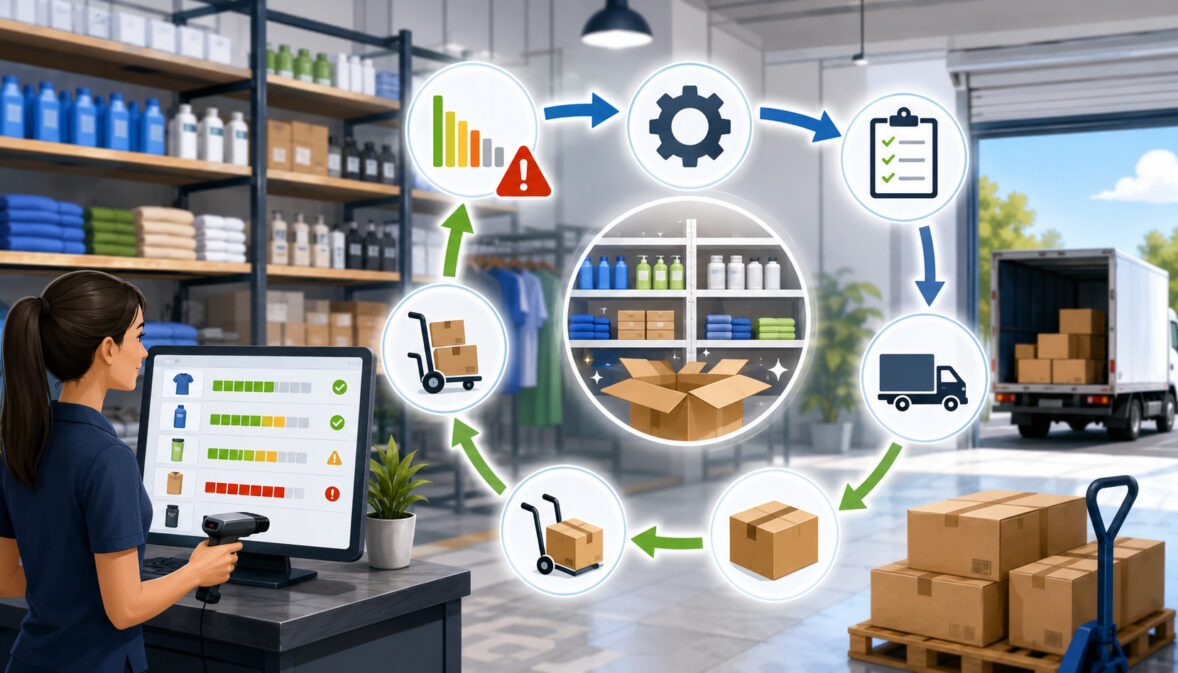
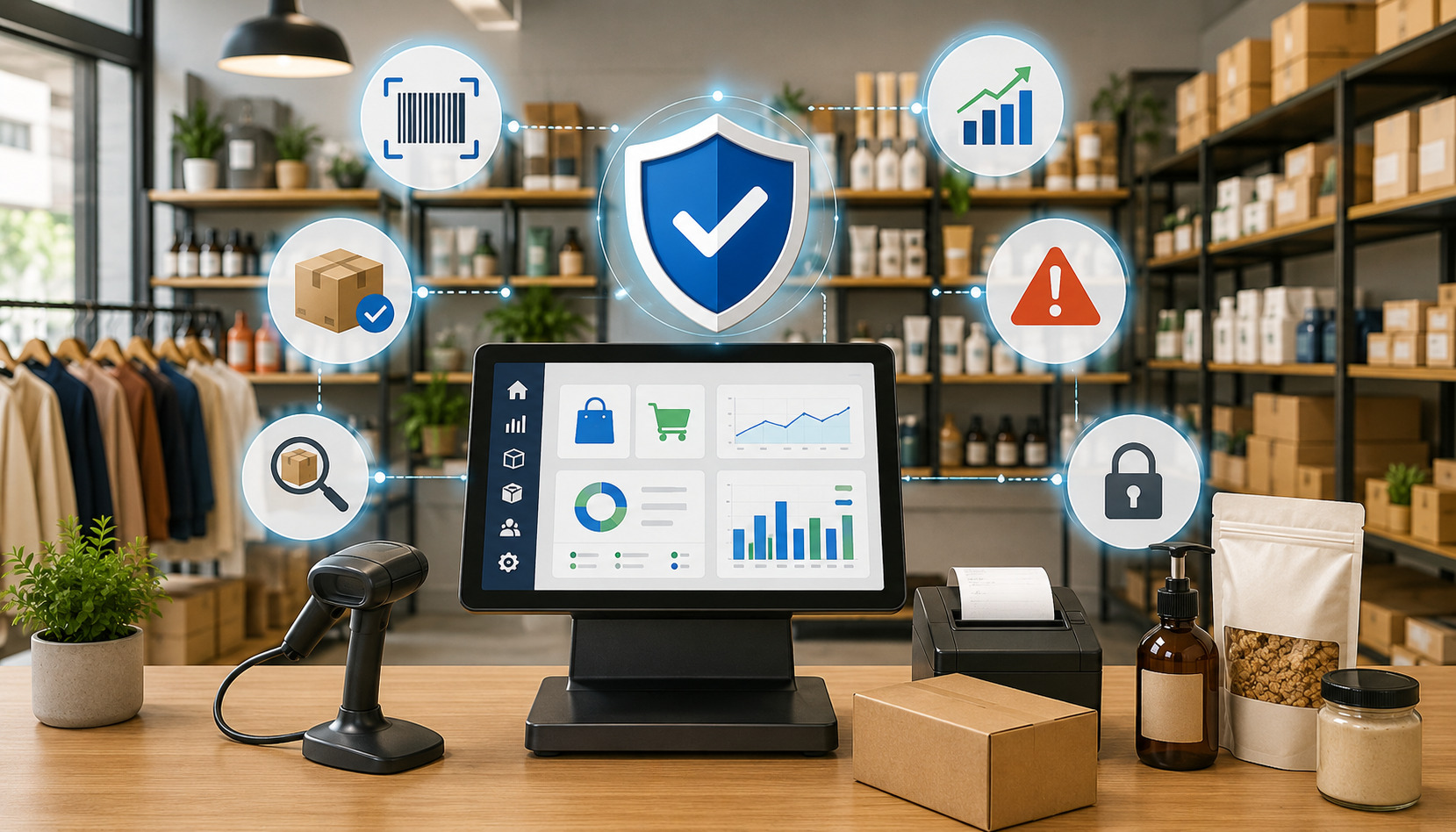
AI-powered POS system with payment, inventory, analytics, and security icons

AI-Powered POS Systems Explained: A Practical Guide for Modern Businesses

AI-powered POS systems are changing the way businesses think about checkout, reporting, inventory, staffing, customer relationships, and payment risk. A traditional point of sale system records transactions and helps a business accept payments. 

An AI-powered point of sale does that too, but it also uses transaction data, sales trends, customer behavior, automation, pattern recognition, and predictive analytics to help owners and managers make better decisions.

That does not mean an artificial intelligence POS system runs the business on its own. It does not replace good judgment, experienced staff, clean data, or a well-managed operation. 

Instead, AI POS technology acts like a decision-support layer built into or connected with the POS system. It can highlight sales patterns, flag unusual transactions, suggest inventory changes, identify busy periods, help personalize offers, and organize data faster than manual review.

For retailers, restaurants, ecommerce sellers, service providers, startups, and multi-location operators, the appeal is practical. 

Businesses already collect large amounts of transaction data through payment processing, credit card processing, debit card payments, mobile payments, digital wallets, online payments, loyalty programs, and inventory tools. AI POS software helps turn that information into useful insights.

A smart POS system can help answer questions such as: Which products are likely to sell faster next week? Which menu items are profitable but under-promoted? Which customers respond to loyalty offers? Which locations are overstocked? Which transactions look risky? Which employees may need extra support during peak hours?

The value of AI-powered POS systems depends on the business model, sales volume, data quality, integrations, payment methods, staff training, and provider terms. A small boutique may use AI inventory management and customer insights. 

A quick-service restaurant may focus on menu optimization, labor management, and demand forecasting. A service business may care most about appointment trends, customer retention, and automated reporting.

What Are AI-Powered POS Systems?

AI-powered POS systems are point of sale platforms that use artificial intelligence-style tools to analyze business data, automate routine tasks, and support better decisions. They may include machine learning POS features, predictive POS reporting, AI inventory management, AI customer insights, AI fraud detection, AI sales forecasting, and automated alerts.

A standard POS system usually handles core functions such as ringing up sales, accepting card payments, calculating tax, printing or sending receipts, managing basic inventory, and producing sales reporting. 

A cloud POS may also sync information across devices, locations, and sales channels. An AI-driven POS system builds on those functions by looking for patterns in the data.

For example, a regular POS system may show that a retailer sold forty units of a product last week. An AI retail POS may compare that product’s sales history, seasonality, promotions, location-level demand, stock levels, and recent transaction activity to estimate when the item may need replenishment. 

It may also suggest which products are often purchased together or which customers may respond to a personalized offer.

In a restaurant, a traditional POS can show which menu items sold yesterday. An AI restaurant POS may go further by identifying which items have strong margins, which modifiers slow down kitchen flow, which times create labor pressure, and which items may be worth promoting during slower periods.

AI-powered point of sale technology can appear in different forms. Some systems include built-in AI POS software. Others connect to business intelligence, inventory management, ecommerce integration, accounting integration, payment gateway, loyalty, or fraud prevention tools. Some features are fully automated, while others simply provide recommendations for a manager to review.

It is important to understand that “AI” is a broad term. In POS systems, it often refers to practical tools such as predictive analytics, rules-based automation, statistical modeling, anomaly detection, and machine learning-style analysis. 

These tools do not need to feel futuristic to be useful. A stock alert that becomes more accurate over time, a sales forecast that adjusts by location, or a fraud flag that detects unusual transaction behavior can all be valuable.

Businesses evaluating AI POS systems should focus less on buzzwords and more on the actual problems the system solves. 

Does it improve inventory accuracy? Does it reduce manual reporting? Does it help prevent stockouts? Does it support better staffing? Does it integrate with payment processing, ecommerce, accounting, and customer management tools? Does it protect customer data and support PCI compliance?

For a broader foundation before comparing AI features, it can help to review how to approach choosing the right POS system for your business. AI should strengthen the core POS setup, not distract from essential checkout, reporting, and payment reliability.

How AI POS Systems Work

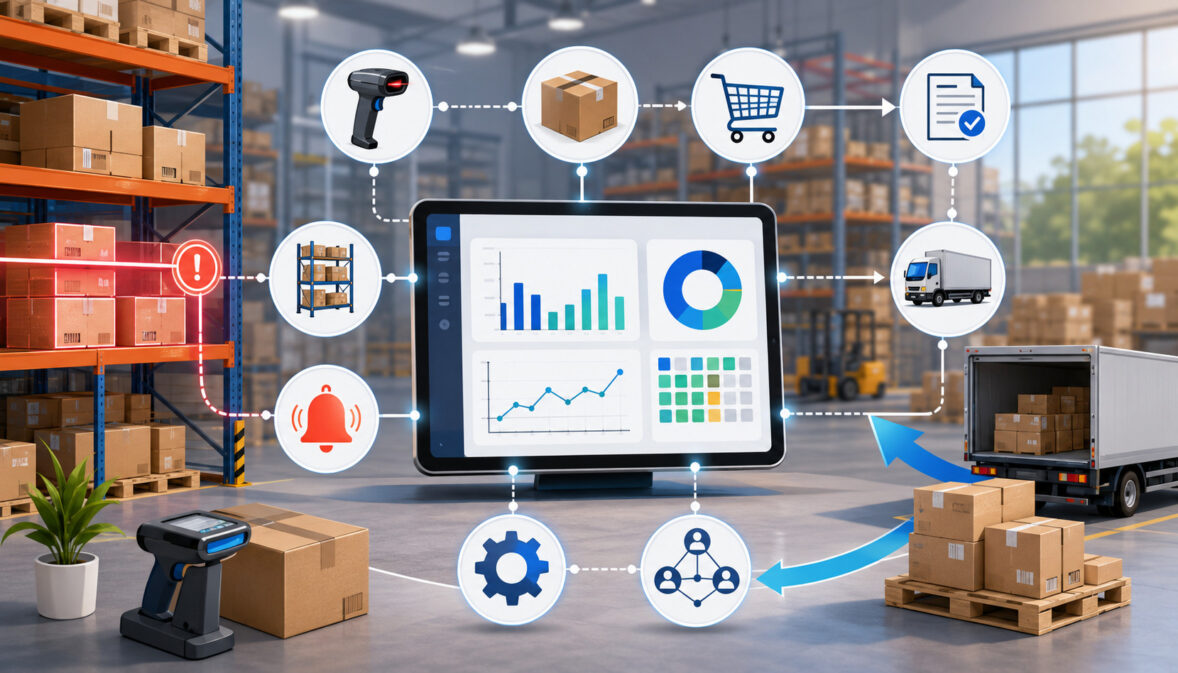
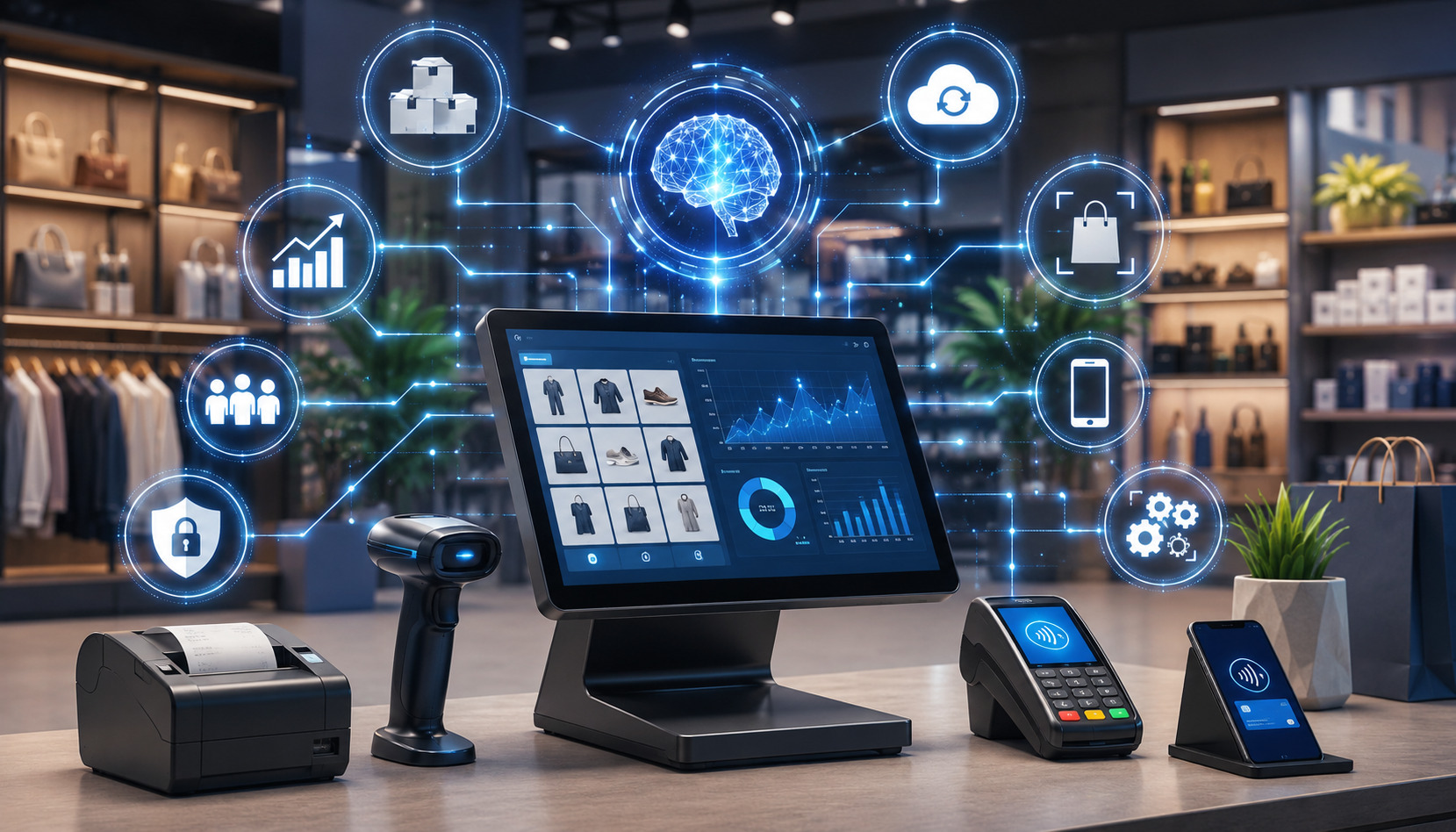
AI-powered POS system in a modern retail store

AI POS systems work by collecting data from business activity, organizing it, finding patterns, and turning those patterns into reports, alerts, predictions, or recommendations. 

The system may analyze sales transactions, product movement, customer profiles, payment behavior, employee activity, location performance, online orders, refunds, chargebacks, and inventory changes.

A point of sale system is one of the richest data sources inside a business. Every transaction can reveal what was sold, when it was sold, how it was paid for, where it happened, which employee handled it, whether a discount was applied, and whether the customer has a purchase history. 

When this data is accurate and connected with other systems, AI POS technology can provide more meaningful insights.

Most AI-powered POS systems follow a general process. First, data is captured through checkout, inventory, payments, ecommerce, loyalty programs, and integrations. Next, the system cleans and organizes that information into usable categories. 

Then AI or machine learning-style tools identify patterns, exceptions, relationships, and trends. Finally, the software presents the results through dashboards, alerts, predictive reports, automated workflows, or recommended actions.

Machine Learning in POS Systems

Machine learning in POS systems refers to software that improves pattern recognition as it processes more data. In a retail environment, a machine learning POS feature may learn that certain products sell faster after specific promotions, during certain weather patterns, or around recurring local events. 

In a restaurant, it may learn that certain items spike during lunch, while others perform better through online ordering.

The purpose is not to create perfect predictions. The purpose is to make reporting more useful than simple historical summaries. Traditional sales reporting tells you what already happened. Machine learning POS tools try to estimate what is likely to happen next based on available data.

For example, if a bakery sells more breakfast items on weekday mornings and more desserts on weekends, an AI-powered point of sale may recommend different prep quantities by daypart. If a service provider sees more appointment cancellations after certain booking patterns, the system may help flag those risks earlier.

The accuracy of machine learning depends heavily on data quality. If items are entered inconsistently, discounts are miscategorized, refunds are not tracked correctly, or online and in-store sales are disconnected, the system may produce weak recommendations. Human review is still essential.

Predictive Sales Reporting

Predictive sales reporting uses past and current data to estimate future sales activity. Instead of only showing daily revenue, the system may forecast expected sales by product, category, location, sales channel, daypart, or employee shift. This can support inventory management, labor management, cash flow planning, and pricing decisions.

For a retailer, predictive POS reporting may show that a certain product category is likely to peak soon based on recent trends. For a restaurant, it may estimate order volume during dinner hours. For an ecommerce seller with physical pickup or retail operations, it may compare online payments, in-store purchases, and mobile payments to show where demand is shifting.

Predictive analytics should be treated as guidance, not a guarantee. A sudden supplier delay, local event, weather disruption, staffing shortage, competitor promotion, or change in customer behavior can affect the actual result. Still, a reasonable forecast can be far better than guessing.

Managers should compare predictions with real outcomes. Over time, this helps the business understand whether the AI POS software is improving decisions or simply creating attractive dashboards.

Real-Time POS Analytics

Real-time POS analytics give managers a live or near-live view of sales, inventory, payments, and performance. Instead of waiting until the end of the day or week, decision-makers can see what is happening while the business is operating.

Real-time reporting can be especially helpful for multi-location operators. A manager may compare sales by store, check stock levels across locations, review employee performance, monitor refunds, and spot unusual transaction patterns from one dashboard. 

For restaurants, real-time analytics can show table turnover, order volume, kitchen timing, and menu performance.

A cloud POS usually makes real-time reporting easier because information syncs through the internet instead of staying locked on a local terminal. However, cloud POS compatibility should be reviewed carefully. Businesses need reliable internet, offline mode options, user permissions, and clear data backup procedures.

Real-time data can also create pressure to react too quickly. Not every short-term dip requires a major pricing decision. Not every busy hour means staffing needs to change permanently. Good managers use real-time insights alongside broader trends.

Why Businesses Are Paying Attention to AI Point of Sale Technology

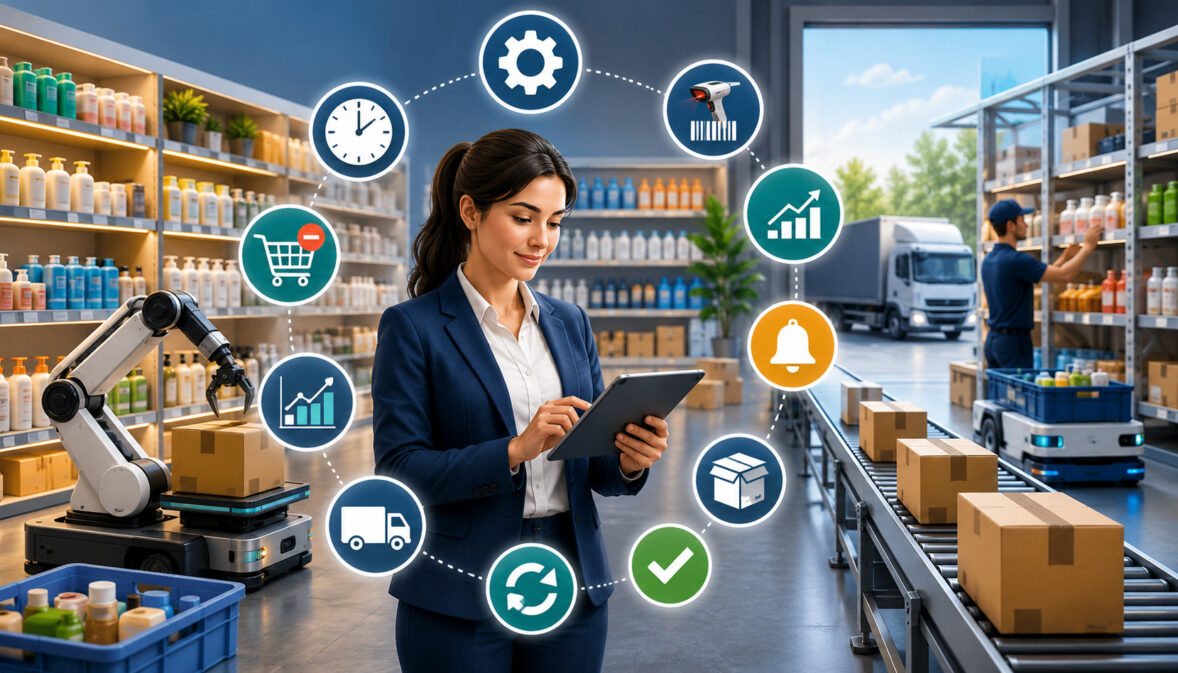
AI-powered point of sale system for modern retail checkout

Businesses are paying attention to AI point of sale technology because operations are becoming more data-heavy and more connected. Customers may buy in-store, online, through mobile payments, through digital wallets, through invoices, or through ecommerce integrations. 

Inventory may move across store shelves, warehouses, delivery platforms, and pickup orders. Managers need faster ways to understand what is happening.

AI-powered POS systems are attractive because they can reduce manual work. Instead of exporting spreadsheets, comparing sales reports, checking stock levels by hand, and reviewing customer behavior manually, businesses can use automated POS system features to surface important trends. This can free managers to focus on service, training, merchandising, menu planning, and growth.

Another reason businesses are interested is competition. A retailer that understands product demand can avoid tying up cash in slow-moving stock. A restaurant that understands menu performance can improve margins without guessing. 

A service provider that understands repeat customers can improve retention. A multi-location operator that uses centralized POS analytics can spot location-level issues before they become expensive.

AI POS systems may also improve the checkout experience. Faster product lookup, personalized recommendations, smarter discounts, saved customer preferences, contactless payments, and integrated loyalty programs can make transactions smoother. 

In many businesses, the checkout experience affects customer satisfaction as much as the product or service itself.

Payment security and risk management are also major factors. AI fraud detection can help identify unusual transaction behavior, suspicious refunds, abnormal voids, repeated declines, or chargeback patterns. 

It should not replace strong policies, PCI compliance, staff training, or cybersecurity controls, but it can add another layer of visibility.

For many owners, the biggest appeal is business intelligence. A POS system is no longer just where the sale happens. It is where sales data, payment data, inventory data, customer data, and employee activity come together. AI-powered POS systems help make that data easier to use.

Still, not every business needs advanced AI POS technology immediately. A startup with low transaction volume may not have enough data to benefit from predictive analytics. A business with simple inventory may not need demand forecasting. A business with poor data practices may need to fix its setup first.

Key Features of AI-Powered POS Systems

AI-powered POS system with smart retail analytics and payment icons

AI-powered POS systems can include a wide range of features depending on the provider, industry, and software package. Some features are designed for retail analytics. Others support restaurant analytics, payment security, inventory management, labor management, ecommerce integration, or customer retention.

The most useful AI POS features are usually tied to specific business outcomes. A feature that saves time, prevents errors, increases data accuracy, improves stock planning, reduces risk, or strengthens customer relationships is more valuable than a feature that simply sounds advanced.

Common features include predictive sales reporting, automated inventory alerts, demand forecasting, customer behavior analysis, personalized recommendations, loyalty program insights, employee scheduling insights, fraud detection tools, chargeback prevention support, payment security monitoring, and multi-location reporting.

The table below summarizes common AI-powered POS features and how they may help a business.

AI POS Feature What It Does Business Benefit What to Watch For
Predictive sales reporting Estimates future sales based on historical and current data Helps with planning, staffing, purchasing, and cash flow Forecasts can be wrong if data is incomplete or conditions change
AI inventory management Tracks stock movement and recommends replenishment Reduces stockouts, overstocking, and manual counting errors Requires accurate item setup and consistent receiving practices
Demand forecasting Predicts product, menu, or service demand Supports smarter buying, prep, and pricing decisions Works best with enough transaction history
Customer behavior analysis Reviews purchase patterns and preferences Helps improve offers, loyalty programs, and retention Must be handled with strong data privacy practices
Personalized recommendations Suggests products, services, or offers Can increase average order value and customer relevance Poor recommendations can feel intrusive or irrelevant
Fraud detection tools Flags unusual payment, refund, or transaction behavior Supports fraud prevention and chargeback prevention Should not replace staff training or security controls
Employee scheduling insights Compares labor needs with sales patterns Helps align staffing with demand Managers still need to consider skills, availability, and service quality
Multi-location reporting Centralizes performance across locations Improves visibility and consistency Requires standardized processes across stores or branches
Automated stock alerts Notifies staff when inventory needs attention Saves time and prevents missed replenishment Alert settings must be reviewed regularly
POS software integrations Connects POS with ecommerce, accounting, loyalty, and payment tools Reduces duplicate entry and improves data accuracy Integration failures can create reporting gaps

Automated Inventory Alerts

Automated inventory alerts notify managers when stock reaches a certain threshold, when an item sells faster than expected, or when inventory records appear inconsistent. 

In an AI-powered POS system, these alerts may become more dynamic. Instead of using the same reorder point all year, the system may adjust recommendations based on demand patterns, seasonality, promotions, or location-level trends.

For example, a retailer may receive an alert that a popular product is likely to sell out earlier than usual because recent sales velocity increased. A restaurant may receive an alert that a key ingredient needs to be reordered because projected demand is higher than normal. A service provider may receive alerts when supplies used for appointments are running low.

These alerts can improve operational efficiency, but they are only as good as the inventory data behind them. If staff forget to receive stock, record waste, process returns, or update product counts, the system may recommend the wrong action.

Businesses that want deeper inventory support can also review resources on using POS systems for inventory management, especially if they are still building a reliable stock control process.

Employee Scheduling Insights

Employee scheduling insights use sales data, customer traffic, appointment volume, order patterns, and historical labor needs to help managers plan coverage. This can be useful for restaurants, retailers, service businesses, and multi-location operators.

An AI-driven POS system may show that certain shifts are consistently understaffed, while others have more labor than needed. It may identify peak periods by daypart, compare labor cost with revenue, or suggest staffing adjustments based on expected demand.

However, scheduling should never be based only on transaction volume. Managers also need to consider employee experience, training level, customer service expectations, task complexity, delivery volume, cleaning duties, opening and closing work, and local labor rules. AI can help identify patterns, but human judgment keeps the schedule realistic.

Multi-Location Reporting

Multi-location reporting is one of the strongest use cases for intelligent POS systems. When a business operates more than one location, it needs consistent reporting across sales, inventory, pricing, employee performance, customer activity, and payments. AI POS software can help compare locations and identify unusual patterns.

For example, one location may have strong sales but high refund activity. Another may have frequent stockouts in a profitable category. A third may show lower average ticket size despite similar customer traffic. AI-powered POS analytics can help managers ask better questions.

Multi-location reporting also supports inventory transfers. If one location is overstocked and another is running low, the business may avoid unnecessary purchasing by moving inventory internally. For growing operators, multi-location POS management can become a major part of operational control.

AI POS Systems for Retail Businesses

AI POS systems for retail businesses can help with inventory planning, product recommendations, customer insights, pricing decisions, loyalty programs, stock alerts, and retail analytics. 

Retailers often deal with changing demand, seasonal buying patterns, product variations, returns, discounts, and multiple sales channels. AI retail POS tools can help organize these moving parts.

A traditional POS may show what sold. An AI retail POS can help explain what is selling, where it is selling, who is buying it, what may sell next, and which products may be underperforming. This can be valuable for boutiques, specialty stores, convenience stores, gift shops, apparel sellers, electronics retailers, home goods stores, and hybrid ecommerce operations.

Retail Product Recommendations

Retail product recommendations use transaction data and customer behavior to suggest related items or relevant offers. If customers often buy certain products together, the AI point of sale system may prompt staff to suggest an add-on during checkout or include the item in a personalized offer.

For example, a store selling outdoor gear may notice that customers who buy hiking boots often purchase socks, waterproof spray, or trail accessories. A smart POS system may surface those patterns at checkout or through loyalty messaging. An ecommerce integration may use similar insights for online product suggestions.

Recommendations should be helpful, not aggressive. Customers usually respond better when suggestions are relevant to their needs. Staff should be trained to use recommendations naturally rather than reading prompts mechanically.

Pricing and Promotion Decisions

AI POS technology can support pricing decisions by showing how discounts, bundles, promotions, and markdowns affect sales and margins. Retailers can compare which offers increase revenue and which simply reduce profit. The system may also show which products are slow-moving and may need a promotion.

This does not mean businesses should let software set prices without review. Pricing can affect brand perception, customer trust, and margin stability. Managers should consider supplier costs, competitor activity, customer expectations, and product lifecycle before making changes.

AI-powered POS analytics can also help evaluate whether a promotion attracted repeat customers or only one-time discount shoppers. That information can improve future marketing and loyalty decisions.

Returns and Inventory Accuracy

Retailers often struggle with returns, exchanges, damaged goods, and inventory discrepancies. An AI-driven POS system may help identify unusual return patterns, frequent voids, or categories with repeated stock mismatches. This can support loss prevention, staff training, and better inventory controls.

For example, if one product category has frequent returns after a specific promotion, the issue may be unclear product information, sizing problems, quality concerns, or mismatched customer expectations. AI customer insights and retail analytics can help surface the pattern, but managers need to investigate the cause.

AI POS Systems for Restaurants and Food Service

AI POS systems for restaurants and food service can help with menu optimization, demand forecasting, labor planning, order accuracy, customer preferences, ingredient usage, and restaurant analytics. 

Restaurants often operate with tight margins, fast-moving inventory, changing customer demand, and pressure to deliver consistent service.

An AI restaurant POS can analyze order history, modifiers, daypart trends, online orders, table activity, payment patterns, and menu performance. This can help restaurants understand which items drive revenue, which items slow down operations, and which promotions bring customers back.

Restaurant Menu Optimization

Restaurant menu optimization uses sales data, item popularity, ingredient costs, prep complexity, and margins to help managers improve the menu. A standard POS can show item sales. 

An AI-powered POS system may help identify which menu items are profitable, which are frequently modified, which are commonly paired, and which may create kitchen bottlenecks.

For example, a menu item may sell frequently but have a low margin because of ingredient costs or prep time. Another item may sell less often but produce a strong profit. AI POS analytics can help managers decide whether to adjust pricing, promote certain items, simplify modifiers, or remove underperforming options.

Menu optimization should be handled carefully. A dish may have value beyond direct profit if it brings customers in, supports the brand, or satisfies a key customer segment. AI can help organize the data, but restaurant managers still need to understand guest expectations.

Demand Forecasting for Food Prep

Demand forecasting is especially useful in food service because over-prepping can lead to waste, while under-prepping can lead to long waits and disappointed guests. An AI restaurant POS may estimate demand by daypart, menu item, order channel, location, or season.

For example, the system may show that online orders increase during certain evenings, catering orders affect prep needs, or a specific ingredient runs short after promotions. Managers can use these insights to plan purchasing, prep lists, and staffing.

Forecasting can also help with limited-time offers. If a restaurant introduces a seasonal item, AI POS software may compare similar past items, current sales velocity, and customer response to estimate how much inventory is needed.

Labor and Service Flow

Labor management is another major restaurant use case. An AI-powered point of sale may compare sales volume, order count, table turns, delivery demand, and kitchen timing to help managers schedule staff. It may also show when service slows down or when certain stations need more support.

This can improve operational efficiency, but staffing decisions should consider more than sales volume. A busy patio, large party, complex menu, new employee, or special event can change labor needs. AI can provide useful signals, but experienced managers still need to make final decisions.

Restaurants that are still evaluating core systems can review guidance on choosing a restaurant POS system before focusing on advanced AI features.

AI Inventory Management and Demand Forecasting

AI inventory management is one of the most practical uses of AI-powered POS systems. Inventory affects cash flow, customer experience, margins, waste, fulfillment, and staff workload. When inventory data is inaccurate, businesses may buy too much, sell items they do not have, miss demand signals, or disappoint customers.

A traditional POS system may track stock counts when items are sold. An AI inventory management tool goes further by analyzing how inventory moves over time. It can help forecast demand, recommend reorder quantities, identify slow-moving products, flag unusual shrinkage, and support purchasing decisions.

Demand Forecasting

Demand forecasting uses historical sales, current trends, product velocity, seasonality, promotions, and sometimes external signals to estimate future demand. In a retail store, this may help determine how many units to reorder. 

In a restaurant, it may help estimate ingredient needs. In an ecommerce-connected business, it may help manage stock across online and physical channels.

AI sales forecasting can be useful because demand rarely stays flat. A product that sold slowly last month may increase after a promotion. A menu item may spike during certain days. 

A service business may see demand rise after a marketing campaign. Predictive analytics can help managers plan ahead instead of reacting after stockouts occur.

Still, forecasting has limits. AI cannot always predict supplier delays, sudden customer behavior changes, local disruptions, or unexpected demand spikes. Businesses should use forecasts as planning tools, not absolute instructions.

Reordering and Stock Alerts

AI-powered POS systems may recommend reorder points based on sales velocity and lead times. For example, if a supplier usually takes several days to deliver, the system may alert the business before stock gets too low. If demand is increasing, the suggested reorder quantity may adjust automatically.

This can reduce overstocking and stockouts. Overstocking ties up cash and storage space. Stockouts lead to missed sales and customer frustration. AI inventory management helps find a better balance, especially for businesses with many SKUs or multiple locations.

However, staff still need to verify purchase orders, supplier terms, minimum order quantities, storage limits, and product shelf life. Automation should support purchasing, not remove oversight.

Inventory Accuracy and Operational Discipline

AI inventory management depends on accurate data. That means staff must scan or enter items correctly, record returns, update damaged goods, track waste, receive shipments properly, and reconcile counts. If inventory practices are loose, AI recommendations can become unreliable.

Businesses should also review how inventory connects with accounting integration, ecommerce integration, warehouse tools, and vendor ordering. Disconnected systems create data gaps. A POS may show one number, an ecommerce platform may show another, and the warehouse may have a third count.

For businesses with larger fulfillment needs, integrating POS and warehouse tools can help create a more reliable inventory picture. A helpful next step is learning about integrating a POS with a warehouse management system.

AI Customer Insights, Loyalty, and Personalization

AI customer insights help businesses understand buying patterns, preferences, visit frequency, average order value, response to promotions, and customer retention opportunities. These insights can support loyalty programs, personalized recommendations, marketing campaigns, and better customer experience.

A point of sale system may collect customer data through receipts, loyalty accounts, online orders, appointment bookings, digital wallets, mobile payments, or ecommerce profiles. AI POS software can analyze that data to show which customers are frequent buyers, which may be at risk of leaving, which products they prefer, and which offers may be relevant.

Customer Behavior Analysis

Customer behavior analysis looks at how customers buy over time. It may show which products they purchase together, how often they return, whether they prefer in-store or online payments, what times they shop, and how discounts affect their decisions.

For retailers, this can guide product recommendations and merchandising. For restaurants, it can support personalized offers based on favorite menu items or visit frequency. For service providers, it can help identify repeat booking patterns and customer lifetime value.

Customer insights should be used respectfully. Businesses should avoid collecting unnecessary data, sending excessive messages, or making customers feel watched. Data privacy matters, and customers should understand how their information is used where required.

Personalized Offers

Personalized offers use customer data to make promotions more relevant. Instead of sending the same discount to everyone, an AI-powered POS system may group customers by purchase history, preferences, or engagement level.

For example, a retailer may send a restock notice to customers who bought a related product. A restaurant may offer a reward based on a customer’s favorite category. A service business may remind customers when they are likely due for a repeat appointment.

Personalization can improve customer retention when it is helpful. It can damage trust when it feels intrusive, poorly timed, or unrelated. Businesses should give customers control over marketing preferences and avoid overusing automated messages.

Loyalty Program Insights

Loyalty programs can generate valuable transaction data. AI POS systems can analyze loyalty activity to show which rewards drive repeat visits, which customers are most engaged, and which offers improve average ticket size.

A good loyalty program should be easy for customers to understand and easy for staff to explain. AI can help refine rewards, but the program still needs a clear value proposition. Complicated rewards can create confusion, even if the analytics behind them are advanced.

Businesses should also watch profitability. A promotion that increases visits but reduces margins too much may not be successful. AI POS analytics should measure both customer engagement and financial impact.

AI Fraud Detection, Payment Security, and Risk Management

AI fraud detection is an important feature in many intelligent POS systems, especially for businesses that process card payments, online payments, mobile payments, digital wallets, refunds, deposits, invoices, or card-not-present transactions. 

Fraud prevention and chargeback prevention require a combination of technology, procedures, staff training, and security controls.

An AI-powered POS system may flag unusual transactions, suspicious refund activity, repeated declined payments, abnormal employee behavior, duplicate transactions, high-risk order patterns, or sudden chargeback trends. These alerts can help businesses investigate issues earlier.

Fraud Detection Tools

Fraud detection tools use pattern recognition to identify activity that does not fit normal transaction behavior. For example, a sudden increase in high-value refunds, repeated manual card entries, unusual voids, or many failed payment attempts may trigger a review.

For ecommerce-connected sellers, AI fraud detection may review billing and shipping mismatches, order velocity, device signals, transaction history, and payment behavior. For in-person businesses, fraud tools may focus on refunds, employee permissions, card-present anomalies, and suspicious transaction sequences.

These tools should not automatically label every flagged transaction as fraud. A legitimate customer may behave unusually. A new promotion may create unexpected order patterns. Staff should review alerts with care and follow documented procedures.

Chargeback Prevention

Chargeback prevention starts with clear policies, accurate receipts, strong customer communication, proper authorization, delivery confirmation where needed, and good recordkeeping. AI POS software may help by identifying transaction patterns that commonly lead to disputes.

For example, a business may discover that chargebacks are more common with certain order types, unclear product descriptions, delayed fulfillment, or repeated customer service issues. AI customer insights and transaction analytics can help reveal those patterns.

Managers should also monitor refund policies, descriptor clarity, employee permissions, and documentation. Chargebacks are not only a payment problem; they may reflect operational issues.

Payment Security, PCI Compliance, and Cybersecurity

Payment security is essential for any POS system. Businesses that accept card payments should understand their responsibilities under payment security standards and work with qualified providers. The PCI Security Standards Council provides educational resources related to payment card data security.

AI POS systems may support security by detecting anomalies, enforcing user permissions, monitoring access, and flagging suspicious activity. However, AI does not replace PCI compliance, secure payment terminals, encryption, tokenization, strong passwords, network security, software updates, or employee training.

Cybersecurity also matters because modern POS systems often connect with cloud POS platforms, payment gateways, ecommerce tools, accounting systems, loyalty databases, and third-party apps. 

The FTC’s business guidance on data security, CISA resources for small and medium businesses, and the NIST AI Risk Management Framework are useful educational resources for businesses thinking about security, privacy, and responsible AI use.

Data Privacy

Data privacy should be part of every AI POS evaluation. AI customer insights depend on customer and transaction data. Businesses need to understand what data is collected, where it is stored, who can access it, how long it is retained, how it is protected, and whether it is shared with third parties.

Decision-makers should review privacy policies, user permissions, data export options, deletion procedures, breach notification terms, and vendor responsibilities. This is especially important when connecting POS software with marketing, loyalty, ecommerce, and analytics tools.

Costs, Implementation, and Integration Considerations

AI-powered POS systems can vary widely in cost and complexity. Pricing may include software subscriptions, hardware, payment processing fees, credit card processing costs, debit card payments, mobile terminals, installation, training, integrations, data migration, support, and advanced analytics modules.

Some AI POS software features may be included in a standard package. Others may require higher-tier plans or add-ons. Businesses should compare total cost, not only the advertised monthly fee. A low-cost system can become expensive if essential integrations, support, reporting, or hardware are extra.

Implementation Planning

Implementation planning should begin with a clear list of business needs. Decision-makers should identify required payment methods, checkout workflows, inventory complexity, ecommerce integration, accounting integration, reporting needs, loyalty program requirements, user roles, hardware needs, and security expectations.

A rushed implementation can create long-term problems. Product categories may be set up incorrectly. Customer records may be duplicated. Tax settings may be wrong. Inventory counts may be inaccurate. 

Staff may not understand workflows. AI-powered POS systems need a strong foundation because automated recommendations depend on the quality of the setup.

An implementation checklist may include:

  • Define business goals for the POS system.
  • Clean product, service, menu, and customer data before migration.
  • Map required payment methods and payment gateway needs.
  • Review merchant account and provider terms.
  • Confirm ecommerce, accounting, loyalty, and inventory integrations.
  • Set user roles and permissions.
  • Test checkout, refunds, voids, discounts, tips, taxes, and receipts.
  • Train staff before launch.
  • Run reports during testing to verify data accuracy.
  • Review security settings and PCI compliance responsibilities.
  • Monitor performance after launch and adjust workflows.

For businesses preparing a new setup, guidance on how to set up a POS system can help organize the basics before layering in AI features.

POS Software Integrations

Integrations are critical because AI-powered POS systems become more useful when they can analyze complete data. A POS that connects with ecommerce, accounting, inventory, loyalty, scheduling, payment processing, and customer communication tools can provide a fuller view of the business.

However, integrations can also create complexity. Data may sync incorrectly. Product names may not match. Online orders may duplicate records. Accounting categories may be mapped poorly. 

Payment data may not reconcile cleanly. Before committing to an AI POS system, businesses should ask which integrations are native, which require third-party connectors, and which need custom work.

It is also wise to ask how often data syncs. Real-time reporting is different from nightly syncs. For inventory and multi-location reporting, sync timing can matter.

Cloud POS Compatibility

Many AI-powered POS systems are cloud POS platforms. Cloud systems can make reporting, updates, remote access, and multi-location management easier. They can also support mobile payments, online ordering, and centralized dashboards.

Businesses should still review offline mode, internet requirements, device compatibility, data backup, service reliability, and support availability. A cloud POS should not leave the business unable to process transactions during a temporary connection issue.

For some businesses, a hybrid approach may be useful. Local functionality can support checkout continuity, while cloud reporting supports centralized analytics.

Staff Training

Staff training is often underestimated. AI POS software may introduce new prompts, dashboards, alerts, workflows, and permissions. Employees need to know not only which buttons to press but also why accurate data matters.

Training should cover checkout, refunds, discounts, loyalty enrollment, inventory updates, customer records, privacy practices, payment security, and escalation steps for fraud alerts. Managers should also be trained to interpret reports and avoid overreacting to incomplete data.

Benefits and Limitations of AI POS Systems

AI-powered POS systems can provide meaningful benefits, but they also have limitations. A balanced view is important because not every AI feature will deliver immediate value for every business. The best system depends on business size, transaction volume, data history, staff readiness, integrations, budget, and operational complexity.

Key benefits include better reporting, faster analysis, improved inventory planning, more relevant customer insights, stronger fraud detection, better labor planning, and improved decision-making. AI POS systems can help reduce repetitive manual work and make business intelligence easier to access.

For example, a retailer may use AI inventory management to reduce stockouts. A restaurant may use demand forecasting to improve prep planning. An ecommerce seller may use fraud detection tools to review high-risk orders. 

A service provider may use customer behavior analysis to improve repeat bookings. A multi-location operator may use POS analytics to compare performance across locations.

AI-powered POS technology can also improve operational efficiency. Automated alerts can save managers from constantly checking reports. Predictive sales reporting can support purchasing and staffing. Personalized offers can improve customer retention. Real-time reporting can help managers respond faster to issues.

However, limitations are real. AI outputs can be inaccurate if the data is incomplete, outdated, inconsistent, or biased by unusual events. A system may recommend too much inventory after a one-time sales spike. 

It may flag legitimate transactions as suspicious. It may suggest staffing based on sales volume without understanding employee skill levels or service standards.

Overreliance on automation is another risk. Managers may stop questioning reports or fail to investigate why a recommendation was made. AI should support decision-making, not replace accountability.

Privacy and cybersecurity also require attention. AI POS software often depends on transaction data, customer data, employee data, and payment-related information. Businesses must handle that information responsibly, limit unnecessary access, and work with providers that take security seriously.

Cost can be a limitation as well. Advanced AI POS features may require higher subscription tiers, paid integrations, upgraded hardware, or added support. Smaller businesses should consider whether the expected value justifies the added expense.

Staff adoption can also affect success. If employees find the system confusing, skip required steps, or ignore alerts, the business may not see the expected benefits. Training, clear workflows, and manager follow-up are essential.

How to Choose the Right AI-Powered POS System

Choosing the right AI-powered POS system starts with understanding the business, not the software. Different businesses need different tools. A retailer with thousands of SKUs has different needs from a food truck, a salon, a repair shop, a multi-location restaurant group, or an ecommerce seller with local pickup.

Start by identifying the most important operational problems. Are stockouts hurting sales? Are reports too slow? Are labor costs hard to manage? Are customer retention efforts weak? Are chargebacks increasing? Are locations inconsistent? Are online and in-store sales disconnected?

Once the needs are clear, evaluate AI POS systems based on practical fit.

Evaluation Checklist

Use this checklist when comparing AI POS software:

  • Does the system support your sales channels, including in-store, mobile, ecommerce, and online payments?
  • Does it work with your preferred payment processing setup, payment gateway, and merchant account requirements?
  • Does it support credit card processing, debit card payments, contactless payments, digital wallets, and mobile payments?
  • Does it provide useful POS analytics and predictive POS reporting?
  • Can it handle your inventory complexity, including variants, modifiers, bundles, transfers, and returns?
  • Does it offer AI inventory management and demand forecasting that fits your business model?
  • Does it provide customer behavior analysis and loyalty program insights?
  • Are personalized recommendations optional and configurable?
  • Does it include AI fraud detection, user permissions, and security monitoring?
  • Does it support PCI compliance responsibilities and secure payment workflows?
  • Does it integrate with accounting, ecommerce, scheduling, loyalty, and marketing tools?
  • Can it handle multi-location reporting if you operate more than one site?
  • Is the dashboard easy for managers to understand?
  • What training and support are included?
  • What data privacy terms apply?
  • What happens if you cancel service or switch providers?
  • What are the total implementation costs and ongoing fees?

Questions to Ask Vendors

When evaluating vendors, ask specific questions. Avoid accepting broad claims like “AI-powered” without understanding what the system actually does.

Useful questions include:

  • What AI features are included in the base plan?
  • Which features cost extra?
  • What data does the system use for predictions?
  • How are sales forecasts generated?
  • Can managers override recommendations?
  • How does the system handle inaccurate or missing data?
  • What reports are available by location, employee, product, category, and channel?
  • How does the system detect suspicious transactions?
  • What customer data is collected and stored?
  • Is customer data used to train broader AI models?
  • What security controls protect transaction data?
  • How are user permissions managed?
  • What integrations are native?
  • How difficult is data migration?
  • What support is available during implementation?
  • Can reports be exported if the business changes systems?

Deciding Whether AI Fits Your Business

AI-powered POS systems may be a good fit if the business has enough transaction volume, recurring reporting needs, inventory complexity, customer data, staff scheduling challenges, multiple locations, ecommerce integration needs, or payment risk concerns.

They may be less urgent if the business has very simple operations, low transaction volume, limited inventory, few repeat customers, or no current reporting discipline. In that case, a strong standard POS system may be enough until the business grows.

A practical approach is to start with the features most likely to produce value. For many businesses, that means inventory alerts, sales forecasting, customer insights, or fraud detection. Advanced automation can come later.

FAQs

What are AI-powered POS systems?

AI-powered POS systems are point of sale platforms that use artificial intelligence-style tools, automation, pattern recognition, predictive analytics, and machine learning-style analysis to support business decisions. 

They handle core POS functions such as checkout, payment processing, sales reporting, and inventory management, while adding smarter insights and recommendations.

For example, an AI point of sale system may forecast sales, recommend reorder quantities, identify customer buying patterns, flag suspicious transactions, or help managers compare performance across locations. The goal is to make business data easier to understand and act on.

How do AI POS systems work?

AI POS systems work by collecting transaction data, inventory data, customer data, employee activity, payment information, and sales channel data. The software organizes that information and looks for patterns, trends, exceptions, and relationships.

The system may then produce predictive reports, automated alerts, customer insights, inventory recommendations, fraud warnings, or staffing suggestions. These outputs should be reviewed by managers because AI recommendations can be affected by data quality, unusual events, setup errors, and changing business conditions.

Are AI POS systems better than regular POS systems?

AI POS systems can be better for businesses that need advanced reporting, automation, inventory forecasting, customer insights, fraud detection, or multi-location visibility. They can save time and help managers make more informed decisions.

However, a regular POS system may be enough for businesses with simple operations, low transaction volume, or limited reporting needs. The right choice depends on business goals, budget, sales channels, inventory complexity, payment methods, and staff readiness.

How can AI help with inventory management?

AI can help with inventory management by analyzing sales trends, stock movement, demand patterns, supplier timing, and product performance. It may recommend reorder points, alert managers before stockouts, identify slow-moving items, and support demand forecasting.

This can help reduce overstocking, missed sales, waste, and manual tracking errors. Accurate inventory data is essential. If staff do not record receiving, returns, waste, and transfers correctly, AI inventory recommendations may be unreliable.

Can AI POS systems improve customer insights?

Yes, AI POS systems can improve customer insights by analyzing purchase history, visit frequency, average order value, promotion response, loyalty activity, and product preferences. These insights can help businesses create more relevant offers, improve loyalty programs, and strengthen customer retention.

Businesses should use customer insights responsibly. Data privacy, customer consent where required, secure storage, and clear communication are important when using customer information for personalization.

Are AI POS systems secure?

AI POS systems can support security by flagging suspicious transactions, monitoring unusual activity, managing permissions, and helping detect fraud patterns. However, AI does not make a POS system secure by itself.

Businesses still need secure payment processing, PCI compliance practices, strong passwords, user access controls, software updates, staff training, network security, data privacy procedures, and reliable providers. Security should be reviewed before implementation and monitored regularly.

What should businesses consider before choosing an AI POS system?

Businesses should consider their sales channels, payment processing needs, inventory complexity, reporting goals, customer data practices, integrations, budget, staff training needs, and security requirements. They should also review implementation costs, contract terms, data ownership, support quality, and whether AI features are included or cost extra.

The most important question is whether the system solves real business problems. AI features should improve operations, not add complexity without clear value.

Do small businesses need AI-powered POS systems?

Some small businesses can benefit from AI-powered POS systems, especially if they manage inventory, repeat customers, online orders, busy shifts, or multiple sales channels. AI inventory management, automated alerts, customer insights, and predictive sales reporting can be useful even for smaller operations.

Other small businesses may not need advanced AI features right away. If operations are simple, a reliable POS system with strong reporting may be enough. As transaction volume and complexity grow, AI POS software may become more valuable.

Conclusion

AI-powered POS systems are best understood as practical business tools, not magic solutions. They combine point of sale functions with data analysis, automation, predictive analytics, machine learning-style tools, and smarter reporting. 

When set up correctly, they can help businesses improve inventory planning, sales forecasting, customer insights, loyalty programs, fraud detection, staffing, pricing decisions, and operational efficiency.

The strongest AI POS systems do more than process transactions. They help owners and managers understand what is happening across products, services, customers, employees, locations, and sales channels. They can turn everyday transaction data into useful business intelligence.

At the same time, AI POS technology has limits. It needs clean data, proper setup, thoughtful integrations, staff training, human review, cybersecurity controls, and responsible data privacy practices. AI outputs should guide decisions, not replace management judgment.

For retailers, restaurants, ecommerce sellers, service providers, startups, multi-location operators, and decision-makers, the right question is not simply whether AI-powered POS systems are advanced. The better question is whether they solve the business’s real problems at a cost and complexity level that makes sense.

A good evaluation starts with operational needs, not software features. Identify where better reporting, automation, forecasting, security, or customer insights could improve the business. Then compare systems based on fit, integrations, support, data privacy, payment processing requirements, implementation effort, and measurable return.

This article is for general educational purposes. POS needs can vary by business model, sales volume, payment methods, software requirements, provider terms, and operational goals. Businesses should review their own requirements carefully before choosing an AI-powered point of sale system.

Real-time POS reporting dashboard for smarter retail decisions

Benefits of Real-Time POS Reporting: A Practical Guide for Better Business Decisions

Real-time POS reporting gives business owners and managers a clearer view of what is happening across sales, inventory, employees, payments, and customer activity as transactions occur. Instead of waiting until the end of the day, week, or month to understand performance, a real-time POS reporting system turns everyday checkout activity into useful operational insight.

For retailers, restaurants, ecommerce sellers, service providers, and multi-location operators, that visibility can make a meaningful difference. It can help a manager spot a lunch rush while it is happening, identify a product that is selling faster than expected, review discounts before they become a margin problem, or compare payment activity before closing the register.

Real-time POS reporting is not just about having more data. It is about having timely, accurate, and usable information that supports better decision-making. 

The most useful reports help answer practical questions: What sold today? What is running low? Which location is performing best? Which employee needs support? Which payment methods are customers using? Are refunds, voids, or discounts increasing?

This guide explains the benefits of real-time POS reporting, how it works, what reports matter most, and how to choose a POS reporting system that fits your business model, sales volume, staffing needs, and growth plans.

What Is Real-Time POS Reporting?

Real-time POS reporting is the process of collecting, organizing, and displaying point of sale data as business activity happens. When a sale, refund, discount, inventory adjustment, payment, or employee action is recorded in the POS system, that information updates reports and dashboards without requiring manual spreadsheets or delayed batch processing.

A point of sale system is where customer transactions are completed, but modern POS systems often do much more than process sales. They may also track inventory, employee activity, customer profiles, payment methods, taxes, refunds, discounts, and loyalty activity. 

Real-time POS reporting connects those activities to reporting tools so owners and managers can monitor performance throughout the day.

Traditional POS reporting often depends on end-of-day summaries, exported spreadsheets, or manual reconciliation. Those reports can still be useful, but they may not help when a fast decision is needed. 

For example, a restaurant may need to know during service whether a menu item is selling out. A retailer may need to know whether a promotion is driving profitable sales or only increasing discounts. A service business may need to know whether a technician, stylist, or associate is meeting appointment or sales goals.

Real-time point of sale reporting helps reduce the delay between activity and insight. That does not mean every decision should be made instantly. Good reporting still requires context, judgment, and clean data. But when reports are current, managers can respond faster and with more confidence.
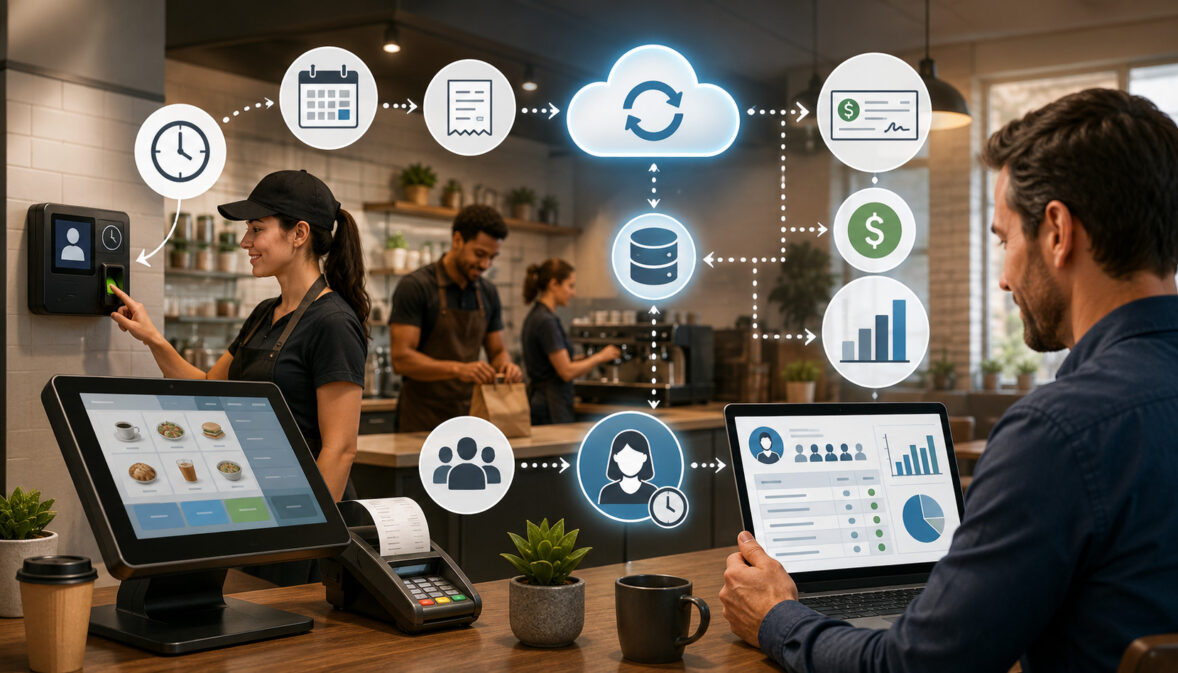
A strong POS reporting system usually includes:

  • A POS dashboard with key performance indicators
  • Real-time sales reports by product, category, employee, and location
  • Inventory reporting with stock levels and low-stock alerts
  • Payment reporting for credit card processing, debit card payments, cash sales, and digital wallets
  • Employee performance reporting, including shift reports and productivity data
  • Customer reporting for loyalty activity, purchase trends, and average ticket size
  • Refund, void, discount, and tax reporting
  • Integrations with ecommerce, accounting, payroll, or inventory tools

Real-time POS reports are most valuable when they are easy to read and tied to everyday business decisions. A dashboard with too many numbers can create confusion. A dashboard focused on the right metrics can help a business owner see what needs attention first.

Why Real-Time POS Reporting Matters for Modern Businesses

Business conditions can change quickly. A slow morning may turn into a busy afternoon. A popular product may sell through faster than expected. A staff member may need help during a rush. 

A payment issue may affect reconciliation. Without real-time POS reporting, these issues may not become visible until the business has already missed an opportunity or absorbed an avoidable cost.

Real-time POS reporting matters because it connects daily operations to decision-making. It helps managers see what is happening now, not only what happened after the fact. This can improve sales visibility, inventory management, labor planning, customer experience, and operational efficiency.

For small businesses and startups, real-time reporting can reduce guesswork. Owners often wear many hats, and they may not have time to manually review every receipt, stock count, or employee shift report. A well-configured reporting dashboard can highlight the most important trends quickly.

For growing businesses, real-time data becomes even more important. A single location can often be managed by direct observation. Multiple locations, online sales channels, delivery orders, and mobile payment options are harder to monitor without centralized reporting. 

Multi-location reporting and ecommerce integration can help decision-makers compare performance across stores, channels, teams, and product lines.

Real-time reporting also supports accountability. When refund and discount tracking, employee activity, and cash drawer activity are visible, managers can investigate issues sooner. This does not mean every exception is a problem. Refunds, voids, and discounts are normal parts of many businesses. The benefit is that unusual patterns are easier to identify and review.

There is also a customer experience benefit. If inventory data updates quickly, staff can give better answers about availability. If menu performance is visible, restaurants can adjust specials or prep levels. If customer reporting shows purchase trends, businesses can create more relevant offers and loyalty experiences.

A helpful internal resource on weekly restaurant POS reporting metrics explains how consistent review of sales, labor, inventory, and customer behavior can help restaurant owners avoid surprises and make better operational decisions.

Real-time reporting is not a replacement for strategy. It is a support system for better strategy. The best results come when owners define what success looks like, choose the right KPIs, train staff to enter data accurately, and review reports on a consistent schedule.

How Real-Time POS Reports Improve Sales Visibility

Real-time POS sales reports dashboard in a retail store

Sales visibility is one of the biggest benefits of real-time POS reporting. It gives businesses a current view of gross sales, net sales, average ticket size, transaction count, discounts, refunds, and sales by product, category, employee, location, or channel.

Without real-time sales reporting, owners may rely on end-of-day totals or manual register counts. Those reports are useful for closing procedures, but they do not always help during the day. 

Real-time sales reports can show whether sales are pacing ahead or behind expectations, whether a promotion is working, whether a new product is gaining traction, or whether one location needs attention.

Sales reporting also helps separate activity from profitability. A business may have strong gross sales but lower net sales because of heavy discounts, refunds, or returns. Real-time POS data reporting makes it easier to review what is driving the difference.

Real-Time Sales Dashboards

A real-time sales dashboard is a central reporting screen that displays key sales metrics as transactions occur. It may show today’s sales, yesterday’s comparison, average ticket size, sales by hour, payment method mix, top products, and performance by location.

The dashboard should be simple enough for quick review but detailed enough to support action. A store manager may need hourly sales and staff productivity. An owner may need sales by location and category. A finance manager may need payment reporting and reconciliation totals.

Good dashboards make trends easy to spot. For example, a retailer may notice that a product category sells strongly during lunch hours but drops in the evening. A restaurant may notice that average ticket size increases when servers promote add-ons. An ecommerce seller may see that online orders spike after a marketing campaign.

A POS dashboard is most useful when it includes context. Sales numbers alone can be misleading. A business should compare current performance to expected demand, staffing levels, seasonality, marketing activity, inventory availability, and local conditions.

Daily Sales Tracking

Daily sales tracking helps owners and managers understand how the business is performing throughout the day. Instead of waiting for a closing report, managers can review sales by hour, category, employee, register, or payment method.

This is useful for adjusting operations. If sales are running below forecast, a manager may review staffing, promotions, product placement, or service flow. If sales are running above forecast, the business may need to restock, adjust prep, call in support, or monitor service quality.

Daily sales tracking can also help identify unusual patterns. A sudden increase in refunds, voids, discounts, or cash adjustments may require review. In many cases, the explanation may be simple, such as a new employee learning the system or a promotion being entered incorrectly. Real-time reporting helps the manager address the issue while details are still fresh.

For business owners, daily sales reporting supports cash flow planning. Knowing how sales are pacing helps with purchasing, payroll planning, inventory orders, and short-term financial decisions.

Best-Selling Products

Real-time POS reports make it easier to identify best-selling products, top categories, profitable add-ons, and high-performing menu items. This matters because not all sales are equal. A high-volume product may have low margins, while a slower-selling item may be more profitable.

Retail POS reporting can show which SKUs are moving fastest, which colors or sizes are popular, and which products sell well together. Restaurant POS reporting can show menu performance by item, modifier, daypart, or server. Service businesses can track appointment types, packages, add-ons, and retail product sales.

Best-seller reporting supports merchandising, ordering, pricing, and marketing. A retailer can move strong sellers to better shelf positions. A restaurant can feature high-margin items. An ecommerce seller can update product pages, bundles, or email campaigns based on current demand.

The key is to combine sales volume with margin, inventory, and customer behavior. A best-selling product that constantly stocks out may need better reorder points. A best-selling service that requires too much staff time may need pricing review.

Better Inventory Management with Real-Time POS Data

Real-time POS inventory management dashboard in a retail store

Inventory management is one of the most practical areas where real-time POS reporting can create value. When POS data updates inventory counts as sales happen, businesses can monitor stock levels, identify slow-moving inventory, reduce stockouts, and improve demand planning.

For retailers, inventory reporting helps track products by SKU, category, vendor, size, color, location, and sales channel. For restaurants, it can connect menu sales to ingredient usage, prep levels, and waste tracking. For ecommerce sellers, it helps reduce overselling when online and in-store inventory are connected.

Real-time inventory reporting is not perfect by itself. It depends on accurate receiving, transfers, returns, adjustments, and staff training. 

If employees forget to receive stock, count returns, or record waste, reports may become unreliable. Still, when the system is well maintained, real-time POS data can reduce manual work and help businesses make better purchasing decisions.

A helpful guide on using POS systems for inventory management explains how real-time inventory tracking, reorder points, and sales analysis can help businesses avoid stockouts, reduce overstocking, and improve inventory decisions.

Slow-Moving Inventory

Slow-moving inventory ties up cash, shelf space, storage capacity, and attention. Real-time POS reports help identify products that are not selling as expected, especially when reports compare current sales to historical sales trends, seasonality, or purchase quantities.

A slow-moving product is not always a bad product. It may need better placement, improved product descriptions, bundling, staff training, or a pricing adjustment. In some cases, it may be seasonal or purchased for a specific customer segment. The value of POS analytics is that it helps managers investigate before making assumptions.

Retailers can use slow-moving inventory reports to plan markdowns, vendor returns, product swaps, or promotions. Restaurants can use menu performance reports to review dishes that require costly ingredients but generate limited demand. Service businesses can review retail products that sit unsold after appointments.

The best reporting systems allow users to filter slow-moving inventory by category, margin, supplier, location, and time period. This helps prevent overreaction. A product may be slow in one location but strong in another. Multi-location reporting can reveal transfer opportunities before markdowns are needed.

Low-Stock Alerts

Low-stock alerts help businesses reorder products before they run out. A real-time POS reporting system can trigger alerts when stock levels fall below a set threshold. More advanced systems may adjust reorder points based on sales velocity, seasonality, supplier lead times, and demand trends.

Low-stock alerts are especially useful for high-volume products, menu ingredients, and items with long reorder times. They help prevent lost sales, customer frustration, and last-minute purchasing. They can also support better cash flow by helping businesses order based on demand rather than guesswork.

For restaurants, low-stock alerts can reduce the risk of 86’d menu items during service. For retailers, they can help keep best-selling products available. For ecommerce sellers, they can reduce overselling and canceled orders.

Low-stock alerts should be configured carefully. If thresholds are too high, the business may overbuy. If they are too low, alerts may come too late. Review reorder points regularly and adjust them as sales trends change.

Inventory Reporting and Demand Planning

Inventory reporting becomes more powerful when it supports forecasting and demand planning. By reviewing sales trends, stock levels, product performance, and seasonality, businesses can make smarter decisions about purchasing and production.

For example, a retailer may use real-time sales reports and historical trends to plan holiday inventory. A restaurant may compare menu performance by daypart to adjust prep. An ecommerce seller may use product-level demand data to plan promotions and supplier orders.

Forecasting is never exact, but POS analytics can improve the quality of the forecast. Instead of ordering based only on instinct, managers can use actual transaction data, sales trends, and inventory movement.

Inventory reporting should also connect to accounting where possible. Inventory valuation, cost of goods sold, purchase orders, and shrinkage all affect financial reporting. Some businesses may need more advanced inventory models depending on their accounting requirements, product type, and operational complexity.

Employee Performance and Labor Management Benefits

Real-time POS reporting can help managers understand employee productivity, labor coverage, sales performance, and shift-level activity. This is useful for restaurants, retail stores, salons, repair shops, professional service businesses, and other operations where staff activity affects revenue and customer experience.

Employee performance reporting may include sales by employee, average ticket size, items per transaction, tips, discounts, refunds, voids, clock-in and clock-out activity, shift reports, and service times. 

The goal is not to reduce employees to numbers. The goal is to identify coaching opportunities, improve staffing decisions, and make sure the business is operating smoothly.

Labor is often one of the largest controllable expenses. Real-time labor reporting helps managers compare sales activity to staffing levels. If traffic is light, schedules may need adjustment. If traffic is strong, the business may need more coverage to protect service quality.

Employee reporting also supports accountability. A manager can review whether discounts are being applied correctly, whether cash handling is consistent, and whether sales goals are being met. When used fairly, these reports help managers coach employees with specific examples instead of vague feedback.

Employee Shift Reports

Employee shift reports show what happened during a specific employee’s shift. They may include total sales, transaction count, average ticket size, refunds, discounts, voids, tips, cash drawer activity, and payment method totals.

For restaurants, shift reports can show server sales, table turns, tip activity, and menu item performance. For retailers, they can show associate sales, returns, loyalty signups, and upsell performance. For service businesses, they can show appointments completed, add-ons sold, retail sales, and rebooking activity.

These reports are most useful when reviewed consistently. A single weak shift may not mean much. Patterns over time are more meaningful. If one employee has consistently high average ticket size, managers can learn from their approach. If another employee has frequent voids, they may need additional training.

Shift reports can also support smoother handoffs. When managers review activity during the day, they can address open issues before the next shift begins.

Labor Cost Tracking

Labor cost tracking compares staffing costs to sales activity. In a POS reporting system, this may require integration with time tracking, scheduling, payroll, or workforce management tools.

Real-time labor reporting helps managers answer questions such as:

  • Are sales high enough to support current staffing?
  • Are certain shifts overstaffed or understaffed?
  • Do labor costs rise during slow periods?
  • Which locations need schedule adjustments?
  • Are overtime patterns developing?

For restaurants, labor cost tracking can be especially important because demand changes by daypart, weather, events, and seasonality. Retailers may use labor reporting to plan coverage around peak shopping hours. Service providers may use it to balance appointment availability with payroll costs.

The goal is not simply to cut labor. Understaffing can hurt service quality, increase errors, and reduce sales. Real-time reporting helps managers find a better balance between cost control and customer experience.

Customer Insights and Better Buying Experiences

Customer reporting helps businesses understand buying behavior, loyalty activity, average ticket size, repeat purchases, and product preferences. When connected to a POS system, customer reporting can turn transaction data into practical insights for better service, merchandising, marketing, and retention.

Not every business needs deep customer analytics. A small counter-service business may only need basic purchase trends and loyalty activity. A retailer with repeat customers may benefit from customer segments, purchase history, and personalized offers. A service provider may use customer reporting to track rebooking, packages, memberships, and add-on purchases.

Real-time customer reporting can improve customer experience in several ways. Staff may be able to see customer preferences, loyalty status, or purchase history. Managers can identify popular products, common buying patterns, and opportunities to improve service. Marketing teams can build campaigns around actual customer behavior rather than broad assumptions.

Customer reporting should be handled responsibly. Businesses should collect only the data they need, protect customer information, and follow applicable privacy and security practices. The Federal Trade Commission’s business data security guidance provides useful information about protecting customer data, access controls, and secure data management.

Customer Purchase Trends

Customer purchase trends show what customers buy, how often they buy, when they buy, and which products or services are commonly purchased together. These insights can help businesses improve product selection, merchandising, promotions, and customer communication.

For retailers, purchase trend reporting can show which categories drive repeat visits. For restaurants, it can reveal popular menu combinations, order times, and add-on opportunities. For service businesses, it can show which services lead to retail product purchases or future bookings.

Real-time customer reporting can also support faster operational decisions. If a promotion is driving traffic but lowering average ticket size, the business can adjust. If customers are buying certain add-ons more frequently, staff can be trained to offer them consistently.

Customer trends should be interpreted carefully. A short-term spike may reflect a promotion, event, or temporary demand shift. A longer-term pattern may indicate a real change in customer behavior.

Loyalty Program Insights

Loyalty program reporting helps businesses understand whether rewards, points, discounts, or memberships are encouraging repeat business. Useful reports may include enrollment rate, repeat purchase rate, reward redemption, loyalty sales, customer lifetime value, and average ticket size for loyalty members compared with non-members.

Real-time loyalty reporting can help managers see whether customers are engaging with the program. If enrollment is low, staff may need better training. If rewards are being redeemed heavily but repeat visits are not increasing, the offer structure may need review.

Loyalty insights can also help businesses personalize customer experiences. For example, a retailer may identify customers who frequently buy a certain category. A restaurant may identify guests who order specific menu items. A service business may identify clients due for a follow-up appointment.

The best loyalty reporting balances business goals with customer value. A program should not simply collect data. It should create a better buying experience.

Faster Cash Flow, Payment, and Reconciliation Tracking

Digital payment dashboard showing cash flow, payment processing, and reconciliation tracking

Payment reporting is another major benefit of real-time POS reporting. Businesses need to know how customers are paying, whether payment totals match register activity, and how card, cash, and digital wallet transactions affect cash flow.

A POS reporting system can organize payment data by method, terminal, employee, location, batch, transaction type, and settlement status. This helps with reconciliation, tax reporting, cash drawer management, and financial review.

Payment processing can involve multiple moving parts, including credit card processing, debit card payments, cash sales, digital wallets, gift cards, refunds, tips, and split payments. Real-time payment reporting helps reduce confusion and gives managers better visibility before closing procedures begin.

Payment Method Reporting

Payment method reporting shows how customers pay. This may include credit cards, debit cards, cash, digital wallets, gift cards, store credit, online payments, invoices, or other accepted methods.

Understanding payment mix can help businesses manage costs, checkout flow, and customer preferences. For example, if digital wallet use is increasing, the business may need to make sure terminals and staff workflows support it. 

If cash sales are declining, cash drawer procedures may be simplified. If card payments dominate, processing fees and settlement timing become more important to monitor.

Payment method reporting also helps with reconciliation. Managers can compare POS totals against processor reports, bank deposits, and cash drawer counts. When discrepancies appear, real-time reporting makes it easier to investigate while transaction details are still accessible.

Payment reporting should be reviewed alongside refunds, tips, taxes, and discounts. These items can affect net sales and settlement totals.

Refund and Discount Tracking

Refund and discount tracking helps businesses monitor margin impact, policy compliance, and customer service patterns. Refunds and discounts are normal, but unusual changes may need attention.

A real-time POS reporting system can show refunds by employee, product, reason code, location, date, and payment method. It can also show discounts by promotion, employee, customer group, or item category.

This visibility helps managers answer practical questions. Are discounts being applied correctly? Are returns increasing for a specific product? Is one location issuing more refunds than others? Are promotions reducing margins more than expected?

Refund and discount reports should not be used only for enforcement. They can reveal operational issues. A product with high returns may have a quality problem. A promotion with heavy discounts but low repeat sales may need redesign. A staff member with frequent corrections may need training.

Reconciliation and Cash Flow

Reconciliation is the process of comparing POS records, payment processor data, cash drawer activity, bank deposits, and accounting records. Real-time POS reporting can make this process faster and more accurate.

When reports update throughout the day, managers can spot discrepancies earlier. For example, cash drawer variance, missing tips, duplicate refunds, or unmatched card totals may be easier to resolve before closing.

Real-time payment reporting also supports cash flow planning. Card settlements may not appear in the bank account immediately. Refunds, chargebacks, processing fees, and batch timing can affect available funds. Businesses should understand how payment activity moves from POS reports to processor statements and bank deposits.

Security is also important. Businesses that accept card payments should understand their responsibilities under the PCI Data Security Standard, which sets security requirements for organizations that store, process, or transmit cardholder data.

Real-Time Reporting for Restaurants, Retailers, and Service Businesses

Different businesses use real-time POS reporting in different ways. A restaurant, retail store, ecommerce seller, salon, repair shop, and multi-location operator may all need sales reporting, but the most important reports can vary widely.

The right reporting setup depends on business type, sales volume, product complexity, staffing model, payment methods, inventory needs, and integrations. A high-volume restaurant may care about menu performance, labor cost, tips, and table turns. 

A boutique retailer may care about SKU movement, inventory levels, returns, and customer purchase history. A service business may care about appointments, employee productivity, add-ons, rebooking, and package sales.

Restaurant POS Reporting

Restaurant POS reporting often focuses on menu performance, labor, tips, sales by daypart, order type, and kitchen efficiency. Real-time restaurant POS reporting can help managers monitor dine-in, takeout, delivery, online ordering, and catering activity.

Menu performance reports can show best-selling dishes, slow-moving items, modifiers, voids, comps, discounts, and average ticket size. This helps restaurants adjust prep, pricing, specials, and staffing.

Labor reporting is especially useful in restaurants because demand can shift quickly. A manager may need to adjust staffing during a rush, monitor overtime, or review server performance. Shift reports can show sales, tips, discounts, and payment activity by employee.

Real-time reporting can also help with inventory and waste. If a dish sells faster than expected, the kitchen can prepare accordingly. If an ingredient is running low, staff can adjust recommendations or update availability before disappointing guests.

Retail POS Reporting

Retail POS reporting focuses heavily on inventory movement, sales by product, category performance, returns, discounts, customer behavior, and employee sales activity. Real-time retail POS reporting helps managers understand what is selling, what is not, and where inventory needs attention.

Retailers can use POS analytics to track best-selling products, low-stock items, slow-moving inventory, vendor performance, and margin by category. These reports support purchasing, merchandising, pricing, and promotions.

Customer reporting can also be valuable in retail. Purchase history, loyalty activity, and average ticket size can help businesses create better offers and improve the buying experience.

Retail businesses with both physical and online sales should pay close attention to ecommerce integration. If inventory does not sync across channels, customers may order products that are no longer available. 

A guide on transitioning from traditional POS to cloud-based systems discusses ecommerce integration, data migration, sales reporting, inventory management, and security considerations.

Service Business Reporting

Service businesses often need reporting that connects sales, appointments, employees, customers, and payments. Examples include salons, repair shops, fitness studios, professional services, home service providers, and appointment-based businesses.

Useful reports may include service sales, product sales, employee productivity, appointment completion, rebooking, memberships, packages, tips, commissions, refunds, and customer purchase history.

Real-time reporting helps service managers balance staffing and demand. If appointments are filling quickly, the business may add availability. If retail products sell well after certain services, staff can be trained to recommend them appropriately. If no-shows or cancellations affect revenue, reporting can support policy changes.

Service businesses should also track average ticket size and customer retention. A strong POS reporting system can show whether customers are returning, buying add-ons, or responding to loyalty offers.

Multi-Location and Ecommerce Reporting Advantages

As businesses expand, reporting complexity increases. A single location may be manageable with daily reports and hands-on oversight. Multiple locations, ecommerce channels, mobile sales, pop-ups, and delivery platforms require stronger reporting structure.

Multi-location reporting helps owners compare locations, centralize data, monitor inventory transfers, review employee performance, and identify operational differences. Ecommerce integration helps keep online and offline sales, inventory, customer data, and payments aligned.

Cloud POS reporting is often helpful for growing businesses because authorized users can access reporting dashboards from different locations. However, cloud POS reporting also depends on internet reliability, data security, user permissions, and integration quality.

Multi-Location Reporting

Multi-location reporting gives owners and managers a consolidated view of business performance across stores, restaurants, branches, warehouses, or service areas. It can show sales by location, inventory by location, employee performance, payment totals, customer activity, and location-level profitability indicators.

This helps decision-makers spot patterns. One location may sell more of a specific product. Another may have higher refunds. A third may have stronger average ticket size. Without centralized reporting, those differences may be difficult to see.

Multi-location reporting also supports inventory transfers. If one store has excess stock and another is running low, managers can move inventory before reordering. This can improve cash flow and reduce markdowns.

For operators with managers at each location, role-based reporting is useful. Local managers may need access to their own location’s data, while owners and senior leaders need consolidated reporting.

Ecommerce Integration

Ecommerce integration connects online sales activity with the POS system. This can help synchronize inventory, customer profiles, orders, refunds, taxes, and payment reporting.

For omnichannel businesses, this is important because customers often move between channels. A customer may browse online and buy in-store, buy online and pick up locally, or return an online order at a physical location. Real-time POS data reporting helps keep those activities connected.

Without ecommerce integration, inventory counts may become inaccurate. Staff may oversell products, miss online orders, or manually enter duplicate data. Integrated reporting can reduce errors and provide a clearer picture of total business performance.

Ecommerce sellers should review sales by channel, product, margin, return rate, fulfillment status, and payment method. They should also review how online promotions affect in-store sales and vice versa.

Accounting Integration

Accounting integration connects POS data to bookkeeping and financial reporting tools. This can reduce manual entry and help organize sales, refunds, taxes, tips, payment fees, inventory costs, and deposits.

Real-time reporting does not replace accounting review, but it can make financial workflows more efficient. When POS reports are aligned with accounting categories, reconciliation becomes easier.

Businesses should still review mapping carefully. Sales categories, tax rates, discounts, refunds, gift cards, tips, and payment fees need to flow correctly. If the integration is misconfigured, reports may look accurate in the POS system but create accounting problems later.

A helpful internal resource on choosing the right POS system for your business highlights features such as inventory management, reporting and analytics, customer management, employee tools, integration capabilities, and security features.

How POS Analytics Support Smarter Business Decisions

POS analytics turns transaction data into insight. While POS reporting shows what happened, POS analytics helps explain patterns and guide decisions. Together, they support sales analytics, inventory planning, labor management, customer experience, and forecasting.

Good analytics can help businesses answer questions such as:

  • Which products drive the most revenue and margin?
  • Which categories are growing or declining?
  • What times of day need more staffing?
  • Which locations are outperforming expectations?
  • Which promotions produce profitable sales?
  • Which customer groups return most often?
  • Which payment methods are increasing?
  • Which inventory items need reorder or markdown action?

The benefit of real-time POS reporting is that analytics can be applied sooner. Owners do not need to wait until the end of a month to notice a trend. Managers can review current data, compare it with history, and decide whether action is needed.

Forecasting and Planning

Forecasting uses historical data, current sales trends, seasonality, and business context to estimate future demand. POS analytics can improve forecasting by providing accurate transaction data and product-level performance.

Retailers can forecast product demand by category, SKU, season, and location. Restaurants can forecast ingredient needs by menu item and daypart. Service providers can forecast staffing needs based on appointment volume, customer demand, and employee availability.

Forecasting should not rely only on software. Human judgment matters. Weather, local events, supplier issues, marketing campaigns, and economic conditions can affect demand. POS analytics provides a strong starting point, but managers should still review the context.

Demand planning also supports cash flow. Ordering too much inventory can tie up money. Ordering too little can lead to missed sales. Real-time reporting helps businesses adjust more quickly as demand changes.

Daily, Weekly, Monthly, and Seasonal Reports

Not every report needs to be reviewed every day. A good reporting routine separates urgent operational metrics from broader strategic analysis.

Daily reports may include:

  • Gross sales and net sales
  • Sales by hour
  • Average ticket size
  • Payment method totals
  • Refunds, voids, and discounts
  • Cash drawer activity
  • Low-stock alerts
  • Employee shift reports

Weekly reports may include:

  • Sales by product or category
  • Labor cost trends
  • Inventory movement
  • Best-selling and slow-moving items
  • Customer loyalty activity
  • Return and refund patterns
  • Location comparisons

Monthly reports may include:

  • Sales trends
  • Profitability indicators
  • Inventory valuation
  • Tax reporting support
  • Payment reconciliation review
  • Employee performance patterns
  • Marketing and promotion results

Seasonal reports may include:

  • Demand planning
  • Product mix changes
  • Staffing plans
  • Supplier planning
  • Menu or assortment adjustments
  • Forecasting for peak periods

The goal is to review the right report at the right time. Too much reporting can slow decision-making. Too little reporting can hide problems.

Key Benefits of Real-Time POS Reporting

Reporting Feature What It Shows Business Benefit Practical Use Case
Real-time sales reports Gross sales, net sales, transaction count, average ticket size Improves sales visibility and daily decision-making A manager sees sales are below target and adjusts merchandising or staff focus
Inventory reporting Stock levels, low-stock alerts, item movement Reduces stockouts and overstocking A retailer reorders a best-selling item before it runs out
Employee performance reporting Shift sales, discounts, refunds, productivity Supports coaching and labor planning A manager identifies training needs based on frequent voids
Payment reporting Cash, card, digital wallet, gift card, and settlement activity Simplifies reconciliation and cash flow review A business compares card totals with processor batches
Customer reporting Purchase trends, loyalty activity, average spend Improves marketing and customer experience A store creates offers based on repeat purchase behavior
Multi-location reporting Sales, inventory, and performance by location Helps owners compare and standardize operations Stock is transferred from a slower location to a busier one
Dashboard alerts Exceptions, low stock, unusual discounts, sales changes Helps managers respond faster A restaurant updates menu availability before a rush
Integration reports Ecommerce, accounting, inventory, and payroll data Reduces manual entry and reporting gaps Online and in-store inventory remain synchronized

Security, Access Controls, and Data Accuracy Considerations

Real-time POS reporting can be powerful, but it also creates responsibilities. Businesses must protect sensitive data, control access, maintain accurate records, and train staff to use the system correctly.

POS data may include transaction data, customer details, employee information, payment activity, and business performance metrics. Not every employee should have access to every report. A cashier may need transaction and shift information. A manager may need inventory and labor reports. An owner may need full financial visibility.

Security and accuracy are not optional details. If reports are inaccurate, decisions can be wrong. If access controls are weak, sensitive information may be exposed. If integrations fail, data may be incomplete or duplicated.

Role-Based Permissions

Role-based permissions allow businesses to give users access based on their job responsibilities. For example, a cashier may process sales and view their shift report, while a store manager may view sales, inventory, and employee reports. An administrator may manage integrations, settings, and financial reports.

The National Institute of Standards and Technology explains that role-based access control assigns permissions through roles, which can simplify access management and review. You can learn more from NIST’s role-based access control guidance.

Role-based permissions help protect sensitive business information. They also reduce accidental changes. A new employee should not be able to change tax settings, delete products, or view all payroll-related reports unless that access is required.

Permissions should be reviewed regularly, especially when employees change roles or leave the business. Multi-location businesses should pay close attention to location-level access.

Data Security

Data security matters because POS systems handle valuable business and customer information. Businesses should use secure passwords, multi-factor authentication where available, software updates, device security, payment security practices, and appropriate access controls.

The PCI Security Standards Council provides resources for businesses that accept or process payment card transactions through its PCI DSS information. Businesses should also review provider documentation and consult qualified professionals when needed.

Cybersecurity practices should include backups, secure remote access, software updates, and staff awareness. CISA provides business guidance on backing up business data and strengthening defenses, which is relevant for businesses that depend on digital systems.

Security also includes physical devices. Tablets, terminals, receipt printers, cash drawers, barcode scanners, and back-office computers should be protected from misuse or unauthorized access.

Data Accuracy

Real-time reporting is only as accurate as the data entered into the system. Common data accuracy problems include incorrect product setup, duplicate SKUs, missing inventory adjustments, unrecorded waste, improper discounts, incorrect tax settings, and integration errors.

Staff training is essential. Employees should understand how to enter returns, exchanges, discounts, tips, modifiers, inventory counts, and customer information correctly. Managers should review exception reports to catch mistakes early.

Data accuracy also depends on clean integrations. Ecommerce, accounting, payroll, loyalty, and inventory systems must sync correctly. If one system updates but another does not, reports may become unreliable.

How to Choose a POS Reporting System

Choosing a POS reporting system should start with business needs, not software features alone. The best system for one business may be too simple, too complex, or too expensive for another. 

Reporting needs vary by industry, sales volume, number of locations, payment methods, inventory complexity, staffing model, ecommerce activity, and integration requirements.

A restaurant may prioritize menu reporting, modifiers, tip reporting, kitchen workflows, labor reports, and daypart analytics. A retailer may prioritize SKU-level inventory, vendor reporting, purchase orders, barcode scanning, returns, and customer loyalty. 

A service business may prioritize appointments, employee productivity, packages, memberships, commissions, and rebooking.

Cloud POS reporting can be useful for businesses that need remote access, multi-location visibility, or ecommerce integration. Traditional POS systems may still work for businesses with limited reporting needs, but they can be less flexible if data is stored locally or requires manual export.

Before choosing a system, businesses should identify which reports they need daily, weekly, monthly, and seasonally. They should also decide who will review reports, what actions each report supports, and which integrations are required.

Reporting Feature Checklist

A practical POS reporting system should include many of the following features:

  • Real-time sales reports
  • POS dashboard customization
  • Gross sales and net sales reporting
  • Refund, void, and discount tracking
  • Inventory reporting and low-stock alerts
  • Product, category, and vendor reporting
  • Employee shift reports and productivity metrics
  • Labor cost tracking or workforce integration
  • Customer reporting and loyalty insights
  • Payment method reporting
  • Cash drawer and reconciliation tools
  • Tax reporting support
  • Multi-location reporting
  • Ecommerce integration
  • Accounting integration
  • Exportable reports
  • Role-based permissions
  • Audit logs
  • Data backup and security controls
  • Mobile or remote dashboard access

Not every business needs every feature immediately. However, it is wise to choose a system that can grow with the business. Switching POS systems can be time-consuming, especially if the business has years of customer, product, inventory, and sales data.

Questions to Ask Before Choosing

Before selecting a POS reporting system, ask practical questions:

  • What reports do we need every day?
  • What decisions will each report support?
  • Can the dashboard be customized by role or location?
  • Does the system update sales, inventory, and payment data in real time?
  • How does the system handle refunds, discounts, tips, taxes, and gift cards?
  • Can it track inventory by SKU, ingredient, location, or sales channel?
  • Does it support ecommerce integration?
  • Does it connect with accounting, payroll, loyalty, or inventory tools?
  • Can reports be exported for deeper analysis?
  • How are user permissions managed?
  • What security features are included?
  • What happens if the internet connection goes down?
  • How easy is staff training?
  • What support is available during setup and migration?
  • How are historical reports preserved if the business changes systems?

These questions help move the evaluation beyond a feature list. A system should fit real workflows, not force the business into unnecessary complexity.

Avoiding Reporting Overload

One common mistake is tracking too many metrics at once. A POS reporting system may offer dozens of reports, but not all of them deserve daily attention.

Reporting overload happens when managers see too much data and too little direction. The solution is to connect each report to an action. If a report does not help someone decide, investigate, forecast, coach, reconcile, or improve operations, it may not need regular review.

Start with core KPIs. Add more reports as the business grows or as new questions arise. Train managers on how to interpret reports, not just how to open them.

Limitations of Real-Time POS Reporting

Real-time POS reporting offers many benefits, but it has limitations. Understanding those limitations helps businesses use reporting more effectively and avoid false confidence.
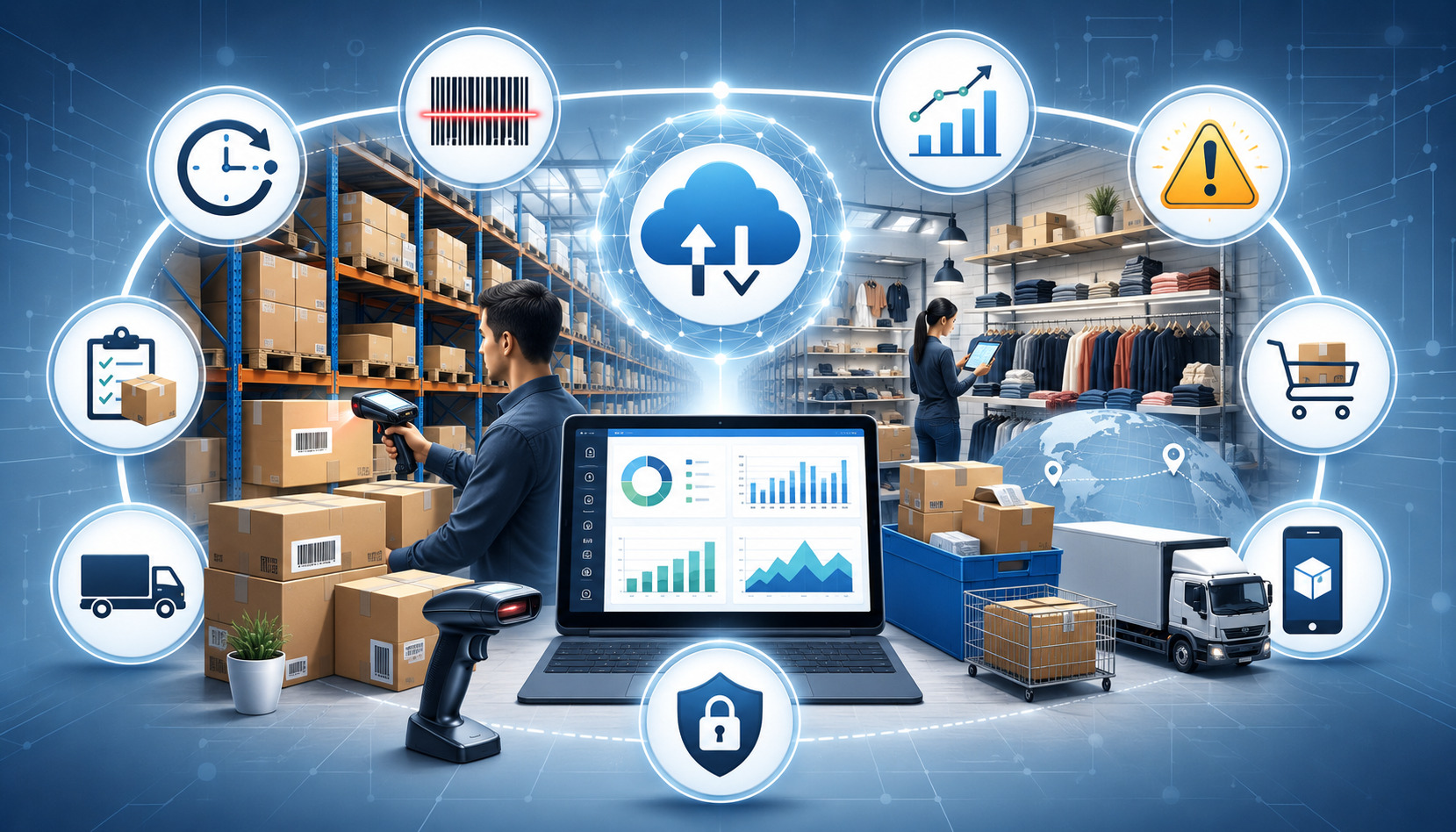
First, real-time data is not automatically accurate. If products are set up incorrectly, employees enter data inconsistently, or integrations fail, reports can mislead decision-makers. A real-time mistake is still a mistake.

Second, staff training matters. Employees need to understand how to process sales, returns, exchanges, discounts, tips, modifiers, inventory adjustments, and customer records correctly. Managers need training on how to read reports and respond appropriately.

Third, internet dependency can affect cloud POS reporting. Some systems offer offline mode, but offline transactions may not update dashboards until the connection returns. Businesses should understand how their system handles outages, syncing, and duplicate transactions.

Fourth, integrations can create complexity. Ecommerce, accounting, payroll, loyalty, and inventory integrations can save time, but they must be configured and monitored. A broken integration can create duplicate records, missing orders, incorrect stock levels, or reconciliation issues.

Fifth, permissions and privacy require attention. Real-time dashboards can expose sensitive financial, employee, or customer data. Businesses should use access controls and review permissions regularly.

Finally, reporting does not replace management judgment. Sales analytics can show what happened and suggest patterns, but owners and managers still need to consider customer feedback, staff observations, market conditions, supplier issues, and business goals.

The strongest reporting approach combines real-time insights with regular review, clean data, staff training, and practical decision-making.

What is real-time POS reporting?

Real-time POS reporting is the process of updating point of sale reports as transactions and operational activity happen. It can show current sales, inventory levels, payment activity, employee performance, refunds, discounts, customer behavior, and location performance.

Instead of waiting for manual reports or end-of-day summaries, owners and managers can review current data through a POS dashboard or reporting system.

Why are real-time POS reports important?

Real-time POS reports are important because they help businesses respond faster to sales trends, inventory changes, staffing needs, payment issues, and customer behavior. They reduce guesswork and give managers a clearer view of what is happening during the business day.

They are especially useful for businesses with high transaction volume, multiple employees, inventory complexity, online sales, or more than one location.

How does POS reporting help with inventory management?

POS reporting helps with inventory management by tracking stock levels, product movement, best-selling products, slow-moving inventory, and low-stock alerts. When inventory updates as sales happen, businesses can reorder more effectively and reduce stockouts or overstocking.

For restaurants, inventory reporting may also help connect menu performance to ingredient usage and prep planning.

Can real-time POS reporting improve employee management?

Yes. Real-time POS reporting can support employee management by showing shift activity, sales by employee, average ticket size, discounts, refunds, voids, tips, and productivity patterns.

Managers can use this information for coaching, scheduling, labor cost tracking, and accountability. The data should be used fairly and reviewed in context.

What reports should businesses check regularly?

Businesses should usually review sales, payment, inventory, employee, refund, discount, and customer reports. Daily reviews may focus on sales, payment totals, cash activity, low-stock alerts, and shift reports.

Weekly reviews may focus on product performance, labor trends, customer behavior, and location comparisons. Monthly reviews may include sales trends, reconciliation, tax support, inventory valuation, and forecasting.

Is cloud POS reporting better for real-time data?

Cloud POS reporting is often helpful for real-time data because it can provide remote dashboard access, centralized reporting, multi-location visibility, and easier integration with ecommerce, accounting, and other business reporting tools.

However, the best choice depends on the business. Cloud POS systems require reliable internet access, strong security settings, and proper user permissions. Some businesses may also need offline functionality.

How does POS reporting help with payment reconciliation?

POS reporting helps with payment reconciliation by organizing payment totals by method, terminal, employee, batch, location, and transaction type. This helps businesses compare POS records with processor statements, bank deposits, cash drawer counts, and accounting records.

Real-time payment reporting can also help identify discrepancies before closing procedures are complete.

What should businesses look for in a POS reporting system?

Businesses should look for real-time sales reports, inventory reporting, payment reporting, employee performance reporting, customer reporting, dashboard customization, multi-location reporting, ecommerce integration, accounting integration, role-based permissions, security controls, and reliable support.

The best system should match the business model, sales volume, inventory complexity, staffing needs, payment methods, and growth plans.

Conclusion

Real-time POS reporting helps businesses turn everyday transaction data into timely, practical insight. It can improve sales visibility, inventory control, employee management, payment reconciliation, customer experience, forecasting, and multi-location oversight.

For retailers, it can reveal best-selling products, slow-moving inventory, return trends, and customer purchase behavior. For restaurants, it can support menu performance review, daypart tracking, labor planning, and ingredient management. 

For service businesses, it can connect appointments, employee productivity, customer retention, and payment activity. For ecommerce and multi-location operators, it can centralize reporting across channels and locations.

The key is to use real-time POS reports with purpose. A reporting dashboard should not overwhelm managers with unnecessary data. It should highlight the metrics that support action: what is selling, what needs restocking, where labor needs adjustment, how payments are settling, which customers are returning, and where performance is changing.

Businesses should also pay attention to limitations. Real-time reporting depends on accurate data, trained staff, reliable integrations, secure access controls, and thoughtful review. Reports are tools for better decision-making, not substitutes for judgment.

For general educational purposes, POS reporting needs can vary by provider, business model, industry, transaction volume, integrations, and operational setup. The right POS reporting system is the one that gives the business timely, accurate, and usable insight without creating unnecessary complexity.

Cloud POS and traditional POS system comparison

Cloud POS vs Traditional POS Systems: Which Is Better for Your Business?

Choosing between a cloud POS system and a traditional POS system is one of the most important technology decisions a business can make. Your point of sale affects checkout speed, payment processing, inventory management, employee workflows, customer experience, reporting, accounting, ecommerce integration, and long-term operating costs.

The debate around cloud POS vs traditional POS is not about one option being perfect for everyone. A startup with online sales, pop-up events, and limited IT support may need something very different from a high-volume restaurant, a specialty retailer with complex inventory, or a multi-location business with strict network controls.

A smart POS system comparison should look beyond the POS terminal. It should include POS hardware, POS software, payment gateway compatibility, merchant account setup, data security, PCI compliance, offline mode, support, training, scalability, and total cost of ownership.

This guide explains how cloud POS systems and traditional POS systems work, where each one fits best, what costs to expect, and how to choose the right setup for your business.

What Is a Cloud POS System?

A cloud POS system is a point of sale setup that stores most business data online instead of keeping everything on a local server inside the business. Sales, inventory, customer records, employee permissions, reports, menu items, orders, and settings are usually stored in cloud storage and accessed through internet-connected devices.

In practical terms, a cloud-based POS system often runs on tablets, mobile devices, laptops, desktop terminals, or modern POS terminals. Business owners and managers can usually log in from a secure web dashboard or app to view sales reporting, update inventory, manage employees, review transactions, or adjust settings.

Cloud POS systems are common in retail POS systems, restaurant POS systems, small business POS systems, service businesses, mobile vendors, ecommerce sellers, and multi-location operations. They are often valued for remote access, automatic software updates, easier integrations, and flexible deployment.

A cloud point of sale can support common business tools such as:

  • Credit card processing and debit card payments
  • Contactless payments and mobile payments
  • Online payments
  • Inventory management
  • Employee management
  • Customer management
  • Loyalty programs and gift cards
  • Ecommerce integration
  • Accounting integration
  • Order management and menu management
  • Sales reporting and analytics

Cloud-based POS software typically uses a subscription model. That means the business may pay monthly software fees rather than buying a large software license upfront. Some systems also charge for add-on features, premium reporting, extra locations, additional registers, advanced inventory tools, or support plans.

A helpful starting point is understanding that cloud does not mean “no hardware.” A cloud POS system may still require a barcode scanner, receipt printer, cash drawer, card reader, kitchen display, customer-facing display, router, tablet stand, or POS terminal. 

The key difference is where the software and data live, how updates are delivered, and how much remote access the business gets.

What Is a Traditional POS System?

A traditional POS system is often an on-premise POS system that relies on installed software, dedicated POS hardware, and local data storage. In many setups, the POS software runs on terminals inside the business and connects to a local server. Sales data, inventory records, employee settings, and reports may be stored locally rather than primarily in the cloud.

Traditional point of sale system setups are sometimes called legacy POS systems, although that does not automatically mean they are outdated or ineffective. Many businesses still use traditional POS systems because they value control, stability, custom workflows, or local network performance.

A traditional POS setup may include:

  • Fixed POS terminals
  • Local server or back-office computer
  • Installed point of sale software
  • Barcode scanner
  • Receipt printer
  • Cash drawer
  • Payment terminal
  • Kitchen printer or display
  • Local network equipment
  • Backup drives or manual backup tools

Traditional POS systems have historically been common in full-service restaurants, supermarkets, specialty retailers, convenience stores, high-volume environments, and businesses with custom operational needs. 

Some businesses prefer them because they can be configured around specific workflows and may continue operating on a local network even when internet service is unstable.

However, a traditional POS system usually requires more hands-on maintenance. Software updates may need to be installed manually or scheduled with a technician. Hardware replacements, server backups, security patches, and system troubleshooting may require internal IT support or paid vendor support.

A traditional point of sale system can be powerful, but it may also be less flexible for remote access, ecommerce integration, mobile checkout, or multi-location reporting unless additional tools are added. Businesses should also plan for future upgrades because legacy POS systems can become harder to support as hardware ages and software requirements change.

Cloud POS vs Traditional POS: Key Differences

The core difference in cloud POS vs traditional POS systems is where data is stored and how the system is managed. Cloud POS systems usually store data online and allow secure access from connected devices. Traditional POS systems usually rely more heavily on local servers, installed software, and on-site maintenance.

That difference affects almost every part of the business. It changes how employees check out customers, how managers review reports, how inventory updates across channels, how software updates are installed, how backups work, and how easily a business can scale.

Here is a practical comparison:

Feature Cloud POS Systems Traditional POS Systems What Businesses Should Consider
Data storage Stored primarily in cloud storage Stored primarily on local server or terminal Consider remote access, backup needs, and data control
Software updates Often automatic or vendor-managed Often manual, scheduled, or technician-supported Ask how updates affect downtime and security
Remote access Usually available through secure login Often limited unless remote tools are added Important for owners, managers, and multi-location teams
Hardware Often flexible; tablets, terminals, mobile devices Often dedicated POS terminals and local server Compare durability, replacement costs, and compatibility
Internet connection Usually required, with offline mode varying by provider May rely more on local network Check reliability, failover, and payment limits during outages
Upfront cost Often lower upfront, higher recurring fees Often higher upfront, lower subscription costs in some cases Compare total cost of ownership
Maintenance Often vendor-managed Often business-managed or technician-managed Include IT support and update responsibilities
Integrations Often stronger for ecommerce, accounting, loyalty, and analytics May require custom integrations or middleware Match integrations to business workflows
Multi-location management Usually easier from a central dashboard May require separate server setups or custom reporting Critical for growing businesses
Customization Often configurable but within platform limits May allow deeper local customization Important for complex or specialized operations
Security responsibility Shared between provider and business More responsibility may sit with the business Review PCI compliance, access controls, and backup policies

The right choice depends on how your business operates. A retailer that sells online and in-store may value ecommerce integration and real-time inventory updates. 

A restaurant may care more about menu management, table service, kitchen routing, tips, modifiers, and offline reliability. A service provider may prioritize invoicing, customer records, appointment notes, and mobile payments.

For more background on selecting systems around business requirements, this guide on POS system considerations for retailers is useful for thinking through scalability, integrations, cost, and return on investment.

How Cloud POS Systems Work

Cloud POS system connecting payments, inventory, and sales data via cloud technology

Cloud POS systems connect the checkout experience to online software. When a cashier rings up a sale, the POS terminal or device sends transaction, inventory, customer, and employee data to the cloud-based POS software. Managers can then view that information through dashboards, reports, and integrations.

Most cloud POS systems use a combination of local device activity and online synchronization. The POS device handles the checkout interface, item selection, discounts, taxes, tips, receipts, and payment prompts. The cloud system handles data storage, reporting, updates, integrations, user permissions, and account management.

Cloud-Based POS Software

Cloud-based POS software is usually accessed through an app or browser-based dashboard. The business signs into an account, configures products or menu items, connects payment processing, sets employee permissions, and adds hardware such as a receipt printer, cash drawer, barcode scanner, or payment terminal.

Because the software is hosted online, updates are often handled by the provider. This can reduce the need for manual installations and help businesses receive new features, bug fixes, and security improvements more consistently. It can also reduce the burden on businesses that do not have dedicated IT staff.

For business owners, one major advantage is visibility. A manager may be able to check sales reporting from home, monitor inventory across locations, review employee performance, or update pricing without being physically present at the store or restaurant.

Cloud systems are also often designed for integrations. Ecommerce integration, accounting integration, loyalty programs, email marketing tools, gift cards, online ordering, delivery platforms, and customer management tools may be easier to connect than with older installed software. The quality of these integrations varies, so businesses should test important workflows before committing.

Cloud Storage, Syncing, and Remote Access

In a cloud point of sale setup, sales and operational data typically sync to cloud storage. This supports remote access and makes it easier to manage the business from multiple devices. For example, a store owner may view daily sales from a phone, while a manager updates purchase orders from a laptop and cashiers continue processing transactions at the POS terminal.

Cloud storage also helps with backup and recovery. If a device breaks, the business may be able to replace the hardware, sign into the account, and restore access to products, customers, and reports. This can be a major advantage compared with systems that rely heavily on a single local machine.

However, cloud access also creates responsibilities. Businesses still need strong passwords, role-based permissions, multi-factor authentication where available, secure Wi-Fi, staff training, and clear procedures for handling devices. Cloud does not remove the need for cybersecurity; it changes how risk is managed.

The Federal Trade Commission advises businesses to update software and back up files regularly as part of basic cybersecurity practices. Those steps apply whether the POS system is cloud-based, traditional, or hybrid. Businesses can also use resources from CISA for small and medium-sized business cybersecurity planning.

How Traditional POS Systems Work

Traditional POS system processing a retail checkout transaction

Traditional POS systems usually run on installed software connected to dedicated hardware and local infrastructure. When a sale is completed, the transaction may be saved on a local terminal or server. The system may then generate reports, update inventory, print receipts, and communicate with payment processing equipment.

The key idea is that the business often controls more of the local environment. The POS software may be installed on a back-office computer or server, and terminals may communicate over a local network. 

In some setups, internet access is still required for credit card processing, software licensing, remote support, or updates, but the core POS functions may rely more heavily on on-site equipment.

On-Premise POS Software

On-premise POS software is installed locally rather than primarily accessed through a cloud dashboard. It may be licensed as a one-time purchase, a long-term contract, or a maintenance-supported software package. The business may need to schedule updates, maintain the server, back up files, and coordinate support when something breaks.

This setup can make sense for businesses that want more control over their local system or need specific configurations. 

For example, a restaurant with complex floor plans, kitchen routing, bar tabs, modifiers, tip workflows, and local printer routing may prefer a system that is tightly configured on-site. A retailer with specialized inventory or custom reporting may also value deeper configuration.

The tradeoff is maintenance. Installed software may require patches, database management, local backups, antivirus protection, hardware monitoring, and occasional technician support. If the local server fails and backups are incomplete, the business may face downtime or data loss.

Traditional POS systems can also be slower to adapt to changing sales channels. Adding ecommerce integration, online payments, customer loyalty, or accounting integration may require additional modules or custom work. That does not make traditional systems unsuitable, but it does mean businesses should ask detailed integration questions before buying.

Local Server and Dedicated Hardware

A traditional POS system often uses a local server or back-office computer as the central hub. POS terminals, payment devices, receipt printers, kitchen printers, barcode scanners, and cash drawers connect through the local network or direct cabling. This can create a stable checkout environment when properly installed and maintained.

Dedicated POS hardware can be durable and reliable, especially in high-volume environments. Restaurants, grocery stores, and busy retail locations may need hardware that can handle heat, spills, long operating hours, and heavy employee use. Traditional systems are often designed around fixed checkout lanes or service stations rather than mobile-first selling.

The downside is that dedicated hardware can be expensive to buy, repair, and replace. A failed terminal or server may require a compatible replacement, and older equipment may become harder to source. 

Businesses should also confirm whether payment terminals support modern payment methods such as EMV chip cards, contactless payments, mobile wallets, and secure debit card payments.

Cost Comparison: Cloud POS vs Traditional POS

Cloud POS and traditional POS cost comparison illustration

POS system costs can vary widely, so the best comparison is total cost of ownership rather than only monthly fees or upfront equipment costs. Both cloud POS systems and traditional POS systems can be affordable or expensive depending on business size, number of terminals, features, support needs, payment processing arrangement, and contract terms.

A cloud-based POS vs traditional POS cost comparison should include software, hardware, implementation, training, support, integrations, payment processing fees, upgrades, security tools, and downtime risk. A low-cost system that creates operational problems may cost more in the long run than a more complete system that saves staff time and reduces errors.

Monthly Subscription Costs

Cloud POS systems often use monthly subscription pricing. The business may pay per location, per register, per user, or by feature package. Basic plans may include checkout, product catalog, sales reporting, and payment processing integration. 

More advanced plans may include inventory management, employee management, loyalty programs, gift cards, ecommerce integration, purchase orders, menu management, or advanced analytics.

Monthly fees can be easier for startups and small businesses because they reduce upfront investment. A business can often begin with a smaller setup and add features later. This flexibility is useful for seasonal businesses, pop-up sellers, service providers, and growing retailers.

However, subscriptions add up. A system that looks inexpensive at first may become costly when you add extra registers, multiple locations, advanced reporting, online ordering, loyalty, payroll tools, or premium support. Businesses should also review cancellation terms, data export policies, and whether pricing changes after an introductory period.

Traditional POS systems may have lower recurring software fees in some cases, but many still include maintenance contracts, support plans, payment gateway fees, hosting modules, or update charges. The difference is not always cloud equals monthly and traditional equals one-time. The real question is what you pay over the full useful life of the system.

Upfront Equipment Costs

Traditional POS systems often require higher upfront equipment costs. A business may need to buy terminals, local servers, receipt printers, cash drawers, barcode scanners, customer displays, networking equipment, kitchen printers, and payment devices. Installation and configuration may also add to the initial cost.

Cloud POS systems may have lower upfront costs, especially when they run on tablets or lightweight terminals. Still, businesses should not assume cloud hardware is cheap. 

Restaurants may still need kitchen displays, receipt printers, handheld ordering devices, cash drawers, customer displays, and network upgrades. Retailers may need barcode scanners, label printers, scales, and durable terminals.

Payment processing equipment is another important cost area. Businesses accepting credit card processing, debit card payments, contactless payments, mobile payments, and online payments need compatible and secure payment hardware. If hardware is locked to one processor or gateway, switching later may become expensive.

A useful cost review should include:

  • POS software fees
  • POS hardware purchase or lease costs
  • Payment terminal costs
  • Installation and implementation
  • Menu or product catalog setup
  • Staff training
  • Support plans
  • Software updates and upgrades
  • Ecommerce or accounting integrations
  • Payment processing fees
  • Chargeback tools and reporting
  • Security and compliance costs
  • Data migration
  • Replacement hardware
  • Downtime and repair costs

For additional context on pricing factors, this overview of POS system pricing considerations can help business owners think through subscription models, hidden fees, scalability, and value.

Hardware, Software, and Maintenance Requirements

Hardware and maintenance can make or break the POS experience. A system with strong software but unreliable hardware can slow checkout, frustrate employees, and damage customer experience. Likewise, a durable terminal with outdated point of sale software can limit reporting, integrations, and growth.
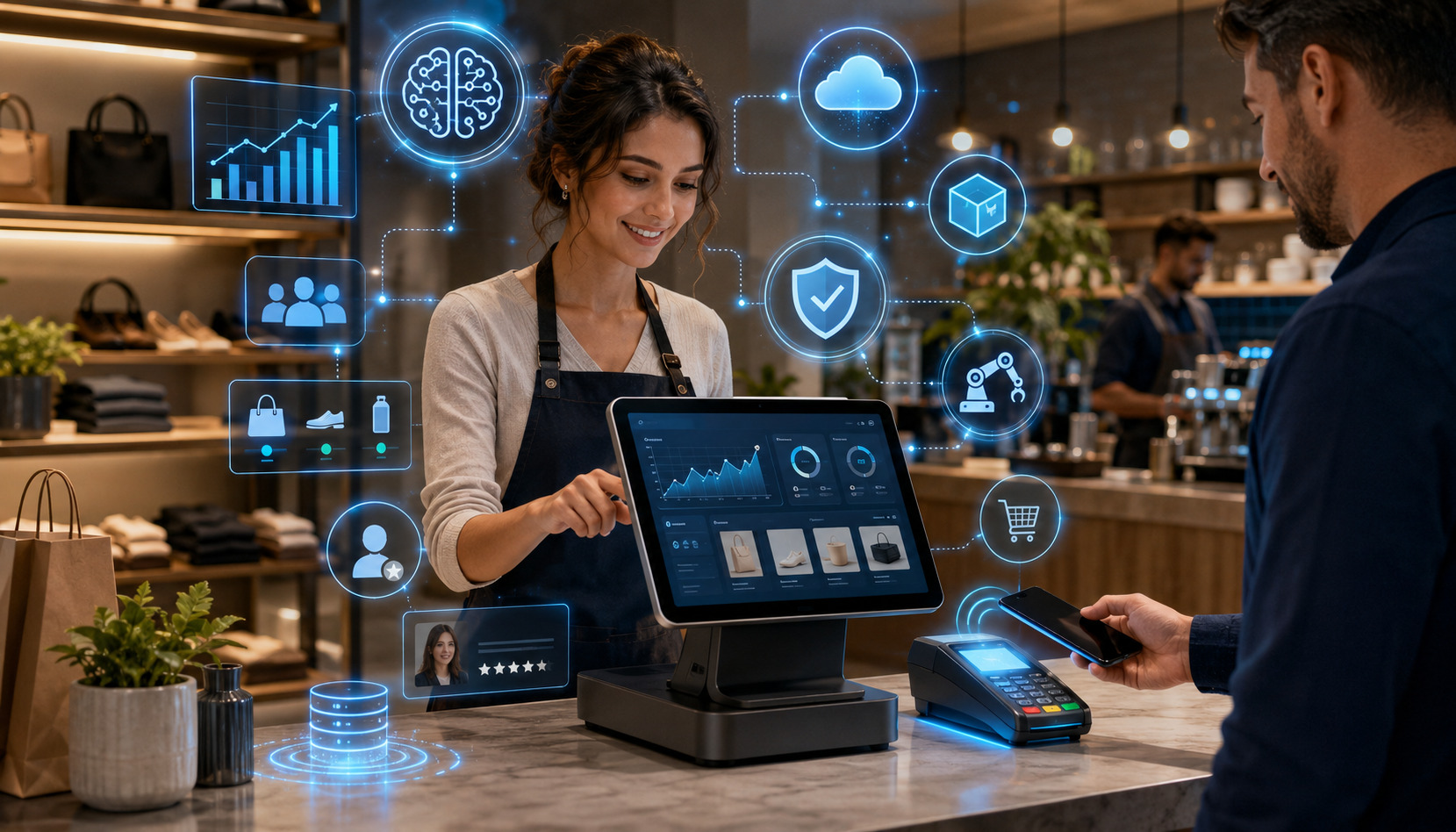
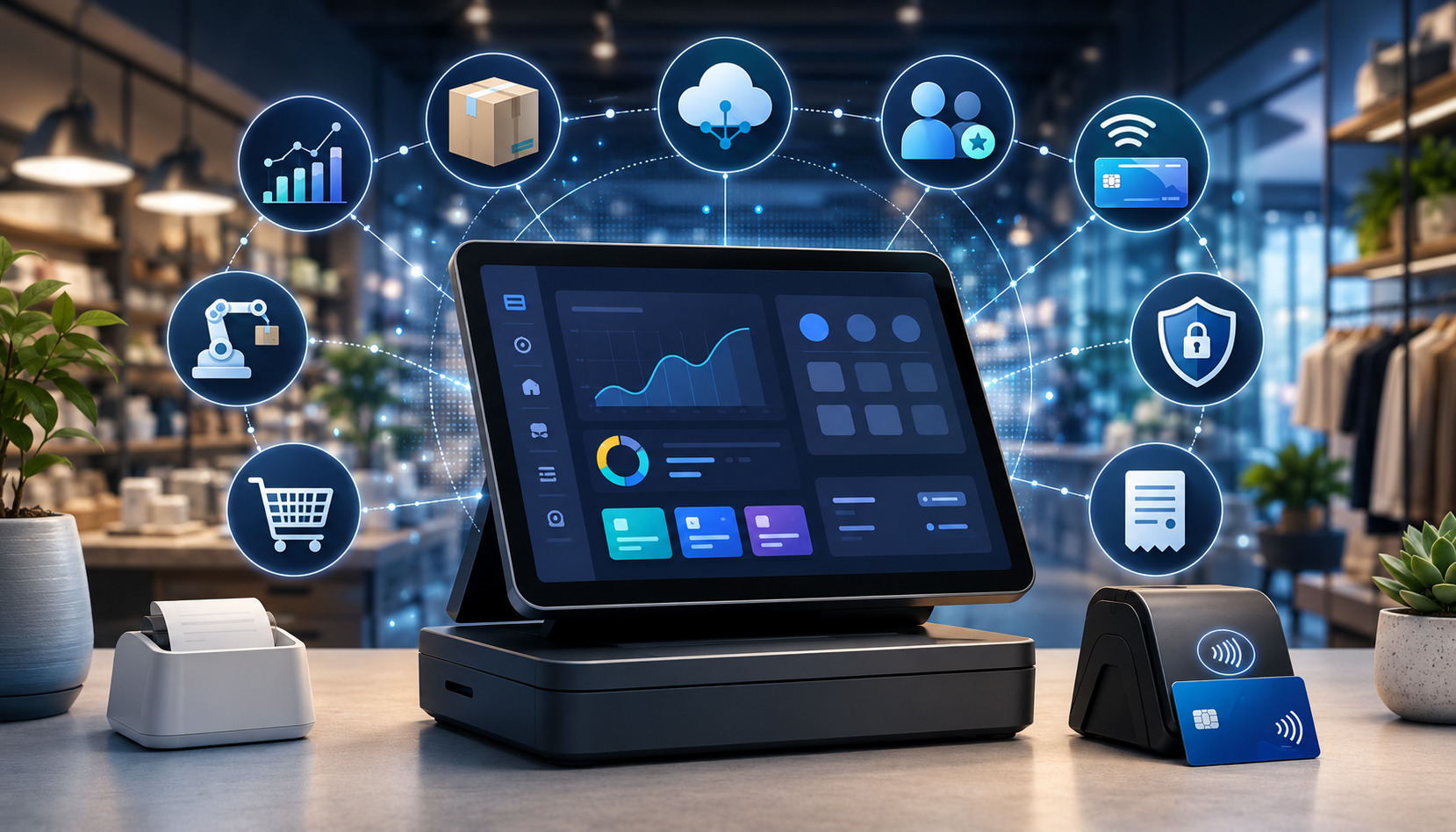
POS Hardware Requirements

POS hardware depends on the business model. A boutique may need one terminal, a barcode scanner, a receipt printer, and a cash drawer. 

A quick-service restaurant may need counter terminals, kitchen displays, handheld ordering devices, receipt printers, cash drawers, and customer-facing displays. A mobile service provider may only need a tablet, card reader, and online invoicing tool.

Cloud POS systems usually offer more hardware flexibility, but businesses should confirm compatibility before purchasing equipment. Not every barcode scanner, receipt printer, cash drawer, or payment terminal works with every cloud-based POS system. Some systems require approved hardware, and some features only work with specific devices.

Traditional POS systems may require dedicated hardware that is configured for the local environment. This can be reliable, but it may also limit future flexibility. If the system requires proprietary equipment, replacement costs and vendor dependency may be higher.

Businesses should evaluate hardware based on:

  • Checkout speed
  • Durability
  • Ease of use
  • Payment method support
  • Printer and scanner compatibility
  • Network reliability
  • Warranty coverage
  • Replacement availability
  • Staff workflow
  • Space constraints
  • Customer-facing experience

Software Updates and System Maintenance

Software updates are one of the biggest differences in cloud-based POS vs traditional POS operations. Cloud POS software often updates automatically or through managed releases. This can help businesses receive new features, security fixes, and performance improvements with less manual work.

Traditional POS software may require scheduled updates, technician visits, manual downloads, server patches, or database maintenance. This can give businesses more control over when updates happen, but it also creates responsibility. Missed updates may increase security risks or cause compatibility issues with payment processing, reporting, or operating systems.

Maintenance also includes backups, hardware troubleshooting, user permission reviews, device security, printer testing, network monitoring, and staff training. Cloud systems may reduce some of these tasks, but they do not eliminate them. Traditional systems may require more hands-on planning, especially if a local server is involved.

Data Access, Reporting, and Multi-Location Management

Data access is one of the strongest reasons many businesses consider modern POS systems. A POS system is no longer just a cash register. It is often the central source for sales reporting, analytics, customer management, inventory management, employee performance, payment trends, and operational decisions.

Remote Access and Sales Reporting

Cloud POS systems usually make remote access easier. Owners and managers can often log in from a secure dashboard to review sales by item, location, employee, payment type, discount, refund, or time period. This is especially useful for businesses where the owner is not always on-site.

Sales reporting can help answer practical questions:

  • Which products sell fastest?
  • Which menu items produce the best margins?
  • Which employees handle the most transactions?
  • Which hours are busiest?
  • Which locations need more inventory?
  • Which discounts are reducing profit?
  • Which payment methods are most common?
  • Which customers are returning?

Traditional POS systems can also provide strong reporting, but remote access may require extra setup. Reports may be generated from a back-office computer, local server, or exported files. If the business has multiple locations, reports may need to be consolidated manually or through additional software.

The value of reporting depends on usability. A system with hundreds of reports is not helpful if managers cannot understand them. Before choosing a POS system, ask to see reports that match real business questions. Review daily closeout reports, inventory reports, sales tax reports, labor reports, product performance reports, and payment processing reports.

Inventory Management and Multi-Location Management

Inventory management is a major decision factor for retailers, restaurants, ecommerce sellers, and service businesses that sell products. Cloud POS systems often update inventory in near real time across locations and sales channels. This can reduce overselling, improve reorder planning, and support ecommerce integration.

For a retailer, cloud inventory tools can help track stock by size, color, style, vendor, category, and location. For a restaurant, inventory may include ingredients, menu items, modifiers, recipes, waste, and purchase orders. For a service business, inventory may include parts, supplies, packages, or products sold at checkout.

Multi-location management is usually easier with cloud POS systems because a central dashboard can manage product catalogs, pricing, tax settings, employee permissions, gift cards, loyalty programs, and reporting across stores. Managers can compare performance by location without waiting for files to be exported.

Traditional POS systems can handle inventory and multi-location needs, but they may require local servers at each location, data syncing tools, or custom reporting. This may work well for established businesses with IT support, but it can be more complex for owners who want a single real-time view.

For businesses planning to move from an older setup, this guide on transitioning from a traditional POS to a cloud-based system explains practical steps such as assessing compatibility, planning data transfer, training staff, and managing the change.

Security, Compliance, and Data Backup Considerations

Security should be part of every POS system comparison. A POS system handles sensitive business and payment-related data, including transaction records, customer details, employee access, and sometimes cardholder data depending on the payment setup. Whether you choose cloud POS systems or traditional POS systems, data security must be planned carefully.

PCI Compliance and Payment Security

PCI compliance is important for businesses that accept card payments. The exact responsibilities depend on how the business processes, stores, or transmits cardholder data. A business using secure payment terminals, tokenization, hosted payment pages, and properly configured payment gateways may reduce its compliance scope, but it still has responsibilities.

The PCI Security Standards Council provides merchant resources for protecting payment data and understanding payment security obligations. Businesses should also review guidance from payment processors, gateways, and compliance providers to understand their specific requirements.

A cloud-based POS system may include integrated payment processing, tokenization, encryption, user permissions, and reporting tools that support compliance efforts. However, businesses still need to use secure networks, strong passwords, access controls, employee training, and approved payment devices.

A traditional POS system may give the business more local control, but it may also place more responsibility on the business for updates, patches, local network security, data backups, and device management. If the system stores sensitive data locally, backup and encryption policies become especially important.

For a deeper educational overview of merchant responsibilities, this PCI compliance guide explains key concepts around protecting cardholder data and meeting payment security standards.

Cybersecurity and Data Backups

Cybersecurity is broader than PCI compliance. It includes protecting business systems from ransomware, phishing, unauthorized access, malware, weak passwords, stolen devices, and employee mistakes. 

The NIST Cybersecurity Framework is a helpful reference for understanding, assessing, prioritizing, and communicating cybersecurity risk.

The FTC also encourages businesses to update software, back up files, and train employees as part of cybersecurity basics. These practices matter for both cloud POS and traditional POS systems.

Cloud POS systems often include vendor-managed backups, but businesses should confirm what is backed up, how often backups occur, how data is restored, and how long records are retained. A cloud system should also provide access controls, audit logs, secure authentication, and clear procedures for lost or stolen devices.

Traditional POS systems may require the business to manage local backups. This can include external drives, network storage, off-site backup, cloud backup, or technician-managed backups. The key issue is not whether backups exist, but whether they are tested. A backup that has never been restored may not protect the business during a real failure.

Internet Dependence, Offline Mode, and Reliability

Reliability is one of the most important topics in the cloud POS vs traditional POS discussion. A POS system must work when customers are ready to pay. Downtime can create long lines, lost sales, order errors, frustrated staff, and poor customer experience.

Cloud POS systems depend more heavily on an internet connection because data syncing, reporting, updates, and sometimes payment processing rely on online access. Many cloud POS systems offer offline mode, but offline capabilities vary significantly. 

Some allow cash sales only. Some allow card payments with limits. Some store transactions locally and sync later. Some restrict inventory updates, loyalty redemptions, gift cards, or refunds until the connection returns.

Traditional POS systems may continue core checkout functions over a local network when internet service fails, especially if the software and database are hosted on-site. 

However, card authorization, online payments, delivery orders, gift cards, loyalty programs, and remote reporting may still require internet access. A traditional system is not automatically immune to outages.

Offline Payment Mode

Offline payment mode should be reviewed carefully. Businesses should ask what the system can and cannot do during an outage. This is especially important for restaurants, grocery stores, convenience stores, event vendors, and high-volume retailers where even a short outage can create serious operational problems.

Important offline mode questions include:

  • Can the POS continue ringing up sales?
  • Can it accept credit card processing offline?
  • Are debit card payments supported offline?
  • Are contactless payments supported offline?
  • Are transactions stored securely until syncing?
  • Are there transaction limits?
  • Who takes the risk if an offline card is declined later?
  • Can employees print receipts?
  • Can kitchen orders still route correctly?
  • Can inventory update after reconnection?
  • Can refunds, gift cards, or loyalty rewards work offline?

Cloud POS systems with strong offline mode may be reliable enough for many businesses. Traditional POS systems may be better for businesses with unstable internet, but only if local hardware, networking, and backup power are well maintained.

Network Planning and Backup Connectivity

Reliability is not only about the POS software. It also depends on routers, modems, Wi-Fi access points, cabling, payment terminals, printers, power supply, and staff procedures. A strong POS system can still fail if the business has poor network planning.

Businesses that rely on cloud POS systems should consider backup internet options, such as a secondary connection or cellular failover. Restaurants and busy retail stores should also consider battery backup for routers, terminals, and critical devices.

Traditional POS systems should also have backup plans. A local server needs power protection, proper ventilation, antivirus tools where appropriate, physical security, and tested backups. Hardware failure can be just as disruptive as an internet outage.

Best Use Cases for Cloud POS Systems

Cloud POS systems are often a strong fit for businesses that value flexibility, remote access, integrations, and scalability. They are especially useful when the business sells across multiple channels or needs owners and managers to access information from different locations.

A cloud-based POS system may be a good fit when the business wants:

  • Lower upfront software investment
  • Remote access to sales and reports
  • Easier ecommerce integration
  • Centralized multi-location management
  • Automatic software updates
  • Mobile checkout
  • Integrated loyalty programs and gift cards
  • Strong analytics
  • Flexible hardware options
  • Easier employee permission management
  • Fast deployment for new locations

Retail POS Needs

Retailers often benefit from cloud POS systems because inventory must stay accurate across in-store and online sales. A modern POS system can help track products by SKU, category, vendor, size, color, style, and location. When inventory syncs with ecommerce, businesses can reduce overselling and improve customer satisfaction.

Cloud retail POS systems can also support customer profiles, purchase history, loyalty programs, gift cards, returns, exchanges, barcode scanning, purchase orders, and sales reporting. For owners with more than one location, centralized control can save significant time.

A boutique, specialty shop, gift store, convenience store, or growing retail brand may prefer cloud POS because it can support mobile checkout, pop-up events, and online sales without rebuilding the entire technology stack.

However, retailers should still test barcode scanner compatibility, label printing, inventory import tools, purchase order workflows, vendor management, and reporting. A cloud POS system that handles simple inventory may not be enough for a retailer with thousands of SKUs or complex variants.

Restaurant POS Needs

Restaurants have specialized workflows. A restaurant POS system may need menu management, table management, order modifiers, kitchen routing, coursing, split checks, tips, bar tabs, delivery orders, online ordering, kitchen displays, and labor reporting.

Cloud restaurant POS systems can be useful for operators who want to update menus remotely, monitor sales, manage multiple locations, or connect online ordering and loyalty tools. A manager may update a menu item, adjust pricing, or review labor reports without being on-site.

Quick-service restaurants, cafes, food trucks, ghost kitchens, and growing restaurant groups may find cloud POS systems especially useful. Full-service restaurants can also benefit, but they should test table service workflows, kitchen routing, offline mode, and printer reliability carefully.

For more restaurant-specific considerations, this overview of POS systems for restaurants and bars discusses operational needs such as inventory, customer relationships, and business efficiency.

Service Business and Ecommerce Needs

Service providers may need invoicing, appointments, customer notes, recurring payments, mobile payments, and online payments. Cloud POS systems can support these workflows by connecting customer management, payment processing, and reporting in one place.

Ecommerce sellers often benefit from cloud POS because inventory, orders, customers, and payments can sync between online and in-person channels. This is helpful for businesses that sell through a website, social channels, marketplaces, pop-ups, and retail locations.

Best Use Cases for Traditional POS Systems

Traditional POS systems can still be the right choice for many businesses. They may fit operations that need local control, stable fixed terminals, specialized workflows, or reduced dependence on cloud access. They can also work well when a business has IT support and wants more control over updates, hardware, and local data.

A traditional point of sale system may be a good fit when the business needs:

  • Dedicated fixed terminals
  • Local server control
  • Complex custom workflows
  • Strong local network performance
  • Specialized peripheral equipment
  • More control over update timing
  • Deep configuration
  • Existing infrastructure investment
  • On-site technical support
  • Long hardware lifecycle planning

High-Volume and Specialized Operations

Some high-volume businesses prefer traditional POS systems because they are built around fixed lanes, local routing, and dedicated hardware. Grocery stores, convenience stores, large restaurants, entertainment venues, and specialty retailers may need custom configurations that are easier to manage with an on-premise POS system.

A traditional POS setup may also be useful where checkout speed depends on local network performance. If terminals, printers, and servers communicate locally, the system may remain responsive even when cloud syncing is delayed. This can matter in environments where every second affects line length and customer experience.

Specialized businesses may also need hardware or workflows that not every cloud system supports. Examples include scales, age verification tools, kitchen routing, complex modifiers, custom receipts, specialized barcode scanners, or unique inventory structures.

Businesses With Strong IT Support

Traditional POS systems are easier to manage when a business has reliable IT support. Local servers, backups, patches, network configuration, endpoint security, and hardware replacement require planning. Businesses that already have IT resources may be comfortable managing these responsibilities.

A traditional system can also be attractive for businesses that want more control over update schedules. Cloud POS updates may be convenient, but some operators prefer testing updates before they reach production terminals. This can be important when the POS is deeply connected to accounting, inventory, kitchen systems, or custom reporting.

That said, traditional does not mean maintenance-free. Businesses should document who is responsible for backups, updates, security patches, user access, hardware failures, and emergency support. Without clear ownership, a traditional POS system can become risky as it ages.

How to Choose the Right POS System for Your Business

The best POS system depends on business type, budget, sales channels, internet reliability, reporting needs, security requirements, payment processing setup, staff workflow, and growth plans. A cloud POS vs traditional POS decision should start with operations, not software features.

Begin by mapping your current workflow. How do customers place orders? How do employees ring sales? How do you accept payments? How do you track inventory? How do you manage refunds, exchanges, tips, discounts, taxes, and receipts? How do reports reach the owner, manager, bookkeeper, or accountant?

Then map where the business is going. Will you add ecommerce? Open another location? Add mobile payments? Launch loyalty programs? Start delivery? Expand inventory? Hire more employees? Offer gift cards? Sell at events? Add online appointments? Your POS system should support near-term growth without requiring a full replacement too soon.

Decision Checklist

Use this checklist to narrow the choice:

  • Choose cloud POS systems if remote access is important.
  • Choose cloud POS systems if ecommerce integration is central to your sales strategy.
  • Choose cloud POS systems if you want easier multi-location management.
  • Choose cloud POS systems if you prefer automatic software updates.
  • Choose cloud POS systems if your business needs mobile checkout or event selling.
  • Consider traditional POS systems if internet reliability is a major concern.
  • Consider traditional POS systems if you need deep local customization.
  • Consider traditional POS systems if you already have dedicated IT support.
  • Consider traditional POS systems if you require specialized fixed hardware.
  • Consider traditional POS systems if local server control is important.
  • Compare both if payment processing flexibility matters.
  • Compare both if you have complex inventory, reporting, or compliance needs.

Vendor Questions to Ask

Before signing a contract, ask detailed questions. Good vendors should be able to explain costs, support, security, implementation, and limitations clearly.

Ask:

  • What hardware is required?
  • Can I use existing POS hardware?
  • What payment processors or gateways are supported?
  • Is the payment terminal locked to one provider?
  • What happens if the internet goes down?
  • What does offline mode include?
  • How are software updates handled?
  • How is data backed up?
  • Can I export my data?
  • What support is included?
  • Are there extra fees for training?
  • Are integrations included or paid add-ons?
  • How long does implementation take?
  • What happens if I add a location?
  • What security features are included?
  • What PCI compliance support is available?
  • What are the total costs over three years?

Implementation and Training

Implementation matters as much as product selection. A POS system can have excellent features and still fail if staff are not trained, menus are incomplete, inventory is inaccurate, or payment processing is not tested.

Plan implementation around low-risk periods. Build the product catalog, test taxes, connect payment processing, configure receipts, set employee permissions, test hardware, and run sample transactions before going live. Restaurants should test modifiers, kitchen routing, tips, discounts, voids, refunds, and closeout reports. Retailers should test barcode scanning, returns, exchanges, inventory counts, purchase orders, and ecommerce syncing.

Training should be role-specific. Cashiers need checkout workflows. Managers need refunds, reporting, permissions, and closeout procedures. Owners need dashboards, payment reports, deposits, security settings, and data exports.

FAQs

What is the difference between cloud POS and traditional POS?

The main difference is where the POS software and data are stored. A cloud POS system stores data online and usually supports remote access, automatic updates, and easier integrations. A traditional POS system often uses installed software, local servers, dedicated POS hardware, and more on-site maintenance.

Both systems can support checkout, payment processing, inventory management, employee management, and reporting. The better choice depends on your business model, internet reliability, budget, technical support, and growth plans.

Is a cloud POS system better than a traditional POS system?

A cloud POS system is better for some businesses, but not all. It is often a strong fit for businesses that need remote access, ecommerce integration, multi-location management, mobile checkout, and flexible software updates.

A traditional POS system may be better for businesses that need local control, dedicated hardware, specialized workflows, or strong operation on a local network. The best choice depends on how your business sells, how your staff works, and how much technology support you have.

Do cloud POS systems work without internet?

Many cloud POS systems offer offline mode, but features vary. Some systems can continue ringing sales and sync later. Others may limit card payments, gift cards, loyalty programs, refunds, inventory updates, or reporting until the internet connection returns.

Before choosing a cloud POS system, ask exactly what works offline, whether offline payment mode is supported, what transaction limits apply, and who carries the risk if a card is declined after reconnection.

Are traditional POS systems more secure?

Traditional POS systems are not automatically more secure. They may give a business more local control, but they also require proper maintenance, software updates, network security, backups, access controls, and physical protection.

Cloud POS systems can include strong security features, but businesses still need good password practices, user permissions, secure networks, staff training, and PCI compliance procedures. Security depends on configuration, maintenance, provider practices, and employee behavior.

Which POS system is better for small businesses?

Many small business POS systems are cloud-based because they can be easier to set up, easier to update, and more flexible for remote access. This can help small retailers, restaurants, service providers, startups, and ecommerce sellers manage sales without heavy IT infrastructure.

However, a traditional POS system may still make sense for a small business with specialized hardware needs, unreliable internet, or a strong preference for local control. Small businesses should compare total cost, support, payment processing options, and daily workflow fit.

What costs should businesses compare before choosing a POS?

Businesses should compare software fees, POS hardware, payment terminals, payment processing fees, setup, implementation, training, support, upgrades, integrations, maintenance, security tools, data migration, and replacement equipment.

The most useful number is total cost of ownership. A low monthly fee may become expensive after add-ons, while a higher upfront system may require ongoing support and upgrade costs.

Can cloud POS systems integrate with ecommerce stores?

Many cloud POS systems support ecommerce integration, but capabilities vary. Some can sync inventory, products, customer data, orders, online payments, gift cards, and reporting across online and in-person sales.

Businesses should test ecommerce workflows before committing. Confirm whether inventory syncs in real time, how refunds work, whether online orders appear in the POS, and whether accounting integration captures both in-store and online sales correctly.

How should businesses choose between cloud POS and traditional POS?

Start with your business workflow. Review how you sell, how customers pay, how employees work, how inventory is managed, how reports are used, and how many locations or sales channels you operate.

Then compare systems based on required features, cost, reliability, offline mode, security, integrations, support, payment processing, scalability, and implementation. The right POS system should make daily operations easier, protect customer and payment data, and support the business you are building.

Conclusion

The choice between cloud POS vs traditional POS is not a one-size-fits-all decision. Cloud POS systems are often best for businesses that need remote access, automatic updates, ecommerce integration, multi-location management, flexible hardware, and modern reporting. 

Traditional POS systems can still be a strong fit for businesses that need local control, dedicated hardware, specialized workflows, and carefully managed on-site infrastructure.

The best POS system is the one that fits your business model, sales channels, payment processing needs, staff workflow, internet reliability, security requirements, budget, and growth plans. A retailer with online and in-store sales may prioritize inventory syncing and ecommerce integration. 

A restaurant may focus on menu management, kitchen routing, offline mode, and checkout speed. A service provider may care most about customer management, mobile payments, invoicing, and reporting. A multi-location business may need centralized control, consistent pricing, and location-level analytics.

Before making a decision, compare total cost of ownership, not just the subscription price or upfront equipment cost. Ask how payment processing works, whether you can export your data, what support is included, how offline mode functions, what security tools are available, and how future locations or sales channels will be added.

A good POS system should do more than process transactions. It should help you serve customers faster, manage inventory more accurately, protect payment data, understand sales trends, support employees, and make better business decisions.

This article is for general educational purposes. POS needs can vary by business model, sales volume, payment methods, software requirements, hardware setup, provider terms, compliance obligations, and growth plans. Always review system details, contracts, processing terms, security responsibilities, and support options before choosing a POS setup.