
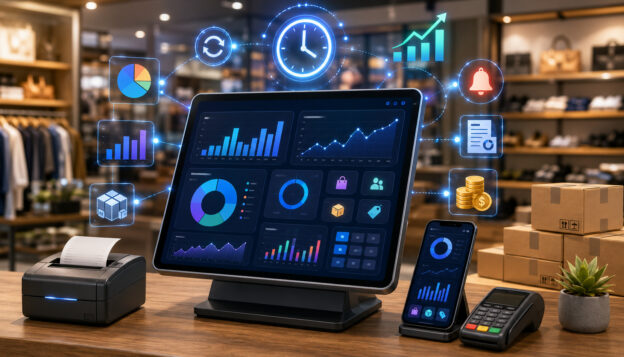
Real-time POS reporting gives business owners and managers a clearer view of what is happening across sales, inventory, employees, payments, and customer activity as transactions occur. Instead of waiting until the end of the day, week, or month to understand performance, a real-time POS reporting system turns everyday checkout activity into useful operational insight.
For retailers, restaurants, ecommerce sellers, service providers, and multi-location operators, that visibility can make a meaningful difference. It can help a manager spot a lunch rush while it is happening, identify a product that is selling faster than expected, review discounts before they become a margin problem, or compare payment activity before closing the register.
Real-time POS reporting is not just about having more data. It is about having timely, accurate, and usable information that supports better decision-making.
The most useful reports help answer practical questions: What sold today? What is running low? Which location is performing best? Which employee needs support? Which payment methods are customers using? Are refunds, voids, or discounts increasing?
This guide explains the benefits of real-time POS reporting, how it works, what reports matter most, and how to choose a POS reporting system that fits your business model, sales volume, staffing needs, and growth plans.
What Is Real-Time POS Reporting?
Real-time POS reporting is the process of collecting, organizing, and displaying point of sale data as business activity happens. When a sale, refund, discount, inventory adjustment, payment, or employee action is recorded in the POS system, that information updates reports and dashboards without requiring manual spreadsheets or delayed batch processing.
A point of sale system is where customer transactions are completed, but modern POS systems often do much more than process sales. They may also track inventory, employee activity, customer profiles, payment methods, taxes, refunds, discounts, and loyalty activity.
Real-time POS reporting connects those activities to reporting tools so owners and managers can monitor performance throughout the day.
Traditional POS reporting often depends on end-of-day summaries, exported spreadsheets, or manual reconciliation. Those reports can still be useful, but they may not help when a fast decision is needed.
For example, a restaurant may need to know during service whether a menu item is selling out. A retailer may need to know whether a promotion is driving profitable sales or only increasing discounts. A service business may need to know whether a technician, stylist, or associate is meeting appointment or sales goals.
Real-time point of sale reporting helps reduce the delay between activity and insight. That does not mean every decision should be made instantly. Good reporting still requires context, judgment, and clean data. But when reports are current, managers can respond faster and with more confidence.
A strong POS reporting system usually includes:
- A POS dashboard with key performance indicators
- Real-time sales reports by product, category, employee, and location
- Inventory reporting with stock levels and low-stock alerts
- Payment reporting for credit card processing, debit card payments, cash sales, and digital wallets
- Employee performance reporting, including shift reports and productivity data
- Customer reporting for loyalty activity, purchase trends, and average ticket size
- Refund, void, discount, and tax reporting
- Integrations with ecommerce, accounting, payroll, or inventory tools
Real-time POS reports are most valuable when they are easy to read and tied to everyday business decisions. A dashboard with too many numbers can create confusion. A dashboard focused on the right metrics can help a business owner see what needs attention first.
Why Real-Time POS Reporting Matters for Modern Businesses
Business conditions can change quickly. A slow morning may turn into a busy afternoon. A popular product may sell through faster than expected. A staff member may need help during a rush.
A payment issue may affect reconciliation. Without real-time POS reporting, these issues may not become visible until the business has already missed an opportunity or absorbed an avoidable cost.
Real-time POS reporting matters because it connects daily operations to decision-making. It helps managers see what is happening now, not only what happened after the fact. This can improve sales visibility, inventory management, labor planning, customer experience, and operational efficiency.
For small businesses and startups, real-time reporting can reduce guesswork. Owners often wear many hats, and they may not have time to manually review every receipt, stock count, or employee shift report. A well-configured reporting dashboard can highlight the most important trends quickly.
For growing businesses, real-time data becomes even more important. A single location can often be managed by direct observation. Multiple locations, online sales channels, delivery orders, and mobile payment options are harder to monitor without centralized reporting.
Multi-location reporting and ecommerce integration can help decision-makers compare performance across stores, channels, teams, and product lines.
Real-time reporting also supports accountability. When refund and discount tracking, employee activity, and cash drawer activity are visible, managers can investigate issues sooner. This does not mean every exception is a problem. Refunds, voids, and discounts are normal parts of many businesses. The benefit is that unusual patterns are easier to identify and review.
There is also a customer experience benefit. If inventory data updates quickly, staff can give better answers about availability. If menu performance is visible, restaurants can adjust specials or prep levels. If customer reporting shows purchase trends, businesses can create more relevant offers and loyalty experiences.
A helpful internal resource on weekly restaurant POS reporting metrics explains how consistent review of sales, labor, inventory, and customer behavior can help restaurant owners avoid surprises and make better operational decisions.
Real-time reporting is not a replacement for strategy. It is a support system for better strategy. The best results come when owners define what success looks like, choose the right KPIs, train staff to enter data accurately, and review reports on a consistent schedule.
How Real-Time POS Reports Improve Sales Visibility
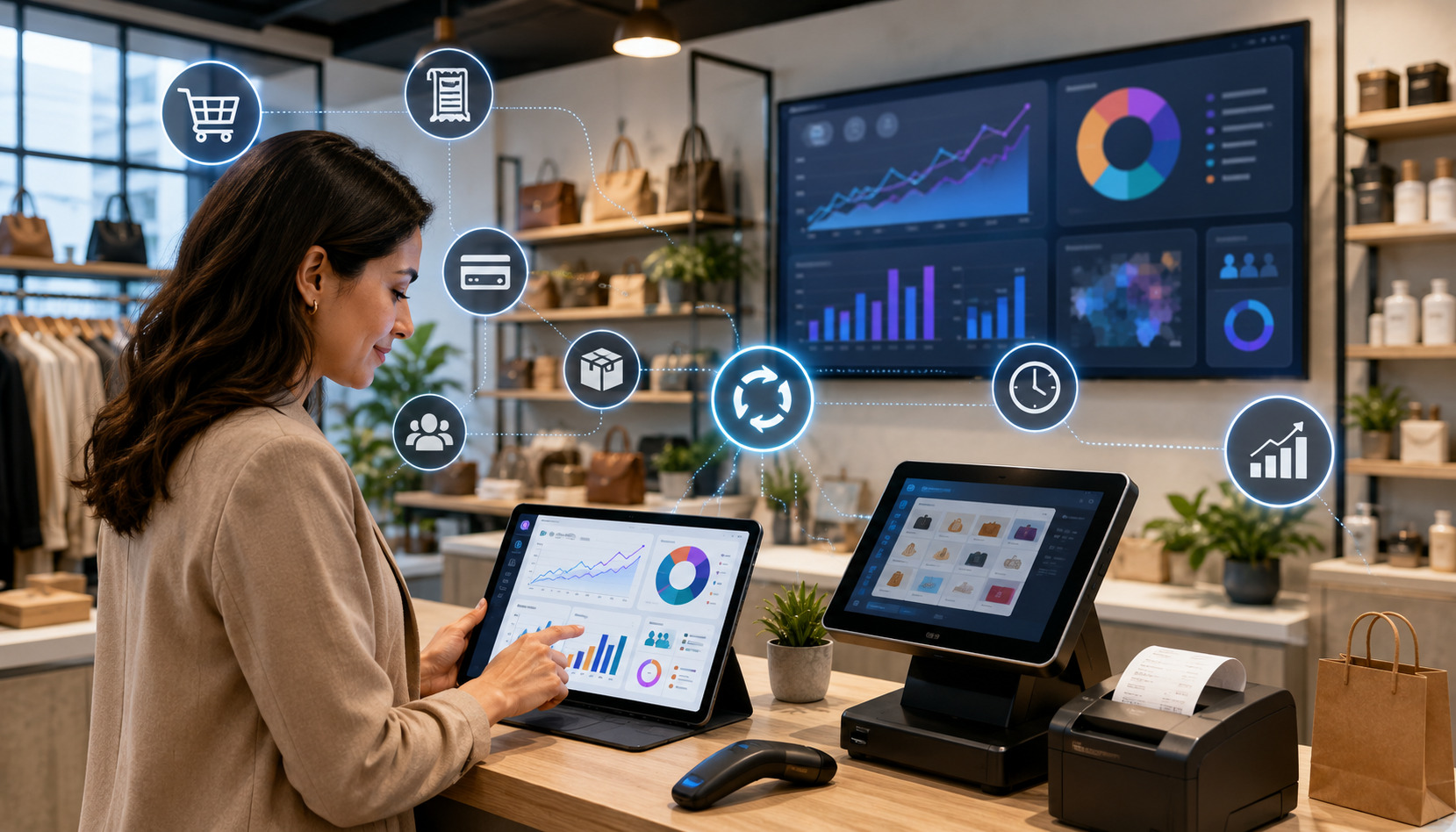
Sales visibility is one of the biggest benefits of real-time POS reporting. It gives businesses a current view of gross sales, net sales, average ticket size, transaction count, discounts, refunds, and sales by product, category, employee, location, or channel.
Without real-time sales reporting, owners may rely on end-of-day totals or manual register counts. Those reports are useful for closing procedures, but they do not always help during the day.
Real-time sales reports can show whether sales are pacing ahead or behind expectations, whether a promotion is working, whether a new product is gaining traction, or whether one location needs attention.
Sales reporting also helps separate activity from profitability. A business may have strong gross sales but lower net sales because of heavy discounts, refunds, or returns. Real-time POS data reporting makes it easier to review what is driving the difference.
Real-Time Sales Dashboards
A real-time sales dashboard is a central reporting screen that displays key sales metrics as transactions occur. It may show today’s sales, yesterday’s comparison, average ticket size, sales by hour, payment method mix, top products, and performance by location.
The dashboard should be simple enough for quick review but detailed enough to support action. A store manager may need hourly sales and staff productivity. An owner may need sales by location and category. A finance manager may need payment reporting and reconciliation totals.
Good dashboards make trends easy to spot. For example, a retailer may notice that a product category sells strongly during lunch hours but drops in the evening. A restaurant may notice that average ticket size increases when servers promote add-ons. An ecommerce seller may see that online orders spike after a marketing campaign.
A POS dashboard is most useful when it includes context. Sales numbers alone can be misleading. A business should compare current performance to expected demand, staffing levels, seasonality, marketing activity, inventory availability, and local conditions.
Daily Sales Tracking
Daily sales tracking helps owners and managers understand how the business is performing throughout the day. Instead of waiting for a closing report, managers can review sales by hour, category, employee, register, or payment method.
This is useful for adjusting operations. If sales are running below forecast, a manager may review staffing, promotions, product placement, or service flow. If sales are running above forecast, the business may need to restock, adjust prep, call in support, or monitor service quality.
Daily sales tracking can also help identify unusual patterns. A sudden increase in refunds, voids, discounts, or cash adjustments may require review. In many cases, the explanation may be simple, such as a new employee learning the system or a promotion being entered incorrectly. Real-time reporting helps the manager address the issue while details are still fresh.
For business owners, daily sales reporting supports cash flow planning. Knowing how sales are pacing helps with purchasing, payroll planning, inventory orders, and short-term financial decisions.
Best-Selling Products
Real-time POS reports make it easier to identify best-selling products, top categories, profitable add-ons, and high-performing menu items. This matters because not all sales are equal. A high-volume product may have low margins, while a slower-selling item may be more profitable.
Retail POS reporting can show which SKUs are moving fastest, which colors or sizes are popular, and which products sell well together. Restaurant POS reporting can show menu performance by item, modifier, daypart, or server. Service businesses can track appointment types, packages, add-ons, and retail product sales.
Best-seller reporting supports merchandising, ordering, pricing, and marketing. A retailer can move strong sellers to better shelf positions. A restaurant can feature high-margin items. An ecommerce seller can update product pages, bundles, or email campaigns based on current demand.
The key is to combine sales volume with margin, inventory, and customer behavior. A best-selling product that constantly stocks out may need better reorder points. A best-selling service that requires too much staff time may need pricing review.
Better Inventory Management with Real-Time POS Data
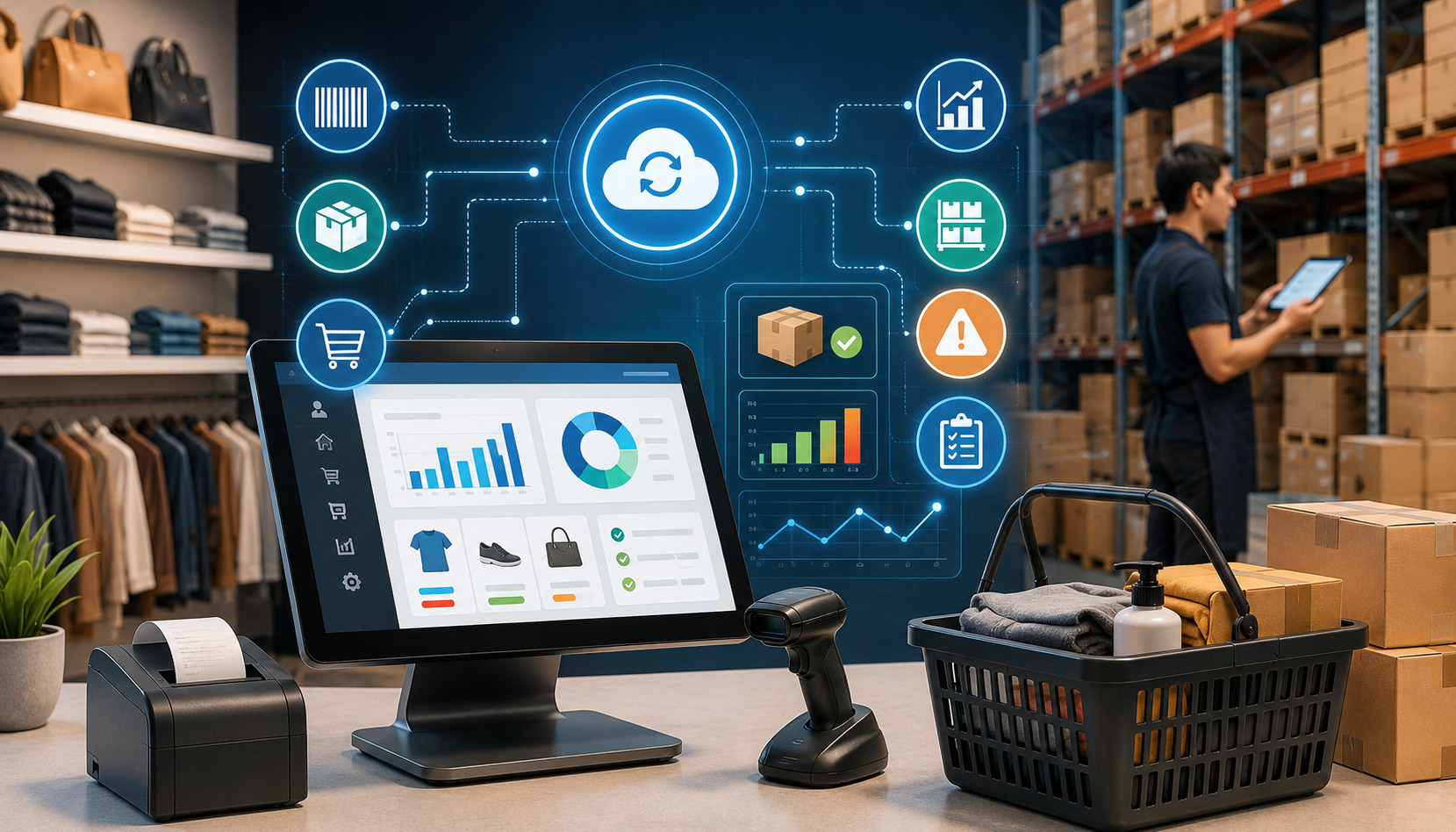
Inventory management is one of the most practical areas where real-time POS reporting can create value. When POS data updates inventory counts as sales happen, businesses can monitor stock levels, identify slow-moving inventory, reduce stockouts, and improve demand planning.
For retailers, inventory reporting helps track products by SKU, category, vendor, size, color, location, and sales channel. For restaurants, it can connect menu sales to ingredient usage, prep levels, and waste tracking. For ecommerce sellers, it helps reduce overselling when online and in-store inventory are connected.
Real-time inventory reporting is not perfect by itself. It depends on accurate receiving, transfers, returns, adjustments, and staff training.
If employees forget to receive stock, count returns, or record waste, reports may become unreliable. Still, when the system is well maintained, real-time POS data can reduce manual work and help businesses make better purchasing decisions.
A helpful guide on using POS systems for inventory management explains how real-time inventory tracking, reorder points, and sales analysis can help businesses avoid stockouts, reduce overstocking, and improve inventory decisions.
Slow-Moving Inventory
Slow-moving inventory ties up cash, shelf space, storage capacity, and attention. Real-time POS reports help identify products that are not selling as expected, especially when reports compare current sales to historical sales trends, seasonality, or purchase quantities.
A slow-moving product is not always a bad product. It may need better placement, improved product descriptions, bundling, staff training, or a pricing adjustment. In some cases, it may be seasonal or purchased for a specific customer segment. The value of POS analytics is that it helps managers investigate before making assumptions.
Retailers can use slow-moving inventory reports to plan markdowns, vendor returns, product swaps, or promotions. Restaurants can use menu performance reports to review dishes that require costly ingredients but generate limited demand. Service businesses can review retail products that sit unsold after appointments.
The best reporting systems allow users to filter slow-moving inventory by category, margin, supplier, location, and time period. This helps prevent overreaction. A product may be slow in one location but strong in another. Multi-location reporting can reveal transfer opportunities before markdowns are needed.
Low-Stock Alerts
Low-stock alerts help businesses reorder products before they run out. A real-time POS reporting system can trigger alerts when stock levels fall below a set threshold. More advanced systems may adjust reorder points based on sales velocity, seasonality, supplier lead times, and demand trends.
Low-stock alerts are especially useful for high-volume products, menu ingredients, and items with long reorder times. They help prevent lost sales, customer frustration, and last-minute purchasing. They can also support better cash flow by helping businesses order based on demand rather than guesswork.
For restaurants, low-stock alerts can reduce the risk of 86’d menu items during service. For retailers, they can help keep best-selling products available. For ecommerce sellers, they can reduce overselling and canceled orders.
Low-stock alerts should be configured carefully. If thresholds are too high, the business may overbuy. If they are too low, alerts may come too late. Review reorder points regularly and adjust them as sales trends change.
Inventory Reporting and Demand Planning
Inventory reporting becomes more powerful when it supports forecasting and demand planning. By reviewing sales trends, stock levels, product performance, and seasonality, businesses can make smarter decisions about purchasing and production.
For example, a retailer may use real-time sales reports and historical trends to plan holiday inventory. A restaurant may compare menu performance by daypart to adjust prep. An ecommerce seller may use product-level demand data to plan promotions and supplier orders.
Forecasting is never exact, but POS analytics can improve the quality of the forecast. Instead of ordering based only on instinct, managers can use actual transaction data, sales trends, and inventory movement.
Inventory reporting should also connect to accounting where possible. Inventory valuation, cost of goods sold, purchase orders, and shrinkage all affect financial reporting. Some businesses may need more advanced inventory models depending on their accounting requirements, product type, and operational complexity.
Employee Performance and Labor Management Benefits
Real-time POS reporting can help managers understand employee productivity, labor coverage, sales performance, and shift-level activity. This is useful for restaurants, retail stores, salons, repair shops, professional service businesses, and other operations where staff activity affects revenue and customer experience.
Employee performance reporting may include sales by employee, average ticket size, items per transaction, tips, discounts, refunds, voids, clock-in and clock-out activity, shift reports, and service times.
The goal is not to reduce employees to numbers. The goal is to identify coaching opportunities, improve staffing decisions, and make sure the business is operating smoothly.
Labor is often one of the largest controllable expenses. Real-time labor reporting helps managers compare sales activity to staffing levels. If traffic is light, schedules may need adjustment. If traffic is strong, the business may need more coverage to protect service quality.
Employee reporting also supports accountability. A manager can review whether discounts are being applied correctly, whether cash handling is consistent, and whether sales goals are being met. When used fairly, these reports help managers coach employees with specific examples instead of vague feedback.
Employee Shift Reports
Employee shift reports show what happened during a specific employee’s shift. They may include total sales, transaction count, average ticket size, refunds, discounts, voids, tips, cash drawer activity, and payment method totals.
For restaurants, shift reports can show server sales, table turns, tip activity, and menu item performance. For retailers, they can show associate sales, returns, loyalty signups, and upsell performance. For service businesses, they can show appointments completed, add-ons sold, retail sales, and rebooking activity.
These reports are most useful when reviewed consistently. A single weak shift may not mean much. Patterns over time are more meaningful. If one employee has consistently high average ticket size, managers can learn from their approach. If another employee has frequent voids, they may need additional training.
Shift reports can also support smoother handoffs. When managers review activity during the day, they can address open issues before the next shift begins.
Labor Cost Tracking
Labor cost tracking compares staffing costs to sales activity. In a POS reporting system, this may require integration with time tracking, scheduling, payroll, or workforce management tools.
Real-time labor reporting helps managers answer questions such as:
- Are sales high enough to support current staffing?
- Are certain shifts overstaffed or understaffed?
- Do labor costs rise during slow periods?
- Which locations need schedule adjustments?
- Are overtime patterns developing?
For restaurants, labor cost tracking can be especially important because demand changes by daypart, weather, events, and seasonality. Retailers may use labor reporting to plan coverage around peak shopping hours. Service providers may use it to balance appointment availability with payroll costs.
The goal is not simply to cut labor. Understaffing can hurt service quality, increase errors, and reduce sales. Real-time reporting helps managers find a better balance between cost control and customer experience.
Customer Insights and Better Buying Experiences
Customer reporting helps businesses understand buying behavior, loyalty activity, average ticket size, repeat purchases, and product preferences. When connected to a POS system, customer reporting can turn transaction data into practical insights for better service, merchandising, marketing, and retention.
Not every business needs deep customer analytics. A small counter-service business may only need basic purchase trends and loyalty activity. A retailer with repeat customers may benefit from customer segments, purchase history, and personalized offers. A service provider may use customer reporting to track rebooking, packages, memberships, and add-on purchases.
Real-time customer reporting can improve customer experience in several ways. Staff may be able to see customer preferences, loyalty status, or purchase history. Managers can identify popular products, common buying patterns, and opportunities to improve service. Marketing teams can build campaigns around actual customer behavior rather than broad assumptions.
Customer reporting should be handled responsibly. Businesses should collect only the data they need, protect customer information, and follow applicable privacy and security practices. The Federal Trade Commission’s business data security guidance provides useful information about protecting customer data, access controls, and secure data management.
Customer Purchase Trends
Customer purchase trends show what customers buy, how often they buy, when they buy, and which products or services are commonly purchased together. These insights can help businesses improve product selection, merchandising, promotions, and customer communication.
For retailers, purchase trend reporting can show which categories drive repeat visits. For restaurants, it can reveal popular menu combinations, order times, and add-on opportunities. For service businesses, it can show which services lead to retail product purchases or future bookings.
Real-time customer reporting can also support faster operational decisions. If a promotion is driving traffic but lowering average ticket size, the business can adjust. If customers are buying certain add-ons more frequently, staff can be trained to offer them consistently.
Customer trends should be interpreted carefully. A short-term spike may reflect a promotion, event, or temporary demand shift. A longer-term pattern may indicate a real change in customer behavior.
Loyalty Program Insights
Loyalty program reporting helps businesses understand whether rewards, points, discounts, or memberships are encouraging repeat business. Useful reports may include enrollment rate, repeat purchase rate, reward redemption, loyalty sales, customer lifetime value, and average ticket size for loyalty members compared with non-members.
Real-time loyalty reporting can help managers see whether customers are engaging with the program. If enrollment is low, staff may need better training. If rewards are being redeemed heavily but repeat visits are not increasing, the offer structure may need review.
Loyalty insights can also help businesses personalize customer experiences. For example, a retailer may identify customers who frequently buy a certain category. A restaurant may identify guests who order specific menu items. A service business may identify clients due for a follow-up appointment.
The best loyalty reporting balances business goals with customer value. A program should not simply collect data. It should create a better buying experience.
Faster Cash Flow, Payment, and Reconciliation Tracking
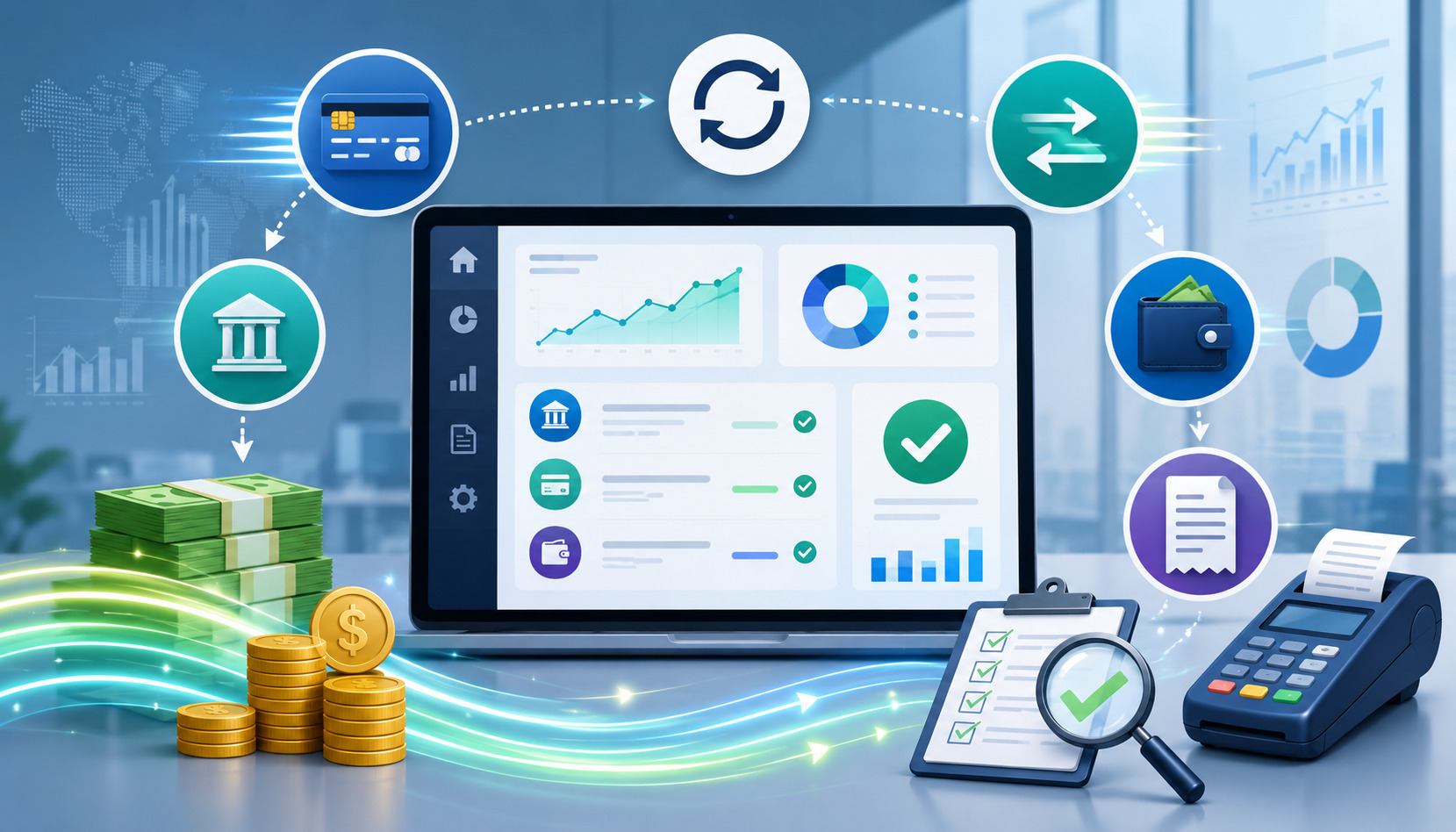
Payment reporting is another major benefit of real-time POS reporting. Businesses need to know how customers are paying, whether payment totals match register activity, and how card, cash, and digital wallet transactions affect cash flow.
A POS reporting system can organize payment data by method, terminal, employee, location, batch, transaction type, and settlement status. This helps with reconciliation, tax reporting, cash drawer management, and financial review.
Payment processing can involve multiple moving parts, including credit card processing, debit card payments, cash sales, digital wallets, gift cards, refunds, tips, and split payments. Real-time payment reporting helps reduce confusion and gives managers better visibility before closing procedures begin.
Payment Method Reporting
Payment method reporting shows how customers pay. This may include credit cards, debit cards, cash, digital wallets, gift cards, store credit, online payments, invoices, or other accepted methods.
Understanding payment mix can help businesses manage costs, checkout flow, and customer preferences. For example, if digital wallet use is increasing, the business may need to make sure terminals and staff workflows support it.
If cash sales are declining, cash drawer procedures may be simplified. If card payments dominate, processing fees and settlement timing become more important to monitor.
Payment method reporting also helps with reconciliation. Managers can compare POS totals against processor reports, bank deposits, and cash drawer counts. When discrepancies appear, real-time reporting makes it easier to investigate while transaction details are still accessible.
Payment reporting should be reviewed alongside refunds, tips, taxes, and discounts. These items can affect net sales and settlement totals.
Refund and Discount Tracking
Refund and discount tracking helps businesses monitor margin impact, policy compliance, and customer service patterns. Refunds and discounts are normal, but unusual changes may need attention.
A real-time POS reporting system can show refunds by employee, product, reason code, location, date, and payment method. It can also show discounts by promotion, employee, customer group, or item category.
This visibility helps managers answer practical questions. Are discounts being applied correctly? Are returns increasing for a specific product? Is one location issuing more refunds than others? Are promotions reducing margins more than expected?
Refund and discount reports should not be used only for enforcement. They can reveal operational issues. A product with high returns may have a quality problem. A promotion with heavy discounts but low repeat sales may need redesign. A staff member with frequent corrections may need training.
Reconciliation and Cash Flow
Reconciliation is the process of comparing POS records, payment processor data, cash drawer activity, bank deposits, and accounting records. Real-time POS reporting can make this process faster and more accurate.
When reports update throughout the day, managers can spot discrepancies earlier. For example, cash drawer variance, missing tips, duplicate refunds, or unmatched card totals may be easier to resolve before closing.
Real-time payment reporting also supports cash flow planning. Card settlements may not appear in the bank account immediately. Refunds, chargebacks, processing fees, and batch timing can affect available funds. Businesses should understand how payment activity moves from POS reports to processor statements and bank deposits.
Security is also important. Businesses that accept card payments should understand their responsibilities under the PCI Data Security Standard, which sets security requirements for organizations that store, process, or transmit cardholder data.
Real-Time Reporting for Restaurants, Retailers, and Service Businesses
Different businesses use real-time POS reporting in different ways. A restaurant, retail store, ecommerce seller, salon, repair shop, and multi-location operator may all need sales reporting, but the most important reports can vary widely.
The right reporting setup depends on business type, sales volume, product complexity, staffing model, payment methods, inventory needs, and integrations. A high-volume restaurant may care about menu performance, labor cost, tips, and table turns.
A boutique retailer may care about SKU movement, inventory levels, returns, and customer purchase history. A service business may care about appointments, employee productivity, add-ons, rebooking, and package sales.
Restaurant POS Reporting
Restaurant POS reporting often focuses on menu performance, labor, tips, sales by daypart, order type, and kitchen efficiency. Real-time restaurant POS reporting can help managers monitor dine-in, takeout, delivery, online ordering, and catering activity.
Menu performance reports can show best-selling dishes, slow-moving items, modifiers, voids, comps, discounts, and average ticket size. This helps restaurants adjust prep, pricing, specials, and staffing.
Labor reporting is especially useful in restaurants because demand can shift quickly. A manager may need to adjust staffing during a rush, monitor overtime, or review server performance. Shift reports can show sales, tips, discounts, and payment activity by employee.
Real-time reporting can also help with inventory and waste. If a dish sells faster than expected, the kitchen can prepare accordingly. If an ingredient is running low, staff can adjust recommendations or update availability before disappointing guests.
Retail POS Reporting
Retail POS reporting focuses heavily on inventory movement, sales by product, category performance, returns, discounts, customer behavior, and employee sales activity. Real-time retail POS reporting helps managers understand what is selling, what is not, and where inventory needs attention.
Retailers can use POS analytics to track best-selling products, low-stock items, slow-moving inventory, vendor performance, and margin by category. These reports support purchasing, merchandising, pricing, and promotions.
Customer reporting can also be valuable in retail. Purchase history, loyalty activity, and average ticket size can help businesses create better offers and improve the buying experience.
Retail businesses with both physical and online sales should pay close attention to ecommerce integration. If inventory does not sync across channels, customers may order products that are no longer available.
A guide on transitioning from traditional POS to cloud-based systems discusses ecommerce integration, data migration, sales reporting, inventory management, and security considerations.
Service Business Reporting
Service businesses often need reporting that connects sales, appointments, employees, customers, and payments. Examples include salons, repair shops, fitness studios, professional services, home service providers, and appointment-based businesses.
Useful reports may include service sales, product sales, employee productivity, appointment completion, rebooking, memberships, packages, tips, commissions, refunds, and customer purchase history.
Real-time reporting helps service managers balance staffing and demand. If appointments are filling quickly, the business may add availability. If retail products sell well after certain services, staff can be trained to recommend them appropriately. If no-shows or cancellations affect revenue, reporting can support policy changes.
Service businesses should also track average ticket size and customer retention. A strong POS reporting system can show whether customers are returning, buying add-ons, or responding to loyalty offers.
Multi-Location and Ecommerce Reporting Advantages
As businesses expand, reporting complexity increases. A single location may be manageable with daily reports and hands-on oversight. Multiple locations, ecommerce channels, mobile sales, pop-ups, and delivery platforms require stronger reporting structure.
Multi-location reporting helps owners compare locations, centralize data, monitor inventory transfers, review employee performance, and identify operational differences. Ecommerce integration helps keep online and offline sales, inventory, customer data, and payments aligned.
Cloud POS reporting is often helpful for growing businesses because authorized users can access reporting dashboards from different locations. However, cloud POS reporting also depends on internet reliability, data security, user permissions, and integration quality.
Multi-Location Reporting
Multi-location reporting gives owners and managers a consolidated view of business performance across stores, restaurants, branches, warehouses, or service areas. It can show sales by location, inventory by location, employee performance, payment totals, customer activity, and location-level profitability indicators.
This helps decision-makers spot patterns. One location may sell more of a specific product. Another may have higher refunds. A third may have stronger average ticket size. Without centralized reporting, those differences may be difficult to see.
Multi-location reporting also supports inventory transfers. If one store has excess stock and another is running low, managers can move inventory before reordering. This can improve cash flow and reduce markdowns.
For operators with managers at each location, role-based reporting is useful. Local managers may need access to their own location’s data, while owners and senior leaders need consolidated reporting.
Ecommerce Integration
Ecommerce integration connects online sales activity with the POS system. This can help synchronize inventory, customer profiles, orders, refunds, taxes, and payment reporting.
For omnichannel businesses, this is important because customers often move between channels. A customer may browse online and buy in-store, buy online and pick up locally, or return an online order at a physical location. Real-time POS data reporting helps keep those activities connected.
Without ecommerce integration, inventory counts may become inaccurate. Staff may oversell products, miss online orders, or manually enter duplicate data. Integrated reporting can reduce errors and provide a clearer picture of total business performance.
Ecommerce sellers should review sales by channel, product, margin, return rate, fulfillment status, and payment method. They should also review how online promotions affect in-store sales and vice versa.
Accounting Integration
Accounting integration connects POS data to bookkeeping and financial reporting tools. This can reduce manual entry and help organize sales, refunds, taxes, tips, payment fees, inventory costs, and deposits.
Real-time reporting does not replace accounting review, but it can make financial workflows more efficient. When POS reports are aligned with accounting categories, reconciliation becomes easier.
Businesses should still review mapping carefully. Sales categories, tax rates, discounts, refunds, gift cards, tips, and payment fees need to flow correctly. If the integration is misconfigured, reports may look accurate in the POS system but create accounting problems later.
A helpful internal resource on choosing the right POS system for your business highlights features such as inventory management, reporting and analytics, customer management, employee tools, integration capabilities, and security features.
How POS Analytics Support Smarter Business Decisions
POS analytics turns transaction data into insight. While POS reporting shows what happened, POS analytics helps explain patterns and guide decisions. Together, they support sales analytics, inventory planning, labor management, customer experience, and forecasting.
Good analytics can help businesses answer questions such as:
- Which products drive the most revenue and margin?
- Which categories are growing or declining?
- What times of day need more staffing?
- Which locations are outperforming expectations?
- Which promotions produce profitable sales?
- Which customer groups return most often?
- Which payment methods are increasing?
- Which inventory items need reorder or markdown action?
The benefit of real-time POS reporting is that analytics can be applied sooner. Owners do not need to wait until the end of a month to notice a trend. Managers can review current data, compare it with history, and decide whether action is needed.
Forecasting and Planning
Forecasting uses historical data, current sales trends, seasonality, and business context to estimate future demand. POS analytics can improve forecasting by providing accurate transaction data and product-level performance.
Retailers can forecast product demand by category, SKU, season, and location. Restaurants can forecast ingredient needs by menu item and daypart. Service providers can forecast staffing needs based on appointment volume, customer demand, and employee availability.
Forecasting should not rely only on software. Human judgment matters. Weather, local events, supplier issues, marketing campaigns, and economic conditions can affect demand. POS analytics provides a strong starting point, but managers should still review the context.
Demand planning also supports cash flow. Ordering too much inventory can tie up money. Ordering too little can lead to missed sales. Real-time reporting helps businesses adjust more quickly as demand changes.
Daily, Weekly, Monthly, and Seasonal Reports
Not every report needs to be reviewed every day. A good reporting routine separates urgent operational metrics from broader strategic analysis.
Daily reports may include:
- Gross sales and net sales
- Sales by hour
- Average ticket size
- Payment method totals
- Refunds, voids, and discounts
- Cash drawer activity
- Low-stock alerts
- Employee shift reports
Weekly reports may include:
- Sales by product or category
- Labor cost trends
- Inventory movement
- Best-selling and slow-moving items
- Customer loyalty activity
- Return and refund patterns
- Location comparisons
Monthly reports may include:
- Sales trends
- Profitability indicators
- Inventory valuation
- Tax reporting support
- Payment reconciliation review
- Employee performance patterns
- Marketing and promotion results
Seasonal reports may include:
- Demand planning
- Product mix changes
- Staffing plans
- Supplier planning
- Menu or assortment adjustments
- Forecasting for peak periods
The goal is to review the right report at the right time. Too much reporting can slow decision-making. Too little reporting can hide problems.
Key Benefits of Real-Time POS Reporting
| Reporting Feature | What It Shows | Business Benefit | Practical Use Case |
| Real-time sales reports | Gross sales, net sales, transaction count, average ticket size | Improves sales visibility and daily decision-making | A manager sees sales are below target and adjusts merchandising or staff focus |
| Inventory reporting | Stock levels, low-stock alerts, item movement | Reduces stockouts and overstocking | A retailer reorders a best-selling item before it runs out |
| Employee performance reporting | Shift sales, discounts, refunds, productivity | Supports coaching and labor planning | A manager identifies training needs based on frequent voids |
| Payment reporting | Cash, card, digital wallet, gift card, and settlement activity | Simplifies reconciliation and cash flow review | A business compares card totals with processor batches |
| Customer reporting | Purchase trends, loyalty activity, average spend | Improves marketing and customer experience | A store creates offers based on repeat purchase behavior |
| Multi-location reporting | Sales, inventory, and performance by location | Helps owners compare and standardize operations | Stock is transferred from a slower location to a busier one |
| Dashboard alerts | Exceptions, low stock, unusual discounts, sales changes | Helps managers respond faster | A restaurant updates menu availability before a rush |
| Integration reports | Ecommerce, accounting, inventory, and payroll data | Reduces manual entry and reporting gaps | Online and in-store inventory remain synchronized |
Security, Access Controls, and Data Accuracy Considerations
Real-time POS reporting can be powerful, but it also creates responsibilities. Businesses must protect sensitive data, control access, maintain accurate records, and train staff to use the system correctly.
POS data may include transaction data, customer details, employee information, payment activity, and business performance metrics. Not every employee should have access to every report. A cashier may need transaction and shift information. A manager may need inventory and labor reports. An owner may need full financial visibility.
Security and accuracy are not optional details. If reports are inaccurate, decisions can be wrong. If access controls are weak, sensitive information may be exposed. If integrations fail, data may be incomplete or duplicated.
Role-Based Permissions
Role-based permissions allow businesses to give users access based on their job responsibilities. For example, a cashier may process sales and view their shift report, while a store manager may view sales, inventory, and employee reports. An administrator may manage integrations, settings, and financial reports.
The National Institute of Standards and Technology explains that role-based access control assigns permissions through roles, which can simplify access management and review. You can learn more from NIST’s role-based access control guidance.
Role-based permissions help protect sensitive business information. They also reduce accidental changes. A new employee should not be able to change tax settings, delete products, or view all payroll-related reports unless that access is required.
Permissions should be reviewed regularly, especially when employees change roles or leave the business. Multi-location businesses should pay close attention to location-level access.
Data Security
Data security matters because POS systems handle valuable business and customer information. Businesses should use secure passwords, multi-factor authentication where available, software updates, device security, payment security practices, and appropriate access controls.
The PCI Security Standards Council provides resources for businesses that accept or process payment card transactions through its PCI DSS information. Businesses should also review provider documentation and consult qualified professionals when needed.
Cybersecurity practices should include backups, secure remote access, software updates, and staff awareness. CISA provides business guidance on backing up business data and strengthening defenses, which is relevant for businesses that depend on digital systems.
Security also includes physical devices. Tablets, terminals, receipt printers, cash drawers, barcode scanners, and back-office computers should be protected from misuse or unauthorized access.
Data Accuracy
Real-time reporting is only as accurate as the data entered into the system. Common data accuracy problems include incorrect product setup, duplicate SKUs, missing inventory adjustments, unrecorded waste, improper discounts, incorrect tax settings, and integration errors.
Staff training is essential. Employees should understand how to enter returns, exchanges, discounts, tips, modifiers, inventory counts, and customer information correctly. Managers should review exception reports to catch mistakes early.
Data accuracy also depends on clean integrations. Ecommerce, accounting, payroll, loyalty, and inventory systems must sync correctly. If one system updates but another does not, reports may become unreliable.
How to Choose a POS Reporting System
Choosing a POS reporting system should start with business needs, not software features alone. The best system for one business may be too simple, too complex, or too expensive for another.
Reporting needs vary by industry, sales volume, number of locations, payment methods, inventory complexity, staffing model, ecommerce activity, and integration requirements.
A restaurant may prioritize menu reporting, modifiers, tip reporting, kitchen workflows, labor reports, and daypart analytics. A retailer may prioritize SKU-level inventory, vendor reporting, purchase orders, barcode scanning, returns, and customer loyalty.
A service business may prioritize appointments, employee productivity, packages, memberships, commissions, and rebooking.
Cloud POS reporting can be useful for businesses that need remote access, multi-location visibility, or ecommerce integration. Traditional POS systems may still work for businesses with limited reporting needs, but they can be less flexible if data is stored locally or requires manual export.
Before choosing a system, businesses should identify which reports they need daily, weekly, monthly, and seasonally. They should also decide who will review reports, what actions each report supports, and which integrations are required.
Reporting Feature Checklist
A practical POS reporting system should include many of the following features:
- Real-time sales reports
- POS dashboard customization
- Gross sales and net sales reporting
- Refund, void, and discount tracking
- Inventory reporting and low-stock alerts
- Product, category, and vendor reporting
- Employee shift reports and productivity metrics
- Labor cost tracking or workforce integration
- Customer reporting and loyalty insights
- Payment method reporting
- Cash drawer and reconciliation tools
- Tax reporting support
- Multi-location reporting
- Ecommerce integration
- Accounting integration
- Exportable reports
- Role-based permissions
- Audit logs
- Data backup and security controls
- Mobile or remote dashboard access
Not every business needs every feature immediately. However, it is wise to choose a system that can grow with the business. Switching POS systems can be time-consuming, especially if the business has years of customer, product, inventory, and sales data.
Questions to Ask Before Choosing
Before selecting a POS reporting system, ask practical questions:
- What reports do we need every day?
- What decisions will each report support?
- Can the dashboard be customized by role or location?
- Does the system update sales, inventory, and payment data in real time?
- How does the system handle refunds, discounts, tips, taxes, and gift cards?
- Can it track inventory by SKU, ingredient, location, or sales channel?
- Does it support ecommerce integration?
- Does it connect with accounting, payroll, loyalty, or inventory tools?
- Can reports be exported for deeper analysis?
- How are user permissions managed?
- What security features are included?
- What happens if the internet connection goes down?
- How easy is staff training?
- What support is available during setup and migration?
- How are historical reports preserved if the business changes systems?
These questions help move the evaluation beyond a feature list. A system should fit real workflows, not force the business into unnecessary complexity.
Avoiding Reporting Overload
One common mistake is tracking too many metrics at once. A POS reporting system may offer dozens of reports, but not all of them deserve daily attention.
Reporting overload happens when managers see too much data and too little direction. The solution is to connect each report to an action. If a report does not help someone decide, investigate, forecast, coach, reconcile, or improve operations, it may not need regular review.
Start with core KPIs. Add more reports as the business grows or as new questions arise. Train managers on how to interpret reports, not just how to open them.
Limitations of Real-Time POS Reporting
Real-time POS reporting offers many benefits, but it has limitations. Understanding those limitations helps businesses use reporting more effectively and avoid false confidence.
First, real-time data is not automatically accurate. If products are set up incorrectly, employees enter data inconsistently, or integrations fail, reports can mislead decision-makers. A real-time mistake is still a mistake.
Second, staff training matters. Employees need to understand how to process sales, returns, exchanges, discounts, tips, modifiers, inventory adjustments, and customer records correctly. Managers need training on how to read reports and respond appropriately.
Third, internet dependency can affect cloud POS reporting. Some systems offer offline mode, but offline transactions may not update dashboards until the connection returns. Businesses should understand how their system handles outages, syncing, and duplicate transactions.
Fourth, integrations can create complexity. Ecommerce, accounting, payroll, loyalty, and inventory integrations can save time, but they must be configured and monitored. A broken integration can create duplicate records, missing orders, incorrect stock levels, or reconciliation issues.
Fifth, permissions and privacy require attention. Real-time dashboards can expose sensitive financial, employee, or customer data. Businesses should use access controls and review permissions regularly.
Finally, reporting does not replace management judgment. Sales analytics can show what happened and suggest patterns, but owners and managers still need to consider customer feedback, staff observations, market conditions, supplier issues, and business goals.
The strongest reporting approach combines real-time insights with regular review, clean data, staff training, and practical decision-making.
What is real-time POS reporting?
Real-time POS reporting is the process of updating point of sale reports as transactions and operational activity happen. It can show current sales, inventory levels, payment activity, employee performance, refunds, discounts, customer behavior, and location performance.
Instead of waiting for manual reports or end-of-day summaries, owners and managers can review current data through a POS dashboard or reporting system.
Why are real-time POS reports important?
Real-time POS reports are important because they help businesses respond faster to sales trends, inventory changes, staffing needs, payment issues, and customer behavior. They reduce guesswork and give managers a clearer view of what is happening during the business day.
They are especially useful for businesses with high transaction volume, multiple employees, inventory complexity, online sales, or more than one location.
How does POS reporting help with inventory management?
POS reporting helps with inventory management by tracking stock levels, product movement, best-selling products, slow-moving inventory, and low-stock alerts. When inventory updates as sales happen, businesses can reorder more effectively and reduce stockouts or overstocking.
For restaurants, inventory reporting may also help connect menu performance to ingredient usage and prep planning.
Can real-time POS reporting improve employee management?
Yes. Real-time POS reporting can support employee management by showing shift activity, sales by employee, average ticket size, discounts, refunds, voids, tips, and productivity patterns.
Managers can use this information for coaching, scheduling, labor cost tracking, and accountability. The data should be used fairly and reviewed in context.
What reports should businesses check regularly?
Businesses should usually review sales, payment, inventory, employee, refund, discount, and customer reports. Daily reviews may focus on sales, payment totals, cash activity, low-stock alerts, and shift reports.
Weekly reviews may focus on product performance, labor trends, customer behavior, and location comparisons. Monthly reviews may include sales trends, reconciliation, tax support, inventory valuation, and forecasting.
Is cloud POS reporting better for real-time data?
Cloud POS reporting is often helpful for real-time data because it can provide remote dashboard access, centralized reporting, multi-location visibility, and easier integration with ecommerce, accounting, and other business reporting tools.
However, the best choice depends on the business. Cloud POS systems require reliable internet access, strong security settings, and proper user permissions. Some businesses may also need offline functionality.
How does POS reporting help with payment reconciliation?
POS reporting helps with payment reconciliation by organizing payment totals by method, terminal, employee, batch, location, and transaction type. This helps businesses compare POS records with processor statements, bank deposits, cash drawer counts, and accounting records.
Real-time payment reporting can also help identify discrepancies before closing procedures are complete.
What should businesses look for in a POS reporting system?
Businesses should look for real-time sales reports, inventory reporting, payment reporting, employee performance reporting, customer reporting, dashboard customization, multi-location reporting, ecommerce integration, accounting integration, role-based permissions, security controls, and reliable support.
The best system should match the business model, sales volume, inventory complexity, staffing needs, payment methods, and growth plans.
Conclusion
Real-time POS reporting helps businesses turn everyday transaction data into timely, practical insight. It can improve sales visibility, inventory control, employee management, payment reconciliation, customer experience, forecasting, and multi-location oversight.
For retailers, it can reveal best-selling products, slow-moving inventory, return trends, and customer purchase behavior. For restaurants, it can support menu performance review, daypart tracking, labor planning, and ingredient management.
For service businesses, it can connect appointments, employee productivity, customer retention, and payment activity. For ecommerce and multi-location operators, it can centralize reporting across channels and locations.
The key is to use real-time POS reports with purpose. A reporting dashboard should not overwhelm managers with unnecessary data. It should highlight the metrics that support action: what is selling, what needs restocking, where labor needs adjustment, how payments are settling, which customers are returning, and where performance is changing.
Businesses should also pay attention to limitations. Real-time reporting depends on accurate data, trained staff, reliable integrations, secure access controls, and thoughtful review. Reports are tools for better decision-making, not substitutes for judgment.
For general educational purposes, POS reporting needs can vary by provider, business model, industry, transaction volume, integrations, and operational setup. The right POS reporting system is the one that gives the business timely, accurate, and usable insight without creating unnecessary complexity.