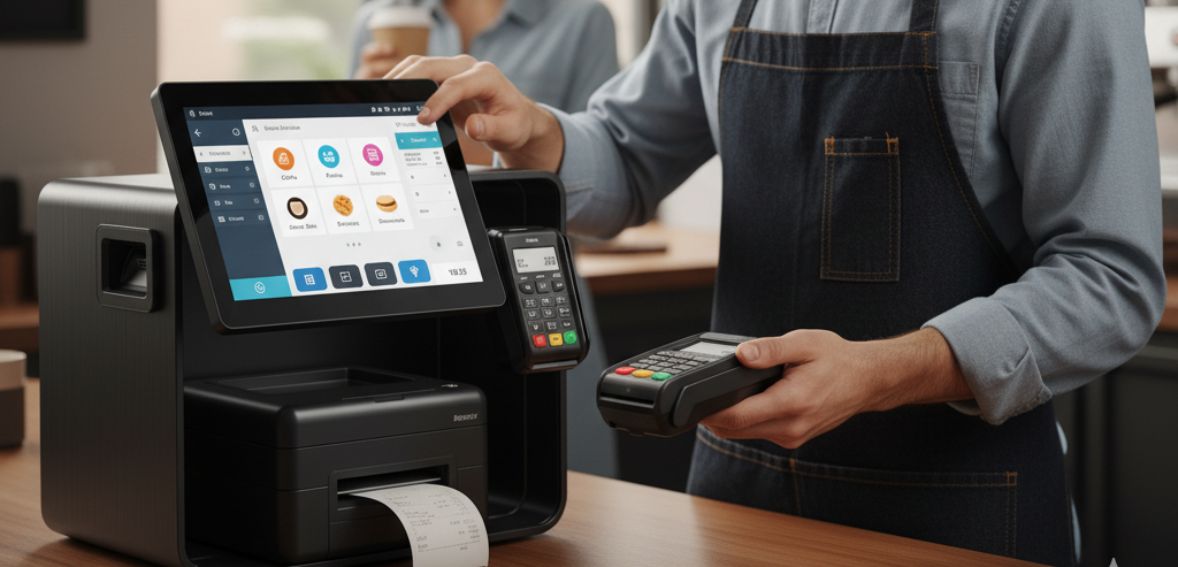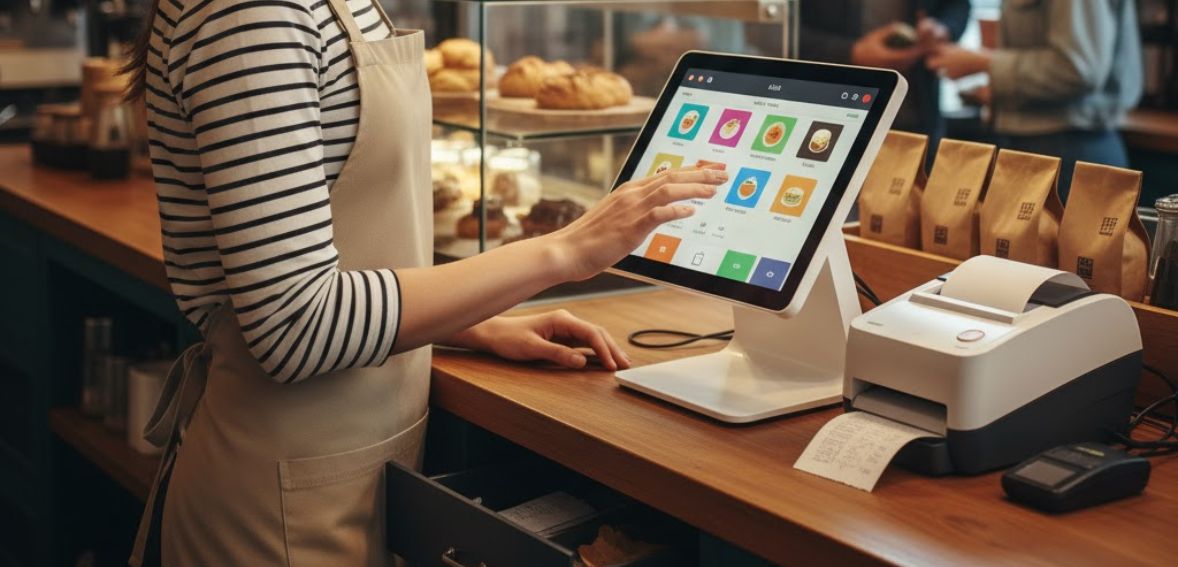
POS reporting metrics are critical components that restaurant owners need to evaluate to effectively measure their performance. It is important to go through the metrics weekly to monitor sales, labor, and inventory, and even customer behavior. Restaurant owners will be able to measure the potential to raise sales, reduce wastage, and even make improvements to the dining experience once they are in possession of accurate information provided by the point of sale system. They can also ensure that the business is going along the right track each week.
Important Advantages of POS Reporting In Restaurants

POS reporting provides valuable benefits for restaurateurs who seek more control over the running of the establishment. With real-time reporting, you can know the operation status of your restaurant at any given moment. The number of sales, the most popular dishes, the stock, and the activities of the employees can be known through this system.
Secondly, another key advantage is the early identification of potential problems. With the help of POS reports, you can identify instances of slow sales, inventory waste, or understaffing before they actually begin to negatively impact your profitability. POS reports also enhance the management of your staff. The labor expenditure and staff performance report indicates the time you should schedule your workers. Tracking attendance accurately also helps you pay their salaries without making errors.
POS Reporting Metrics Every Restaurant Owner Should Review Weekly
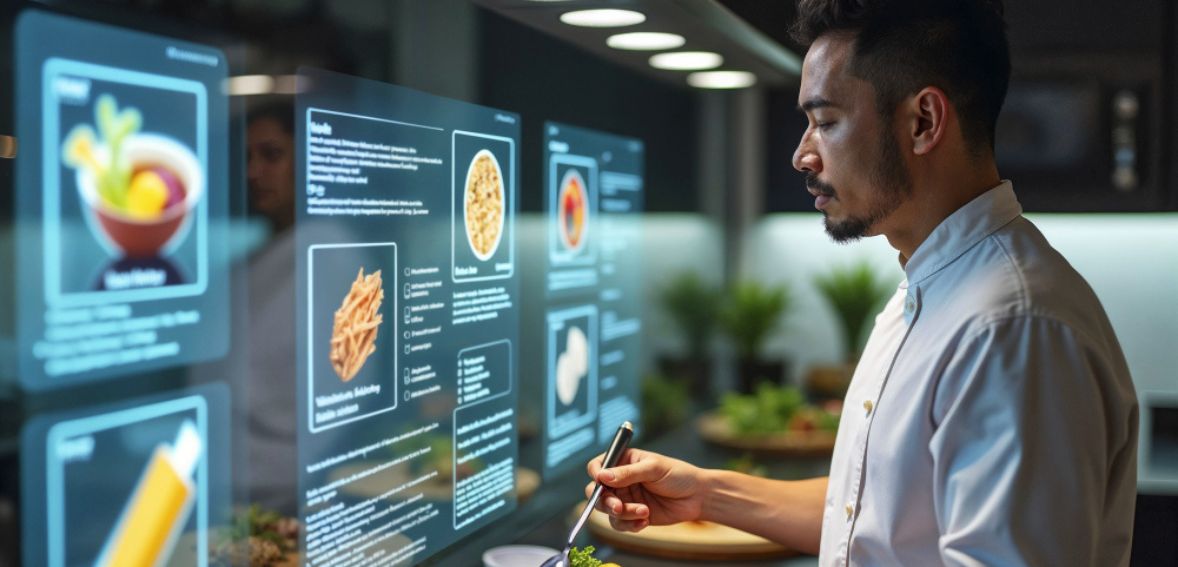
The right reports for POS can keep restaurant owners in control of their business. These reports give restaurant owners relevant information about their sales, labor costs, inventory, and customer behavior. This can help restaurant owners avoid surprises when the end of the month arrives. Restaurant owners should check these reports weekly.
Firstly, start with sales reports; they can indicate how well your restaurant is selling and when certain trends are developing.
- Total sales can indicate whether your business is expanding or decelerating.
- Transaction volume can provide insight into how many orders your customers are placing. This demonstrates guest traffic.
- Average check can indicate how much your customers spend when visiting and where upselling is necessary.
- Item sales can demonstrate how well your menu items are selling and whether an item needs a price adjustment or should just be discontinued.
Secondly, labor reports can help to manage one of the largest expenses for restaurants. The labor reports usually provide labor expenses relative to sales. Thus, you can easily determine if you are understaffed or overstaffed by using labor reports. Additionally, labor reports indicate both peak and low periods to manage labor accordingly.
Thirdly, in the inventory and turnover reports, a restaurant can effectively control its food prices. Monitoring the turnover speed of ingredients can result in the avoidance of waste and unnecessary ordering of ingredients. If there is low turnover of ingredients, it means high inventory, and high turnover can indicate an approaching shortage of ingredients. Restaurants can receive notifications related to inventory using the POS system of the restaurant.
Additionally, customer reports offer information about guest behavior. They reveal regular guests, one-time guests, as well as those who have not been back for some time. All such information will enable you to program relevant offers and campaigns that will bring back guests and boost sales.
Let’s not forget payment reports, which indicate customer payment preferences and enable fraud or discrepancies to be identified. Running through these payment reports every week will ensure that payments go through efficiently while preventing any fraud. With a review of these POS reports each week, it becomes possible for a restaurant owner to increase efficiencies, cut expenses, and make informed decisions.
Front-of-House Vs Back-of-House KPIs

Front-of-house KPIs include the guest experience at your restaurant, from service to overall satisfaction. Analyzing these indicators can help the owner evaluate the efficiency level of the staff in serving, as well as the areas that need improvement. It is important to keep server benchmarks, as the servers are the ones that can either boost sales or damage the guest experience.
Analyzing the sales per guest can help determine which server has the highest sales, while the analysis of the total guests served per hour can help evaluate their efficiency. Order errors are also one of the factors that must be monitored, as these can cause guest dissatisfaction, sales, and staff morale to drop.
Measuring customer satisfaction scores will also determine the extent to which your restaurant satisfies customer needs. Satisfaction scores may be produced through surveys, review sites, or feedback forms. High customer satisfaction usually translates to frequent customer turn-up and positive word-of-mouth, and low scores point out where improvement needs to be made. Finally, the table turnover rate is also an important score for any restaurant. Table Turnover rate indicates the rate at which the table is turned over during service time.
On the other hand, key performance indicators for the back-of-house involve activities that customers cannot see but have a great influence on the profitability of the business. The menu’s profitability analysis allows the business to compare the profitability of different foods and decide on which foods should be priced higher and which should be removed. Tracking the cost of goods sold assists in controlling food and beverage costs through effective decision-making on waste and ordering. Another key performance indicator is labor costs, since labor is the greatest expense for many restaurants.
Establishing a Sustainable Analytics Capability
For a sustainable analytics practice in your restaurant, first begin by leveraging your POS in the correct manner. Your current POS system for restaurant captures important data on a daily basis. Rather than tracking every piece of data, the focus should be on leveraging the data that matters most to run the restaurant efficiently.
Secondly, select the right KPIs. Don’t focus on a dozen numbers. Start focusing on five to seven important metrics that would affect your business. Your POS system can effectively measure the average check, which would give you a clear insight into whether your staff are upselling.
Thirdly, the food cost percentage will help you understand whether the prices and portion sizes of ingredients are in check. The labor cost percentage would also help you comprehend whether you are hiring the right number of people for the amount of sales. Additionally, the customer return rate would help you understand whether customers are satisfied enough to come back.
After getting familiar with these fundamentals, it will be easier to introduce additional metrics to your monitoring. Depending on your business and the success it enjoys, it will be good to include reports such as item-level profit, peak sales, and orders placed through an online vs those placed in-store. The aim is to include only those metrics that can be utilised effectively.
To use the data properly, you must analyze it periodically. You can set a routine that includes examining your POS systems’ results every week. You can set a specific day and time every week and keep it as a priority, just like a meeting. In this process, you can analyze the actual sales compared to the expected sales that you had projected. Then, you can see your best and worst-selling dishes. You can analyze your working hours compared to the sales generated and see areas where you may be over-staffed and under-staffed.
However, it’s just as crucial to record what you decide. For example, when you decide to make a change in your business due to POS system data, record this decision and check the outcomes the next week. In such a way, you can see what has been working for your restaurant, for your specific location, and for your customers.
While considering all these, let’s not forget your team is also an important part of the effectiveness of POS data analysis. Your managers and servers need to know not only basic reporting but also what the results show. The training is not only about running orders, but also about showing the team the impact of increasing the size of orders on top-line sales, or reducing waste on the cost of food. The employees will be more careful and responsible once they know the impact of their work.
Not to forget, having a connected POS system means that everything stays in one place. This means that the reports are more interpretable, and acting on them is more efficient. Having everything in one spot means that there’s less time spent on closing numbers and more time on improving service, food, and experience.
Common Analytics Mistakes to Avoid

While employing the use of POS analytics, there are a number of mistakes that most restaurants make, which reduce the effectiveness of the data that you are getting. Firstly, one of those errors is tracking invaluable metrics. Metrics like followers on social media or total subscribers on an email list or total transactions may sound good on paper or sound good on an infographic or report, but they do not necessarily translate to increased revenue. A busy restaurant may not necessarily be an affordable or profitable restaurant. Rather than tracking how many orders were fulfilled by you or by any member of your team, examine the revenue per order.
Secondly, another error is neglecting data quality. If a menu item is being recorded with different names or if a method of modification is not being recorded consistently, a muddled mess of a report is produced that is not only difficult but impossible to decipher, as a profitable venture needs to decipher where its profits are being generated from.
Standardizing menu items, modifiers, and discounts inside your POS is essential. Reviewing and cleaning your menu setup every few months ensures reports stay accurate. Clean, consistent data gives you clear insights and helps you make confident decisions.
Overanalysis is also an issue that restaurants encounter. It is unnecessary for restaurants to complicate simple reports to perform analyses; simple comparisons are generally sufficient to know most of the answers to what is occurring in the business. It is usually more helpful to ask questions, such as what caused the decrease in sales for a certain day of the week, as compared to the previous night’s sales, than to overanalyze everything.
To use POS analytics effectively, you need to zero in on the right data points, maintain clean data, ask simple queries, and make decisions at the right time. By analyzing data that fuels decision-making and not hinders it, restaurants can work in an efficient, profitable, and manageable manner.
How to Choose the Right Pos System for Your Restaurant

Not all types of POS terminals are designed with restaurants in mind. For example, in the restaurant business, speed, accuracy, and real-time data are much more important than simple payment processing. Establishing the criteria by which the POS system should be evaluated can be important in several respects.
Firstly, it is essential to check inventory management. Imagine if you were short on ingredients during a peak period; it would cause a slowdown in operations and increase waiting times, disappointing customers in the process. A good POS for restaurants is able to track what you have in inventory and what is getting low based on actual sales trends. Not only can it prevent you from being short during peak periods, but it also prevents you from wasting product by pointing out what’s underperforming in sales. If you are able to track what inventory performs well and what doesn’t, you can decide to adjust portions or even eliminate dishes that underperform. Alternatively, if items are pointing out dishes as consistent, you can raise their pricing slightly without compromising sales volume.
Secondly, online ordering capability should not be left out either. Modern customers demand convenience. A restaurant POS system should integrate well with either your restaurant’s website or app, and the orders should automatically go to the kitchen. Such systems can eliminate the labor of manually entering orders in the POS system by the restaurant staff. Some of the restaurant POS systems are very dependent on external ordering systems, while others can support in-app ordering.
Thirdly, customer loyalty programs can also help you gain loyal customers. Customers who return on multiple occasions are the backbone of any successful business and can help you maintain the profitability of a restaurant business. By having an in-built loyalty program at the point of sale, you can easily reward customers through points, discounts, and special rewards.
Additionally, payment processing has to be quick and efficient. The speed is more important in quick-service and fast-food establishments. Your POS system has to support all forms of payments, such as credit card transactions, mobile payments, and tap-and-pay transactions. The faster the ordering and payment processing, the shorter the lines in your business, and the happier your customers. The system needs to process tips and split transactions without any problems.
Let’s not ignore the added flexibility of the mobile app. Having a point-of-sale system that integrates with mobile devices gives you the ability to review sales, inventory, and employee data even when you are not present at the restaurant. This gives the owner the comfort and control that they need. Another aspect that improves the customer experience is the ordering functionality that the mobile device offers, which customers can use to order either as a pick-up or a delivery order.
Not to forget, employee management tools also save money and time. A good POS helps with scheduling, employee hours, and employee performance. You can view sales by employee, view top-performing employees, and recognize areas that employees need training on.
Along with these important features, there are some additional factors owners should keep in mind before buying a Pos Systems.
Firstly, hardware is also important. Some point-of-sale systems are tablet-operated, and others have full touch screens. Pick the one that works best for your space, kitchen layout, and type of service.
Next, we have prices and fees, which should be simple to understand. Take a good look at fees from transactions, subscription fees, extra fees, and hardware fees. Then there is scalability, which is another important consideration. If you have expansion plans or intend to enhance your offerings, your POS system should be able to scale along with you. An adaptable system will also save you from changing platforms in the future.
Conclusion
Analyzing POS reporting metrics can give restaurant owners insights into areas of their operations that can lead to working more efficiently and more successfully as a business. Analyzing metrics such as sales, labor costs, inventory, and customer behavior can give you the tools you need to optimize areas of operation and improve customer satisfaction. Having this system in place can turn the POS system of a restaurant into something more than just a system for transactions—it can become the control center of the restaurant itself.
FAQs
What are POS reporting metrics?
POS reporting metrics refer to information gathered by your point-of-sale system, including sales, inventory, labor, and customer activity, for the purpose of analyzing and optimizing your restaurant’s performance.
How frequently do you review your POS reports?
It is always best to have a weekly review. It serves as a means for you to get insights and make decisions that help you stay on top of things as time goes by.
Which POS reports are of prime importance to restaurants?
Some of the key reports are sales reports, reports related to the staff, reports related to the inventory/food cost, customer behavior reports, and payment reports. These focus on the most critical areas that affect profit.
Can POS reports assist in waste reduction?
Yes. Designed reports, such as inventory and turnover reports, will indicate slow-moving or overstocked items to allow you to make appropriate adjustments.
Do POS reports assist in improving staff performance?
Definitely. Reports for labor and sales provide information about workers’ productivity, efficiency, and errors so that managers can make informed decisions about workers’ schedules, training, and bonuses.