

Managing a multi-location business is much easier when your POS system keeps everything connected. A good multi-location POS lets you track sales, inventory, and staff activity from one dashboard. It reduces confusion, improves consistency, and helps you make informed decisions. The more locations you add to your business, the more critical it is to have robust POS management for seamless operations that steer its growth.
Key Features of Multi-Location POS Systems

A robust multi-location POS system provides the business owner with an easy, streamlined manner of overseeing all of its stores from a single location. Rather than jumping from platform to platform or calling every branch for updates, everything moves seamlessly through one interconnected dashboard. You see real-time inventory levels that assist you in spotting shortages, avoiding over-ordering, and moving stock between locations when necessary. Reporting also becomes much easier because the system gathers sales, inventory, and customer data from every store, letting you review overall performance or focus on a single branch with just a click.
You also manage staff more efficiently. In every location, you set their schedules, track hours, and change permissions without struggling with various tools. The pricing and menus remain uniform, but you still have the flexibility to offer location-specific items or promotions whenever needed. A shared loyalty or CRM means customers get the same experience no matter which branch they visit, with points, preferences, and purchase history available everywhere.
With a cloud-based POS, you can monitor the operations from anywhere and make quick decisions, such as updating prices or immediately launching a chain-wide promotion. The best systems will also integrate with other tools you may use, such as accounting software, online ordering, or booking systems. This automatically keeps information in sync and saves you from a lot of repetitive work, letting your whole business run more smoothly as it grows.
How to Set Up a Multi-Location POS: A Simplified Step-by-Step Guide

Setting up a multi-location POS becomes much easier once you break it down into simple steps. The goal is to get every store on one system while still giving each store the flexibility it needs. Here’s how to do it in a clear, smooth way.
Start with a POS platform that’s actually built for multiple locations. Choose one that works on the devices you already use—be it iPads or terminals—to grow with your business. Once you’ve selected the right system, set up each of your stores within the POS dashboard. This helps to keep your information organized so each location has its own home, but everything still lives within one connected system.
Secondly, set up your products and inventory next. Add all items to a main product catalog and then specify starting stock levels for each store. Most of the modern multi-location systems will make this easy, so you can move stock between outlets or update the counts in real time without confusion.
Third, after that, you will need to customize your pricing, menus, or promotions. You may have a uniform menu for all stores or adjust certain items at specific locations. This allows you to maintain consistency while matching local demand.
Now set your staff permissions. You create employee accounts and assign each person to the right store. Give managers and staff access only to the areas they need, this keeps your system secure and your operation organized.
Next once the setup is ready, connect your hardware. Connect card readers, printers, and tablets to the POS, along with any other devices. Run a few test transactions at each store to confirm everything syncs and records properly.
Finally, train your team and go live. Ensure that your staff understand how to use the system, handle payments, check inventory, and manage daily tasks. Once this is done, you can easily launch new menus, updates, and promotions across all locations simultaneously, so your entire chain remains consistent and manageable.
Key Factors to Consider While Selecting a Multi-Location POS System
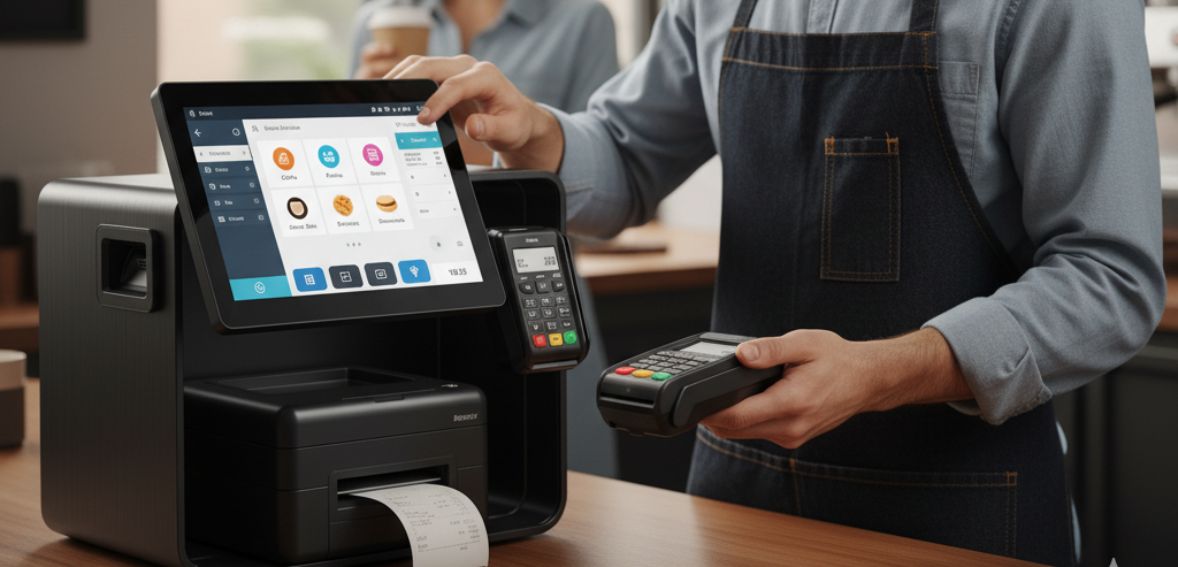
Selecting a point-of-sale technology for several locations is a big decision, and making a rush decision can lead to needless problems. A bad system can make it difficult to manage multiple stores, slow down daily work, confuse employees, and increase costs. This can lead to customer loss and operational difficulties. It’s crucial to pay close attention to the features that will genuinely help your business expand in order to prevent these problems. First of all, you require a cloud-based POS if you oversee multiple locations.
No matter where you are, all of your in-store updates happen instantly thanks to cloud technology. Even if you’re working remotely or on vacation, you can check sales, keep an eye on inventory, or determine how busy each location is. As cloud POS systems provide flexibility and total visibility across all locations, many US businesses have switched to them..
Secondly, cost is another major factor. Some seem quite affordable upfront but have hidden fees, such as add-on fees, hardware requirements, or high transaction rates. It’s vital to understand and read few review of the POS for the full pricing structure like setup fees, subscription plans, and processing charges. When considering systems, consider what you get for your money. For a proper system, value should come from reporting tools, inventory management, menu control, and customer service. Find the one that suits your budget while still offering support for your business venture.
Thirdly for multi-location operations, reliable ongoing support is a non-negotiable element. Technical problems can occur at the worst possible time, during peak hours, busy weekends, or even holiday rushes. In those moments, you need urgent and reliable support. A POS that gives 24/7 assistance keeps your team confident and your business up and running without any delays. Backed by strong support, you can center on serving your customers rather than troubleshooting technology.
Also, think about scalability. If you expand, your POS should expand too. Having a scalable system makes adding new locations, updating menus across all stores, and training new staff a whole lot easier, without having to work from scratch. A good multi-location POS grows along with your business, so you never feel limited by your technology.
Additionally another important thing is integration flexibility. Many businesses use separate tools for accounting, delivery, marketing, or inventory. When these systems are not connected, you end up with scattered information and double work. Look for a POS that easily integrates with the tools you already use and with popular payment providers and delivery platforms. Seamless integrations keep your data organized and your operations consistent across every location.
Finally, strong reporting makes a big difference in decision-making. A good multilocation POS gives you live data on sales, inventory, customer trends, and staff performance. This lets you make smarter adjustments, move stock to the right store, update your pricing, and improve your staffing schedules. Real-time reports will help you cut down more waste, improve more better efficiency, and grow profitability across all locations.
By focusing on these important aspects, you will be able to select a POS system that will support your business today and continue to support it as you expand.
How to Manage a POS System Across Multiple Locations
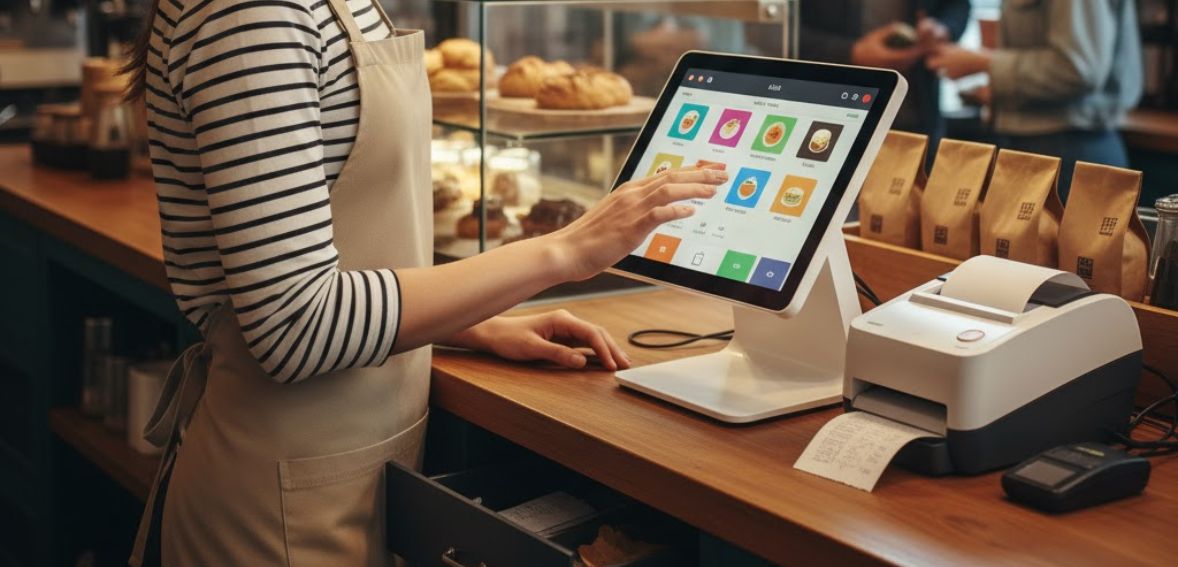
A multi-location POS system is much more easier to manage once you follow a few best practices. First, keep everything centralized, like tracking sales, inventory, staff activity, and store performance. This keeps you more better organized and lets you make decisions a lot more quickly. Next, keep all menus, prices, and promotions updated from a single control panel, so each location reflects consistency.
Regular training is also essential. Employees in every store must learn how to use the POS quickly and confidently. A well-trained team will avoid mistakes and speed up service. Monitor your reports daily such as sales trends, low-stock alerts, and staff performance. Such insights would enable you to solve problems early and run each store smoothly.
Finally, select a POS that will integrate easily with your accounting, delivery, and payment systems. When everything works in concert, your operations become much easier, speedier, and more dependable throughout all your locations.
How to Keep Your Multi-Location Point of Sale Smart and Efficient as Technology Advances

POS technology is more and more quickly evolving, and multi-location businesses require systems to keep them ahead. The best way to stay ahead is to choose a POS with innovative tools like artificial intelligence. These features make everyday tasks much more faster, more easier, and far more accurate.
One advanced feature is natural language reporting. Instead of endless clicking through menus, managers can simply type in a question in plain English, such as “Show me last week’s sales from all stores” or “Which drinks sold the most in January?” The POS then understands your request and pulls the exact report you need in an instant.
Secondly some systems also come with AI-powered chatbots built right into the dashboard. These digital assistants can answer quick questions like “How do I set up a discount?” or “What is the best way to track stock across locations?” They act as real time support, available 24/7, with no long term waiting for a phone call.
Thirdly, another game changer is predictive analytics. The system studies sales patterns across all your locations and uses that information to predict upcoming demand. For example, it can warn you if one store will run out of a product the following week and even suggest a purchase order before that shortage happens.
Additionally AI can also send much more smart alerts when something unusual happens, such as sudden drops in inventory or more rapid changes in sales. These notifications help you catch any issues early and make any quick adjustments you may need to make. Some modern POS platforms will even recommend items to promote or which service options you might want to replace.
Using these intelligent tools means you won’t have to dig through spreadsheets or wait for problems to appear. Your POS is now a powerful partner that gives you real-time insights, helps you run all locations smoothly, and keeps your entire business ready for what’s next.
Conclusion
It becomes a whole lot easier to manage a multi-location POS system when everything is integrated together in real-time. With the right tools, you can track sales, stock, and staff all at the same time, and maintain consistency across branches. A strong POS setup helps you avoid errors, enhance more better efficiency, and keeps you ready for expansion. Once your business starts to grow, reliable POS management will be an integral part of long-term success.
FAQs
Why do growing businesses require a multi-location POS system?
Having a multi-location POS helps you manage sales, staff, and inventory across all stores with the help of one dashboard. With scaling, your operations stay organized and consistent.
How can a multi-location point-of-sale system enhance inventory control?
It updates the levels of stock in real time across every outlet. This prevents shortages, overstocking, and confusion between locations.
Can all staff be managed from one system?
Yes, you can assign roles, set permissions, and track performance right from one central place. It makes training and management quite easier.
Does cloud-based POS help in remote monitoring?
A cloud system lets you check reports, sales, and alerts from anywhere. You are still in control, even when you are away from your stores.
How does a multi-location POS support business growth?
You can add new locations, products, and staff without major changes. This is a system that grows with your business for keeping everything running smoothly.