

Troubleshooting common POS issues is essential for keeping your business running smoothly. From slow transactions to payment glitches, these problems can cause delays and frustration. Understanding how to quickly identify and resolve these issues ensures minimal disruption and helps maintain a seamless customer experience.
Table of Contents
ToggleWhy POS Troubleshooting Is Crucial for Your Business
Imagine this, your POS is down at the peak of your operation. Customers are waiting, the staff is anxious, and the sale is slipping away. The problem isn’t just the money being lost; it also hurts the customer experience, the staff, and eventually the reputation of the business itself.
A POS system failure can cost a business thousands of dollars per hour. Slow operations and decreased productivity. This makes it clear that businesses shouldn’t just react when problems happen—they need to be prepared to keep their systems running smoothly. By being able to identify potential problems within business operations and resolve them quickly, businesses can remain agile, even with a couple of technological hiccups along the way.
POS Problems and How to Fix Them
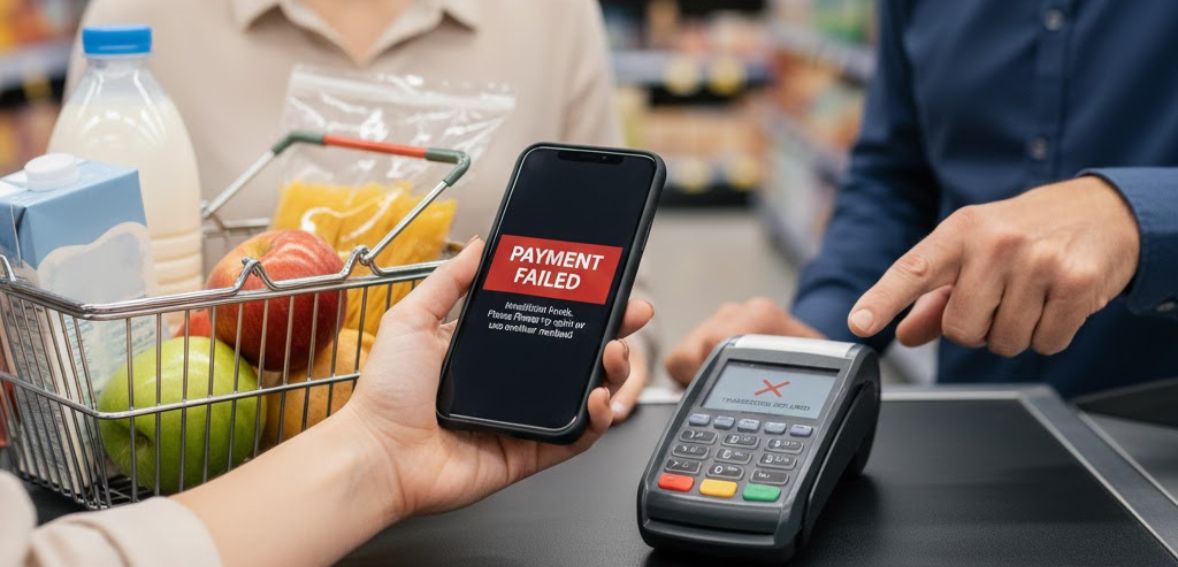
Connectivity Issues
Frequent loss of connection between the POS terminals, printers, and other equipment may cause disruptions in business activities. Employees may need to repeat orders or resort to reconnecting devices. To avoid this problem, it is important to ensure that all equipment is properly connected. Additionally, restarting equipment that malfunctions may help. Frequent updates of your POS system software may avoid conflicts related to network connectivity. To avoid network connectivity problems in your business system, consulting a network professional can help ensure stable connectivity across your entire system, reducing downtime and keeping transactions smooth.
Device Failures
Hardware malfunctions such as a frozen screen, a faulty scanner, or a printer that jams can lead to a complete stoppage of transactions. This not only wastes time for service delivery but is also demotivating for your clients and employees. Regular maintenance of your hardware is a crucial step. You can maintain your hardware by cleaning it frequently and checking for signs of wear and tear. Also, be prepared with a backup device like a spare tablet and a printer.
Software Crashes and Freezea
Glitches, freezes, or recurring error messages displayed by the POS system can cause the processing system to come to a grinding halt and confuse the personnel. These are often the result of outdated systems, apps, or bugs not being fixed yet. Keep your POS system or software always updated with the latest versions and fixes. The system or software must be checked with the in-built testing tools to isolate the faults; if not, then the technical team must be contacted right away.
Integration Problems
A POS system that doesn’t work easily with accounting, inventory, or loyalty applications can generate more work for you with errors and inconsistencies. For instance, without integration, employees could be forced to enter information several times, leading to errors. To make your business systems work together efficiently, choose a POS that is compatible with all business software. Middleware or integration connectors can also be employed to facilitate the automatic transfer of information between different systems. In complex business systems, experts may be needed to make all business systems connect to each other efficiently.
Payment Errors
Issues concerning payments, such as declined cards, duplicates, and slow payments, can have direct effects on customer satisfaction as well as revenue. These can occur because of unstable internet, outdated payment software, and improper gateway configurations. Make sure your internet is stable and that you have a backup internet in case of an emergency. It is also important to regularly update your payment software and promptly check your gateway configurations. Multiple payment options, such as contactless payments, EMV cards, and swipe payments, help to avoid errors and make the checkout process hassle-free for all customers.
Inventory Mismatches
When there are inconsistencies between what is recorded in the POS or inventory data and what actually exists within physical inventory, stock shortages, overstocking, or lost sales can occur. This is most often due to incorrect manual entries or a delay in syncing such entries among devices. Regular inventory audits must be carried out, along with using inventory-tracking software that works automatically. Employees must also be trained to make entries correctly each time a product is sold or stocked.
Complicated Interface
A point of sale system that has a difficult interface will end up hindering employees, increasing errors, and lowering efficiency. Difficult menus, complicated functionalities, or functionalities that require unnecessary steps will end up frustrating employees. To make the interface of your point of sale system easier to use, eliminate clutter and design the screen based on your operations. This will allow employees to feel comfortable operating the system. A point of sale that is easy to use will result in lower errors and efficiency in the operation of the business.
Poor Customer Service
Poor, inefficient, or inaccessible customer support can bring down businesses when they encounter problems. Inefficiency can cause even small problems with the POS system to develop into huge problems. Ensure that the POS system you choose has good customer support, is available 24/7, and offers several means of contacting them. Use online tools, forums, and tutorials, and develop your own internal database of information that will help you quickly address common problems.
Best Practices for Maintaining a Reliable POS System
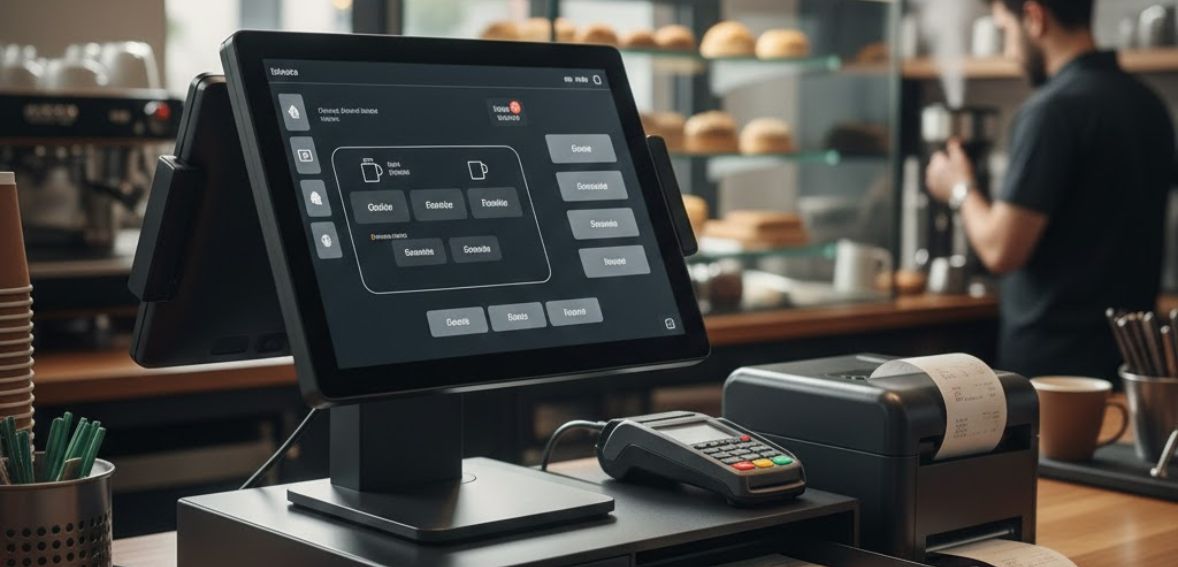
It is necessary to ensure that you stay up to date on both the software and the hardware related to your point-of-sale system. These updates may include important security features to ensure the protection of vital information from hacking. Additionally, they will also help to increase the efficiency of the point-of-sale transaction process by making it faster.
Furthermore, the updates will help to eliminate bugs by ensuring that the point-of-sale system does not freeze or experience errors. Additionally, the software may include vital POS features to help you stay on top of this aspect of the business as well. To ensure you stay up to date, you need to ensure you have a maintenance routine for checking the software and firmware updates. Where possible, you can consider testing the updates on the secondary device to avoid affecting the primary point-of-sale system.
Next, it is important to back up your POS system regularly to avoid unforeseen situations such as system failures and cyberattacks. To begin with, determine the frequency at which you need to back up your POS system. This can range from daily to weekly, based on the number of transactions. To avoid loss in case one system goes down, use both local and cloud backup systems. Automation is important to make sure that back-ups are done regularly without having to rely on human memory. Make it a habit to check your back-ups from time to time to make sure that your files are intact and can be restored in case you need them. It is important to encrypt your backup data to avoid anyone accessing it.
However, even with the best point of sale system, failure to utilize the system effectively will result in many problems along the way. It is essential to equip your staff with comprehensive knowledge of its operations, including sales, inventory, reporting, and any other functions that your staff may require. Training does not end with educating new staff. Refreshing their knowledge will be essential each time your point of sale system acquires a new feature or updates its system.
This will also require different staff, for example, cashiers, managers, or inventory staff, to utilize different aspects of the system. By ensuring that your Point of Sale system and data are updated and backed up, and your staff are properly trained, many problems can be eliminated.
How to Secure Your POS System Against Cyber Threats
Protection of the POS system plays a significant role in ensuring the safety of customer information and the smooth operation of the business. Firstly, begin with secure and complex passwords that should be changed from time to time to avoid unauthorized use. All transaction information should be encrypted both during and after a transaction has been completed.
Make sure that your POS software, operating systems, and other devices linked with it remain updated with the latest security fixes. This will help you save your system from being attacked by known bugs and security holes.
Secondly, installing a firewall and antivirus program will also help you detect malicious activities. Ensure that access to the POS system is limited to authorized personnel. Role-based access controls should also be implemented. This will ensure that only persons authorized to access sensitive information are able to view it.
Thirdly, monitoring your system for any unusual activity and performing a series of security audits is also a good practice. Finally, educating them on how to recognize phishing attempts and how to handle sensitive information securely can prevent many common security issues.
The Importance of Reliable Customer Support for Your POS System

Your POS system is an integral part of your business and manages all the facets, right from sales and inventory to employee management. A reliable and efficient system can save the day when things start going awry. Your POS system could face a technical glitch or could be down, affecting all your operations.
For those operating during irregular hours, such as restaurants, shops, or peak customer services, problems never come at a convenient time. This is why round-the-clock customer support is highly valued. It means you can get assistance whenever you need it, and your business can continue to run without interruptions.
Effective customer service means more than just resolving issues. Expert customer service professionals can implement measures to address issues even before they occur. They know how your business operates and are knowledgeable enough to offer advice on how to ensure optimal functionality of your point of sale.
With your POS system having the backing of excellent support, you will be able to concentrate on what matters to you, like customers, transaction flow, and gaining their loyalty. With reliable support, you will be assured that your business will not be disrupted even when faced with challenges.
How to Boost Business Efficiency with POS Systems

Firstly, one important strategy will be the adoption of cloud-based POS systems. Unlike traditional systems, the solution of cloud-based POS allows access to data in real time from anywhere and hence makes the transaction quite smooth and your information updated. They are scalable, too, so as your business grows, your system can scale up to meet those changes with ease. The cloud systems require less maintenance and provide added reliability through reduced risks of downtime.
Secondly, other ways to enhance efficiency include integrating your POS with other business systems. As we discussed previously, integrating your POS into tools such as inventory management or accounting software can automate most of the manual jobs. This reduces human error, enhances data accuracy, and helps everything flow smoothly. For example, integration with an ERP system can help in real-time inventory tracking, processing orders, and synchronizing customer data throughout the platforms. This makes operations more effective and time-efficient.
Thirdly, contemporary POS terminals come with advanced analytical capabilities, too. They are not just responsible for handling sales but also provide critical information necessary for decision-making in business. By analyzing consumer buying behavior and sales performances, as well as analyzing inventory levels in your business or store, you are in a better position to manage and optimize your business. Analytics and insights offered by contemporary POS terminals enable you to identify poorly selling items in your business, optimize promotion programs, and also alter your customer service to suit all clients’ needs.
Lastly, one of the most effective techniques to adopt to avoid surprises is preventive maintenance. Regularly review and perform preventive maintenance on the POS system by cleaning the hardware, updating the software, and checking how it integrates to ensure everything is running as it should. This will not only increase the life span of the POS but also ensure that it doesn’t experience any surprises, especially during peak periods.
Conclusion
By staying proactive and understanding how to troubleshoot common POS issues, you can minimize disruptions and keep your business running smoothly. Quick resolution of technical problems ensures that your operations remain efficient, preventing delays that could frustrate customers or impact your revenue. Regular maintenance and timely support are key to ensuring your POS system continues to serve your business well.
FAQs
What should I do if my POS system crashes?
Restart your system, check for any software updates, and make sure all the hardware is securely connected. If the issue continues, open a support request for troubleshooting.
Why is my POS running slowly?
This might be because of older hardware or software, too many applications running, or slow internet. Please try to close applications not in use, upgrade hardware, or increase your internet speed.
How do I fix payment processing errors?
Check your gateway settings, make sure the terminal is properly connected, and that the software is up to date. If problems persist, please call support.
Why do inventory discrepancies occur in my point-of-sale?
These mismatches are brought forth by errors in manual entries, using outdated software, or lousy integration. You would need to regularly audit the inventory and update your system by integrating it with suitable inventory management software that is accurate.
How often should I do the development of the update package for my POS?
It is good to remember that your POS system needs updating at least monthly. Updates normally fix bugs, improve security, and make the system run smoothly with newer features.