

Credit card skimming is one of those risks many businesses underestimate until a chargeback cluster, customer complaint, or processor alert turns a small oversight into a costly problem.
A checkout counter can look normal, the terminal can still power on, and transactions can keep flowing even when a device has been tampered with. That is what makes skimming so dangerous: it often hides in plain sight.
For business owners, store managers, and frontline operators, the real challenge is not just understanding what skimming is. It is knowing how card skimming at point of sale actually happens, what early red flags look like, what staff should inspect every day, and how to build systems that make tampering harder from the start.
Good prevention is rarely about a single product or one security setting. It comes from stronger procedures, tighter terminal control, employee awareness, better payment habits, and quick action when something feels off.
If your goal is to prevent credit card skimming at your POS, this guide walks through the practical side of the problem.
You will learn how skimmers differ from other POS fraud tactics, how to spot payment terminal tampering signs before losses spread, how to secure POS systems against skimming, and what steps to take if you suspect a device has been compromised.
The focus here is simple: reduce risk, protect customers, and make your payment environment much harder for fraudsters to exploit.
What credit card skimming is and why it matters at the point of sale
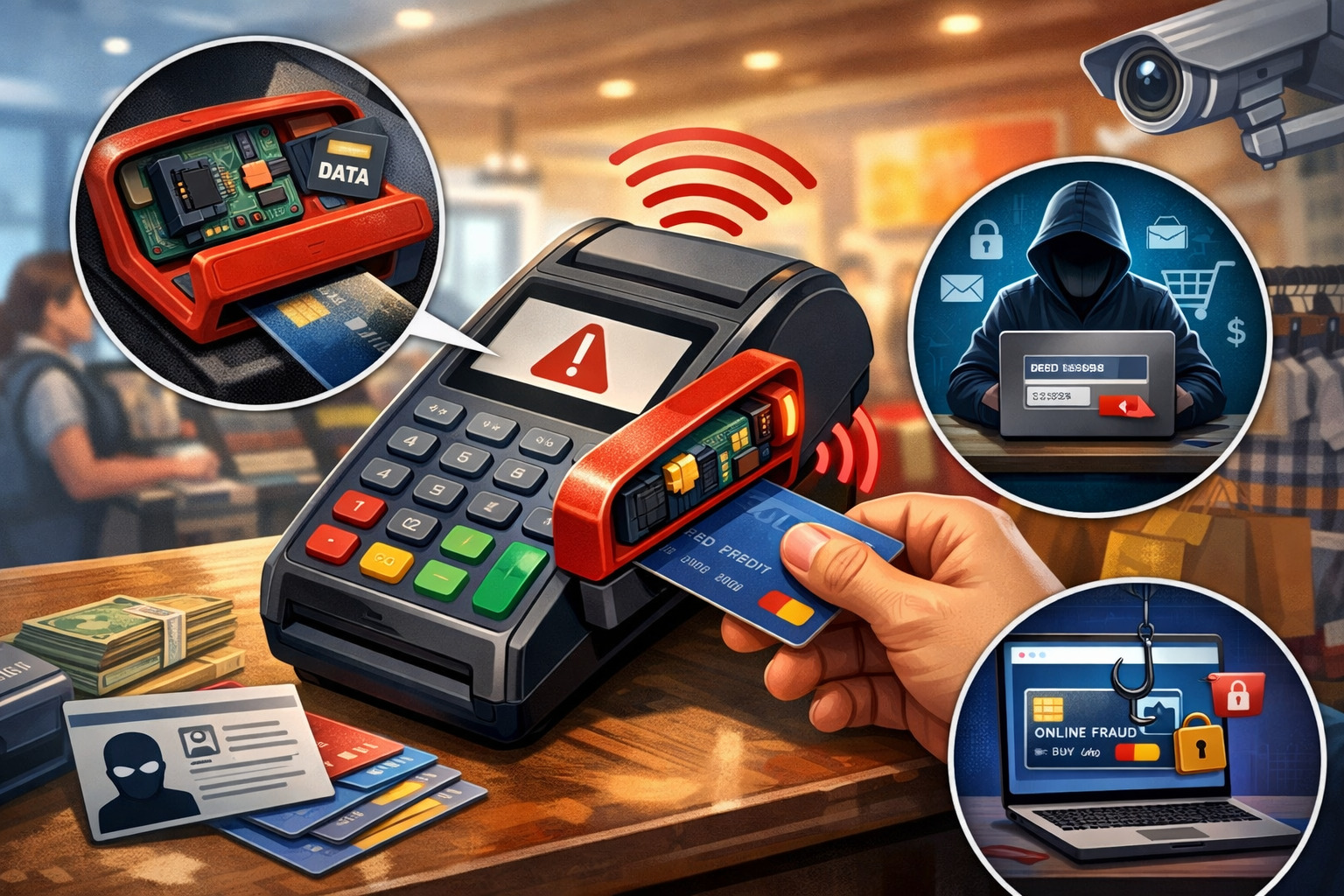
Credit card skimming is the theft of payment card data through a device or method designed to capture information from a card during a legitimate transaction.
At the point of sale, this usually means a criminal has altered a card reader, attached a hidden skimming device, swapped out hardware, or found a way to intercept data from a compromised terminal environment.
The reason skimming remains such a serious concern is that it targets a routine moment businesses often treat as low risk. Checkout is supposed to be quick, repetitive, and predictable. That creates an opportunity for tampering to go unnoticed, especially when employees are busy, multiple staff members share lanes, or devices are moved around without strong tracking.
For a business, the fallout can extend far beyond one fraudulent transaction. Skimming incidents can lead to customer complaints, disputes, brand damage, processor scrutiny, device replacement costs, internal investigations, and lost trust. Even if the business did not intentionally do anything wrong, weak controls can still leave it exposed.
Skimming is also not limited to one type of merchant. Retail stores, convenience shops, restaurants, service counters, pop-up sellers, unattended payment stations, hospitality environments, and any location using customer-facing terminals can face the risk. The more accessible the payment device, the more important physical controls become.
How skimming happens during an otherwise normal transaction
Most skimming incidents succeed because the payment experience appears normal. A customer inserts, taps, or swipes a card. The terminal responds. The sale completes. Nobody sees a loud warning or flashing alert. Meanwhile, a hidden device or tampered reader may be capturing card data in the background.
In some cases, a fraudster installs an overlay on top of the real reader. In others, the terminal itself may be swapped with a compromised unit that looks nearly identical to the original.
Some criminals target magnetic stripe data, while others try to capture PIN entry or combine physical tampering with hidden cameras or keypad overlays. In more advanced scenarios, criminals may exploit weak device management practices, poor access control, or neglected inspection routines.
This is why businesses cannot rely on “it still works” as proof that a terminal is safe. Functionality and security are not the same thing. A working terminal can still be compromised, especially if the business does not regularly compare serial numbers, check seals, inspect fit and finish, or restrict who can handle hardware.
Why the financial and operational impact is bigger than many merchants expect
A skimming event can quickly snowball into an expensive operational headache. You may need to disable lanes, remove devices, notify your processor, review transactions, retrain employees, and coordinate with vendors or investigators. During that time, your staff is distracted, customers may lose confidence, and daily operations become more difficult.
The reputational impact can be even harder to measure. Customers tend to remember where they used a card before fraud appeared, even if the final cause is still under review. If your business becomes associated with possible card theft, people may hesitate to return. That loss of trust can outlast the actual incident.
Skimming prevention is therefore not just a security task. It is a customer protection issue, a continuity issue, and a business discipline issue. The stronger your controls, the lower the chance that one small hardware compromise turns into a much larger problem.
Skimming, shimming, and other POS fraud methods are not the same thing
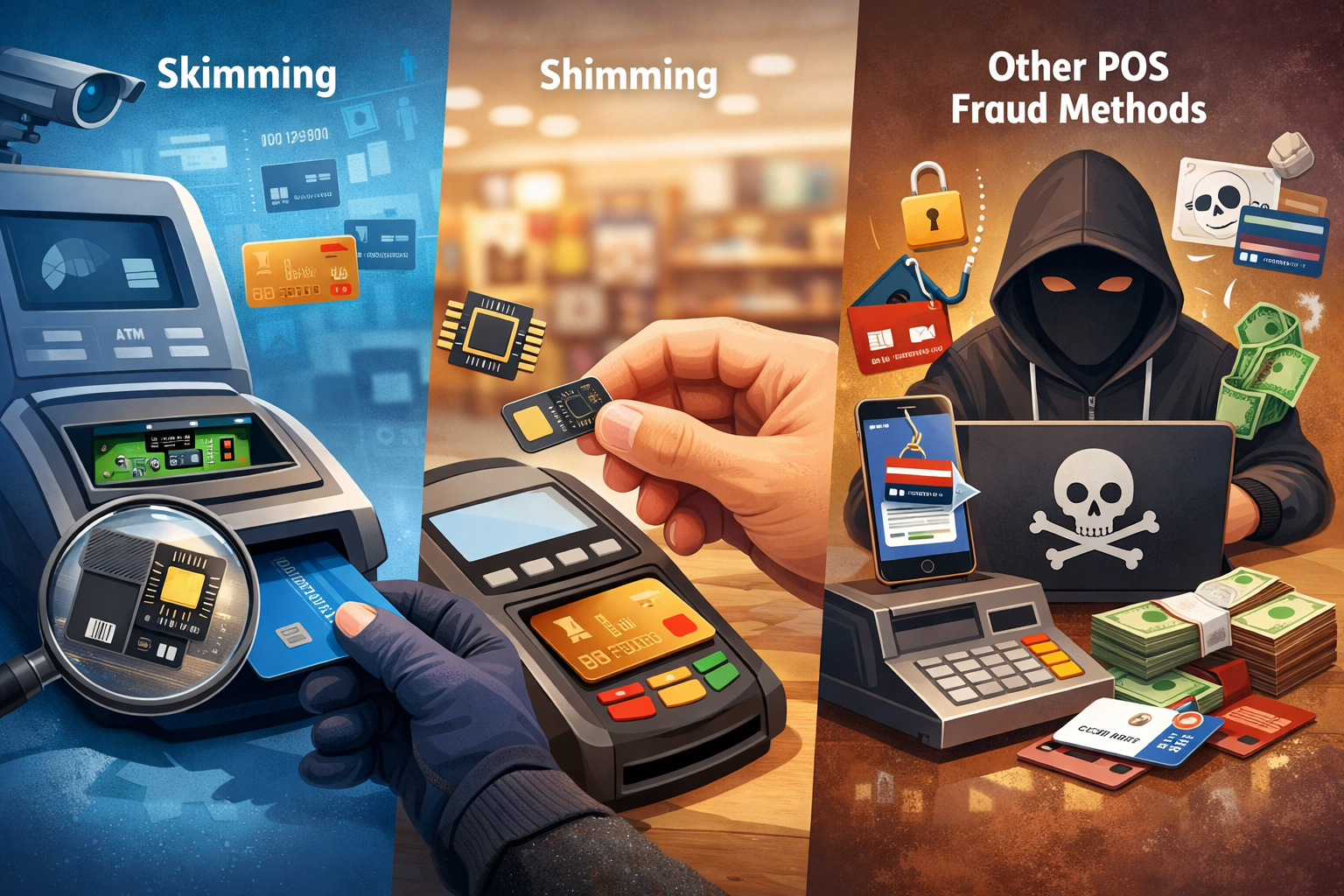
Many businesses use the word “skimming” to describe any kind of payment fraud, but that creates confusion and weakens prevention efforts. Different fraud tactics target different parts of the payment process. If your team cannot distinguish among them, they may miss the warning signs that matter most.
Traditional skimming usually involves stealing card data from the magnetic stripe, often through a hidden reader, overlay, or compromised swipe path. Shimming is different.
A shim is an ultra-thin device inserted into the chip card slot to interfere with or capture data during chip transactions. While chip data is harder to exploit than magnetic stripe data, shimming is still a real concern because it targets the card insertion path rather than the external face of the terminal.
Then there are other POS fraud methods that may look similar at first glance but work differently. These include terminal swapping, PIN capture, refund fraud, malicious software, social engineering, and internal device tampering. Some involve physical compromise. Others involve access abuse, weak procedures, or bad remote controls.
Understanding the difference matters because credit card skimming prevention is strongest when your staff knows exactly what they are looking for, rather than using a vague fraud label for every suspicious situation.
What makes skimming different from shimming
Skimming typically targets magnetic stripe information. A skimmer may be attached externally, hidden inside a modified reader, or built into a fake front plate that fits over the original hardware.
These devices are often designed to blend in, so businesses need to pay close attention to loose components, added thickness, mismatched colors, unusual resistance, or anything that seems recently altered.
Shimming, by contrast, usually involves something inserted into the chip slot. Because the device can be very thin and hard to spot from a quick glance, a business may not notice it unless staff are trained to look closely at the card insertion path and pay attention to customer complaints about unusual resistance or failed reads.
If cards suddenly feel harder to insert, or the reader’s behavior changes without explanation, that deserves immediate attention.
The practical takeaway is simple: do not focus only on the outside face of the terminal. A secure inspection also includes the chip slot, swipe path, keypad area, cable routing, device serial number, and overall feel of the unit.
Other fraud tactics that can be confused with card skimming at point of sale
Not every fraud issue at the checkout counter is caused by a skimmer. A terminal swap, for example, can be just as dangerous. A fraudster may replace a genuine device with a compromised one that looks legitimate. If the business does not keep an updated device inventory, that swap may go unnoticed.
Another issue is keypad compromise. Criminals may add overlays to capture PIN entry or hide a tiny camera positioned to record customers typing their PIN. Internal fraud can also create exposure when employees leave devices unattended, disable safeguards, or fail to report suspicious behavior.
In more connected environments, poorly controlled remote access or weak POS configuration can increase overall fraud risk, which is why merchants should also pay attention to broader POS security architecture and secure configuration practices.
Where businesses are most likely to encounter skimming risk
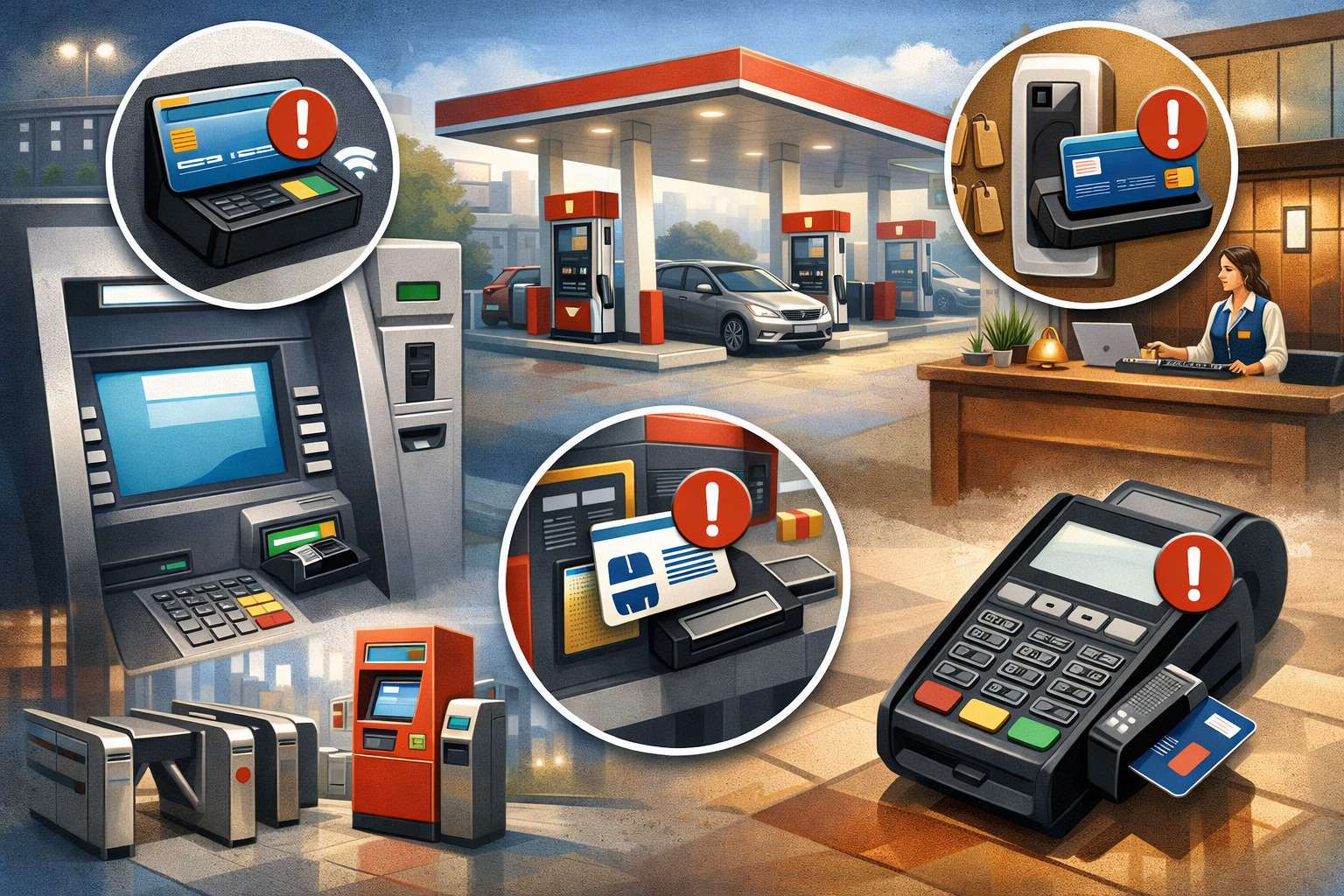
Skimming does not only happen in dramatic, high-profile scenarios. It often appears in ordinary environments where terminals are accessible, supervision is inconsistent, and device checks are informal. Businesses that understand where exposure is highest can put stronger controls exactly where they matter most.
Customer-facing terminals are the most obvious target because they are handled constantly and often sit in public view. Countertop readers near entrances, self-service payment stations, outdoor or semi-outdoor units, mobile checkout devices, and terminals at busy service desks all deserve extra attention.
High traffic can work against security because staff assume someone else already checked the device or because the pace of operations discourages close inspection.
Businesses with multiple shifts or multiple locations face a special challenge. When many employees touch the same hardware, accountability can become weak. If no one person owns the terminal inspection routine, the routine often breaks down.
That is one reason merchants operating across several sites should adopt stricter device controls and consistent inspection standards, similar to the fleet-oriented thinking described in secure POS configuration for multi-location businesses.
High-risk environments and situations that deserve extra scrutiny
Some environments naturally create more skimming opportunities than others. That does not mean these businesses are unsafe by default. It simply means they need stronger prevention habits.
Common risk-heavy situations include:
- Busy counters where employees rotate frequently
- Payment devices near doors, windows, or unattended areas
- Temporary checkout stations or mobile terminals
- Shared terminals moved between registers or departments
- Late-night operations with reduced supervision
- Locations where third parties can access hardware
- Self-service or customer-operated terminals
- Devices connected with exposed or easily accessible cables
Any place where a criminal can approach a device without drawing attention should be treated as higher risk. Even a few minutes of unsupervised access may be enough for tampering, especially when criminals use prebuilt overlays or replacement units.
Why smaller businesses can be especially vulnerable
Large chains often have formal hardware tracking, device management, security teams, and documented inspection processes. Smaller operations may not. That difference can make independent businesses more attractive targets, not because they are careless, but because criminals assume the controls will be lighter.
In many smaller stores, managers are juggling staffing, inventory, customer service, and cash flow all at once. A terminal can go uninspected for days simply because everyone is focused on keeping the business moving. Device serial numbers may not be documented. Tamper-evident labels may not exist. Employees may not know what a compromised terminal looks like.
That is why small-business credit card skimmer protection tips should focus on simple, repeatable habits rather than expensive complexity. A consistent daily check, a device log, limited access, and fast escalation procedures can dramatically improve your ability to prevent credit card skimming without overloading the team.
How to spot warning signs of skimming devices or terminal tampering
The most effective POS skimming detection starts with noticing what has changed. Criminals depend on inattention. They want businesses to assume the device is the same as yesterday, even when it looks slightly different, feels loose, or behaves unusually. Your best defense is a trained eye and a routine that treats “small changes” as meaningful.
Payment terminal tampering signs are often subtle. A device may feel bulkier than usual. The card slot may appear misaligned. The keypad may sit higher than expected. The housing color may not match. The branding may look off.
An adhesive seam may appear where none existed before. Cables may be rerouted, pulled tight, or disconnected and reattached differently.
Behavior changes matter too. If a terminal suddenly asks customers to swipe when it normally accepts chip cards, or if customers complain about cards sticking, repeated read failures, delayed prompts, or unusual keypad response, those are worth investigating. Fraudsters count on staff dismissing these details as routine wear and tear.
Physical warning signs employees should never ignore
A visual and hands-on inspection can reveal a lot when employees know what to look for. Staff should pay attention to anything that suggests an added layer, hidden attachment, forced opening, or component swap.
Common red flags include:
| Warning sign | What it may indicate | What staff should do immediately |
| Loose card reader faceplate | Overlay or attachment added | Stop using the terminal and notify a manager |
| Different serial number or asset tag | Device swap | Compare against inventory records |
| Cracked seal or broken tamper label | Unauthorized access | Remove from service and document it |
| Unusual thickness around reader or keypad | Added skimming hardware | Inspect closely and escalate |
| Adhesive residue or fresh glue marks | Recently attached component | Isolate the device |
| Chip card insertion feels blocked or rough | Possible shim in chip slot | Take terminal offline |
| Unexpected cable routing or unplugged connections | Hardware interference | Check against setup standard |
| Terminal prompts changed without explanation | Misconfiguration or compromise | Contact processor or support team |
This kind of table should not live only in a policy binder. It should be part of frontline operations. Staff who perform opening or closing duties should know these signs well enough to spot them without hesitation.
Behavioral and transaction clues that can signal a compromised terminal
Not every warning sign is visible. Sometimes the first clue comes from patterns in customer experience or transaction behavior. Maybe one lane suddenly has a higher number of failed chip reads.
Maybe customers are being redirected to swipe more often. Maybe one terminal seems slower, restarts unexpectedly, or displays prompts that do not match your normal flow.
You may also hear customer comments that sound minor on the surface, such as “This card slot feels weird,” “The keypad looks raised,” or “That reader moved when I inserted my card.” Employees should be trained to treat those remarks seriously. Customers often notice tactile differences because they are using the device from a fresh perspective.
On the back end, managers should watch for unusual dispute patterns, odd transaction clusters, repeated manual entry workarounds, or processor alerts connected to a specific lane or device. Prevent POS fraud in business settings by combining physical inspection with transaction review. One without the other leaves blind spots.
What employees should check on terminals and readers every day
Daily terminal inspection is one of the simplest and most effective ways to prevent credit card skimming at your POS. The key is consistency. A rushed, informal glance is not enough. Employees need a short, standard process that happens at opening, during shift change where practical, and at close.
The goal of a daily check is to confirm that the terminal in front of the employee is the correct device, in the correct location, with the correct appearance and behavior.
That means comparing it against known-good conditions, not just looking for damage in general. Businesses that build a photo-based terminal record often make this much easier because staff can compare the live device against a reference image.
Daily checks also reinforce accountability. When specific employees sign off on inspections, there is less room for “I thought someone else looked at it.” That accountability is a major part of credit card skimming prevention because criminals prefer environments where device ownership is vague.
A practical daily terminal inspection routine
A strong inspection routine does not have to be long. It just has to be deliberate. Staff should be trained to perform the same sequence every time so the process becomes automatic.
A good daily routine includes:
- Confirm the device is in its assigned location
- Match the serial number or asset ID to your device log
- Inspect seals, labels, and tamper indicators
- Check for loose parts, added thickness, odd fit, or mismatched color
- Examine the chip slot, swipe path, and keypad closely
- Gently test for movement in the faceplate or reader area
- Verify cable routing and power connections match the expected setup
- Run a basic test transaction or approved functionality check
- Report anything unusual before serving customers
This routine becomes even more useful when combined with photo references and written checklists. A terminal that looks “fine” in isolation may look obviously wrong when compared with the original configuration.
What managers should verify beyond the frontline check
Employee inspections are important, but management should perform deeper spot checks on a recurring basis. Managers should review device logs, verify that inventory records are current, ensure every device is assigned to a specific location, and confirm that staff are actually following the inspection routine instead of signing off mechanically.
Periodic manager checks should also include reviewing incidents, customer comments, repair history, and any patterns of transaction irregularity tied to a particular terminal. If a device has had repeat problems, do not keep putting it back into service without understanding why.
Another smart step is to limit who can relocate, replace, repair, or open a terminal. The more hands that can casually handle payment hardware, the more difficult it becomes to identify unauthorized access. That principle fits neatly with broader best practices for POS system security and stronger anti-fraud controls.
POS skimming detection best practices that actually work in day-to-day operations
POS skimming detection is strongest when businesses stop treating it as a one-time awareness topic and start building it into normal operations. Detection is not just about catching a criminal in the act. It is about noticing anomalies early enough to prevent widespread exposure.
One of the biggest mistakes merchants make is relying on a single defense. They may install tamper labels but never review transaction patterns. Or they may train staff once but never refresh the training.
Or they may trust a terminal because it is EMV-capable, even though a compromised reader can still create risk if the environment around it is poorly controlled.
Real-world detection works best when physical inspection, staff awareness, transaction monitoring, inventory control, and processor communication all support one another. The more overlapping controls you have, the less likely it is that one hidden change slips through unnoticed.
Build detection around routine, not memory
People are less reliable when they are rushed, distracted, or assuming nothing has changed. That is why a repeatable process matters more than good intentions. Detection should be structured into store operations through checklists, shift handoffs, exception reporting, and clear escalation rules.
Useful detection practices include:
- A written opening and closing terminal inspection log
- Photo references for each approved device setup
- Device inventory sheets with serial numbers and location assignments
- Restricted permission to move or replace terminals
- Required manager review of any hardware irregularity
- Back-end review of disputes, chargebacks, and odd transaction behavior
- Immediate escalation for changed prompts, sticking cards, or loose components
This approach reduces guesswork. Staff do not need to be technical experts. They simply need to know what normal looks like and what steps to follow when something is not normal.
Use technology and vendor support wisely without depending on them completely
Modern payment security tools can help reduce risk, but they are not substitutes for vigilance. Encryption, tokenization, EMV, contactless acceptance, device monitoring, and better terminal controls all strengthen the environment.
For example, end-to-end encryption for POS transactions helps reduce the exposure of sensitive data as it moves through the transaction flow, while secure architecture and access control lower the chance that weak configuration adds to your fraud surface.
At the same time, businesses should not assume that “secure hardware” means “no physical risk.” Criminals often target what surrounds the terminal: who can access it, how often it is inspected, whether it can be swapped, whether staff know the warning signs, and how quickly suspicious activity escalates.
How to secure POS systems against skimming before tampering happens
If you want to prevent credit card skimming, the best approach is to make tampering difficult, visible, and risky for the fraudster. Good prevention creates friction for criminals and clarity for employees. It limits access, shortens the time a compromise can go unnoticed, and encourages faster response when something changes.
Securing payment devices against skimming begins with hardware control. Payment terminals should not be treated like ordinary office electronics. They should be assigned, logged, checked, and protected. Even in a small business, every terminal should have a known location, a known serial number, and a known chain of responsibility.
Prevention also includes payment method strategy. Chip and contactless transactions generally offer stronger protection against counterfeit card misuse than magnetic stripe reliance.
EMV uses dynamic authentication rather than static stripe data, and contactless EMV transactions add convenience while reducing certain skimming opportunities tied to swiping.
Supporting those methods, while reducing fallback to magnetic stripe where appropriate, can strengthen your fraud posture. EMV card authentication and EMV contactless payments are useful background reads if you want to understand why chip and tap are safer than heavy dependence on swipe-based acceptance.
Hardware controls that make skimming harder
Physical terminal security is the first line of defense in many merchant environments. Businesses should assume that if a device is visible to the public, it is also visible to a criminal looking for opportunity.
Strong hardware controls include:
- Tamper-evident seals or labels
- Secure mounting where practical
- Fixed device placement with documented lane assignment
- Serial number verification and asset tagging
- Locked storage for spare or backup terminals
- Limited authority to move, replace, or open a device
- Regular comparison of current hardware to approved reference photos
- Removal of damaged or suspicious units from service immediately
These steps are not glamorous, but they work because they make unauthorized changes easier to detect. A fraudster is much more likely to succeed in a business where devices are untracked, unsealed, and casually moved around.
Payment security practices that reduce long-term exposure
Businesses should also think beyond physical inspection and adopt broader POS security best practices that reduce overall vulnerability.
That includes updating terminal software through approved channels, restricting administrator access, segmenting systems appropriately, removing unused remote access paths, and ensuring employees do not bypass security for convenience.
Accepting chip and contactless payments whenever possible helps reduce dependence on older, more easily abused transaction methods.
End-to-end encryption and tokenization help protect payment data within the transaction ecosystem. Strong access control reduces the chance that a fraudster or dishonest insider can alter settings or replace hardware without notice.
A secure payment environment is layered. No one measure eliminates risk. But when you combine hardware security, modern acceptance methods, access limits, and inspection discipline, you dramatically improve your ability to secure POS systems against skimming.
Staff training is one of the most important defenses against skimming
A surprising number of businesses invest in security tools but underinvest in employee awareness. That is a mistake because frontline staff are often the first people with a chance to notice tampering.
They see the terminals every day. They hear customer comments. They know what the device normally looks and feels like. With the right training, they become one of the strongest safeguards in your business.
Training should not be limited to “watch for skimmers.” Employees need to understand what skimming is, how it differs from other fraud, what inspection steps they are responsible for, how to escalate a concern, and what not to do when they suspect tampering. Without that clarity, even alert employees may freeze, ignore warning signs, or accidentally destroy evidence.
Businesses should also train for realistic scenarios. A terminal that suddenly feels loose. A customer who says the card slot looks odd. A person loitering near the checkout area.
A delivery or service person asking to handle hardware without proper approval. Training becomes more effective when it feels tied to real operations rather than abstract security language.
What every employee should know about credit card skimming prevention
Every staff member who handles checkout or supervises payment devices should be able to answer a few basic questions confidently:
- What does our approved terminal setup look like?
- What are the most common payment terminal tampering signs?
- What steps do I take before opening my lane?
- Who do I contact if I notice something unusual?
- Should I continue taking payments on a suspicious device?
- What information should I document if a concern comes up?
That level of clarity prevents hesitation. It also reduces the temptation to improvise, which can lead to bigger problems. For example, an employee should not keep testing a suspicious terminal repeatedly or attempt to remove a device attachment on their own unless the business has a defined procedure for doing so safely.
How to make training stick instead of fading after one meeting
The best anti-skimming training is brief, repeated, and operational. One long annual session is not enough. Businesses should reinforce key points during onboarding, shift meetings, manager walkthroughs, and incident reviews.
Useful ways to reinforce training include:
- Posting a terminal inspection checklist near manager stations
- Keeping reference photos of approved hardware available
- Running short scenario-based refreshers
- Including skimming checks in opening and closing tasks
- Reviewing recent incidents or suspicious findings during team meetings
- Testing staff knowledge with simple spot questions
The role of EMV, contactless payments, tamper controls, and inventory tracking
Businesses often ask which security measure matters most for card skimming at point of sale. The honest answer is that the strongest protection comes from combining several measures that address different types of risk.
EMV helps with counterfeit fraud resistance. Contactless reduces reliance on swipe-based transactions. Tamper-evident controls make physical interference more noticeable. Inventory tracking makes device swaps easier to detect. Access restrictions reduce unauthorized handling.
EMV is especially important because chip transactions create dynamic transaction data rather than relying on static magnetic stripe information alone. That makes cloned-card fraud more difficult.
Contactless payments build on similar security strengths while also reducing the need for card insertion or swiping in many cases. Those are major advantages for merchants trying to prevent credit card skimming.
But businesses should remember that EMV is not a magic shield. A terminal can still be physically tampered with. A fraudster can still try to capture PIN entry, interfere with device hardware, or exploit weak inspection procedures. That is why technical controls and physical controls need to work together.
Why tamper-evident controls and access restrictions matter so much
Tamper-evident labels, seals, and physical protections do two important things. First, they make unauthorized access easier to spot. Second, they discourage opportunistic fraud because the device becomes harder to alter without leaving evidence.
Access restriction matters just as much. Businesses should define who can receive, install, move, inspect, repair, and retire a payment terminal. If too many people can touch hardware casually, it becomes very difficult to know whether a change is legitimate.
Access restrictions should apply to both employees and third parties. A service technician, cleaner, contractor, or delivery person should not have unsupervised contact with payment devices. If a vendor needs access, the visit should be verified, supervised, and documented.
Device inventory tracking is one of the simplest high-value controls
Inventory tracking does not sound exciting, but it is one of the strongest low-cost defenses available. Every payment terminal should have a record that includes:
- Device model
- Serial number
- Asset tag if used
- Assigned location
- Installation date
- Approved photo reference
- Repair or replacement history
- Authorized contact for that device
When inventory tracking is weak, terminal swaps become much easier. A compromised unit can be introduced, and nobody may notice because the business never had a reliable record of what belonged there in the first place.
Strong tracking supports both prevention and incident response because it helps you answer a critical question quickly: is this the same terminal that should be here?
What to do immediately if you suspect skimming
A fast, disciplined response can make a major difference when skimming is suspected. The worst move is to ignore the issue and keep processing transactions because the store is busy.
The second-worst move is to panic and start pulling devices apart without documenting what happened. A business needs a response plan that protects customers, preserves evidence, and gets the right parties involved quickly.
If a terminal appears suspicious, it should be removed from service right away. Do not continue using it to “see if it still works.” Do not let staff casually inspect it in a way that could damage or disturb potential evidence. Secure the device, limit access, and notify the responsible manager immediately.
Then contact your payment processor, terminal provider, or designated support channel. They can help guide next steps, verify device records, and advise on replacement, investigation, and transaction review. Depending on the situation, law enforcement or relevant security contacts may also need to be involved.
Preserve evidence before anyone starts troubleshooting
When businesses suspect skimming, they often slip into problem-solving mode too quickly. They unplug devices, remove attachments, throw away labels, or ask multiple staff members to handle the terminal. That can complicate the investigation.
Instead, preserve evidence by:
- Taking the terminal out of service immediately
- Photographing the device from multiple angles
- Noting the date, time, and employee who identified the issue
- Documenting any customer comments or transaction irregularities
- Limiting further handling of the device
- Keeping related cables, attachments, or nearby items together
- Recording the device serial number and assigned lane or location
Preservation matters because it helps your processor, vendor, or investigators determine what happened and whether the compromise appears recent or more established.
Contact the right partners and start internal review quickly
After isolating the device, notify the processor or relevant payment support contact without delay. They may provide instructions for replacement, device return, transaction review, and account monitoring. If multiple terminals are in the same area, inspect those too. A single suspicious unit may point to a broader problem.
Internally, review who had access to the device, when it was last inspected, whether any recent service visit took place, and whether similar complaints came from customers or employees. Review transaction history around the suspected timeframe and document everything carefully.
This is also the moment to prepare for customer-facing decisions if necessary. Your legal, compliance, or leadership contacts may guide whether customer notifications are needed based on the facts and your obligations. Even before those decisions are made, the operational priority is clear: contain the risk and stop additional exposure.
How to reduce long-term POS fraud risk after the immediate incident
A business that experiences a suspected skimming event should treat it as a warning, even if the final investigation is inconclusive. The purpose of response is not only to remove one compromised terminal. It is to understand what control failed and how to prevent a repeat.
Long-term risk reduction starts with reviewing the entire terminal lifecycle. How are devices received? Who logs them? Where are spares stored? Who can move them? How often are they inspected? How are damaged units handled? How quickly are irregularities escalated? Every gap in that chain creates opportunity.
Businesses should also examine whether fraud prevention is spread across too many disconnected habits instead of one defined operating process. If one location checks serial numbers but another does not, or if one manager documents inspections while another relies on memory, the system is not strong enough.
Common mistakes that increase skimming exposure
Many skimming incidents become possible because of ordinary operational shortcuts. These may not feel serious at the moment, but they add up.
Common mistakes include:
- Letting terminals be moved without manager approval
- Failing to maintain serial number and asset records
- Using damaged devices for “just one more shift”
- Allowing unsupervised third-party access to hardware
- Treating repeated chip-read failures as normal wear
- Ignoring small cosmetic differences in the terminal
- Not training new staff on inspection procedures
- Assuming EMV alone solves all fraud risk
- Skipping opening or closing hardware checks during busy periods
Merchants trying to prevent POS fraud in business environments should think less about one dramatic breach and more about these routine habits. Criminals often succeed where controls erode slowly.
Build a more secure payment environment over time
The strongest long-term improvement is operational consistency. Create one standard for terminal inspection, one escalation path for suspicious findings, one device inventory process, and one access policy that applies across the business.
It also helps to review your broader anti-fraud environment. Fraudsters do not always limit themselves to skimming. They look for weak controls in refunds, access permissions, software configuration, remote support, and internal oversight.
Resources on preventing POS fraud and internal theft can help merchants strengthen the bigger picture so skimming prevention is not treated in isolation.
Pro Tip: After any suspected tampering event, update your training using what actually happened. Real internal examples improve vigilance far more than generic warnings.
POS security checklist businesses can use right away
It is easier to maintain a secure payment environment when expectations are written down in one place. A checklist turns skimming prevention from a good idea into a daily practice. The list below is designed to be practical for stores, service counters, hospitality operations, and other in-person merchants.
Use it as a working document, not a one-time exercise.
Daily and ongoing checklist for stronger credit card skimming prevention
- Verify every active terminal is in its assigned location
- Match serial numbers or asset tags against your device log
- Inspect card readers, chip slots, keypads, and housing for tampering
- Check seals, labels, and visible signs of forced access
- Confirm cables and connections match the approved setup
- Investigate repeated chip-read failures or strange prompts
- Encourage staff to report suspicious customer or bystander behavior
- Restrict who may move, swap, repair, or open devices
- Store spare terminals in a secured area
- Favor chip and contactless acceptance over unnecessary swipe fallback
- Keep terminal software and configuration under controlled management
- Review disputes, alerts, and unusual transaction patterns regularly
- Document all suspicious findings immediately
- Remove questionable devices from service without delay
- Refresh employee training regularly using real examples
A checklist like this supports both credit card skimming prevention and broader POS security best practices. It also creates consistency across shifts so protection does not depend on which manager happens to be on duty.
Frequently Asked Questions
Can a business still face skimming risk if it uses chip-enabled terminals?
Yes. Chip-enabled terminals improve payment security and make counterfeit card fraud more difficult, but they do not remove all skimming risk. A terminal can still be physically tampered with, swapped, or used in a way that exposes cardholder data if the business does not inspect devices regularly and control access to payment hardware.
Are contactless payments safer than swiping a card?
In most cases, yes. Contactless payments generally offer better protection than magnetic stripe swiping because they use more secure transaction methods and reduce the need to pass a card through the swipe reader. Even so, businesses still need strong terminal inspections, tamper controls, and staff awareness to lower fraud risk.
What should an employee do if a customer says the terminal looks strange?
The employee should take the concern seriously and alert a manager right away. The terminal should be checked before more transactions are processed if anything seems unusual. Customer comments about a loose reader, raised keypad, odd card slot, or changed appearance can be an early warning sign of payment terminal tampering.
How often should payment terminals be inspected for skimming?
Payment terminals should be inspected daily, ideally at opening and closing, with additional checks during shift changes in higher-risk environments. Regular inspections help staff spot loose parts, broken seals, mismatched serial numbers, chip slot issues, or other signs that a card reader may have been altered.
Is a loose terminal always a sign of skimming?
Not always. A terminal can become loose from normal wear or frequent use, but it should never be ignored. Any unexpected looseness, misalignment, added bulk, or unusual movement should be checked right away because these can also be signs of an attached skimming device or other hardware tampering.
Can skimming happen at mobile or temporary checkout stations?
Yes. Mobile and temporary checkout stations can face added risk because devices are moved more often and may not be tracked as closely as fixed terminals. Businesses using portable payment readers should keep device inventories, verify serial numbers, secure storage areas, and inspect hardware each time it is deployed.
Should employees try to remove a suspected skimming device themselves?
Employees should not remove a suspected skimming device unless the business has a clear internal procedure and authorized personnel for that action. The safer response is to stop using the terminal, preserve the device in its current condition, document what was noticed, and contact a manager, processor, or payment support provider for next steps.
What is the biggest mistake businesses make when trying to prevent credit card skimming at the point of sale?
One of the biggest mistakes is assuming that secure payment hardware alone is enough. Businesses reduce risk most effectively when they combine chip and contactless acceptance with daily terminal inspections, device inventory tracking, employee training, access restrictions, and fast incident response when something seems wrong.
Conclusion
To prevent credit card skimming at your POS, you do not need guesswork, panic, or an overly complicated process. You need visible controls, consistent inspections, trained employees, secure hardware handling, and a clear response plan for suspicious situations.
Skimming thrives in environments where devices blend into the background and nobody is truly responsible for checking them. It struggles in businesses where terminals are tracked, inspected, and treated as critical security assets.
The most effective protection comes from layers. Use chip and contactless acceptance wherever practical. Inspect terminals daily. Watch for payment terminal tampering signs. Restrict access to hardware.
Track every device by serial number and location. Train staff to escalate concerns quickly. And if you suspect a problem, act immediately rather than hoping it is nothing.
Businesses that follow those habits are in a much stronger position to spot trouble early, reduce fraud exposure, and protect customer trust. That is the real goal of credit card skimming prevention: not just stopping one bad device, but building a payment environment where tampering is far harder to hide and much easier to catch.